







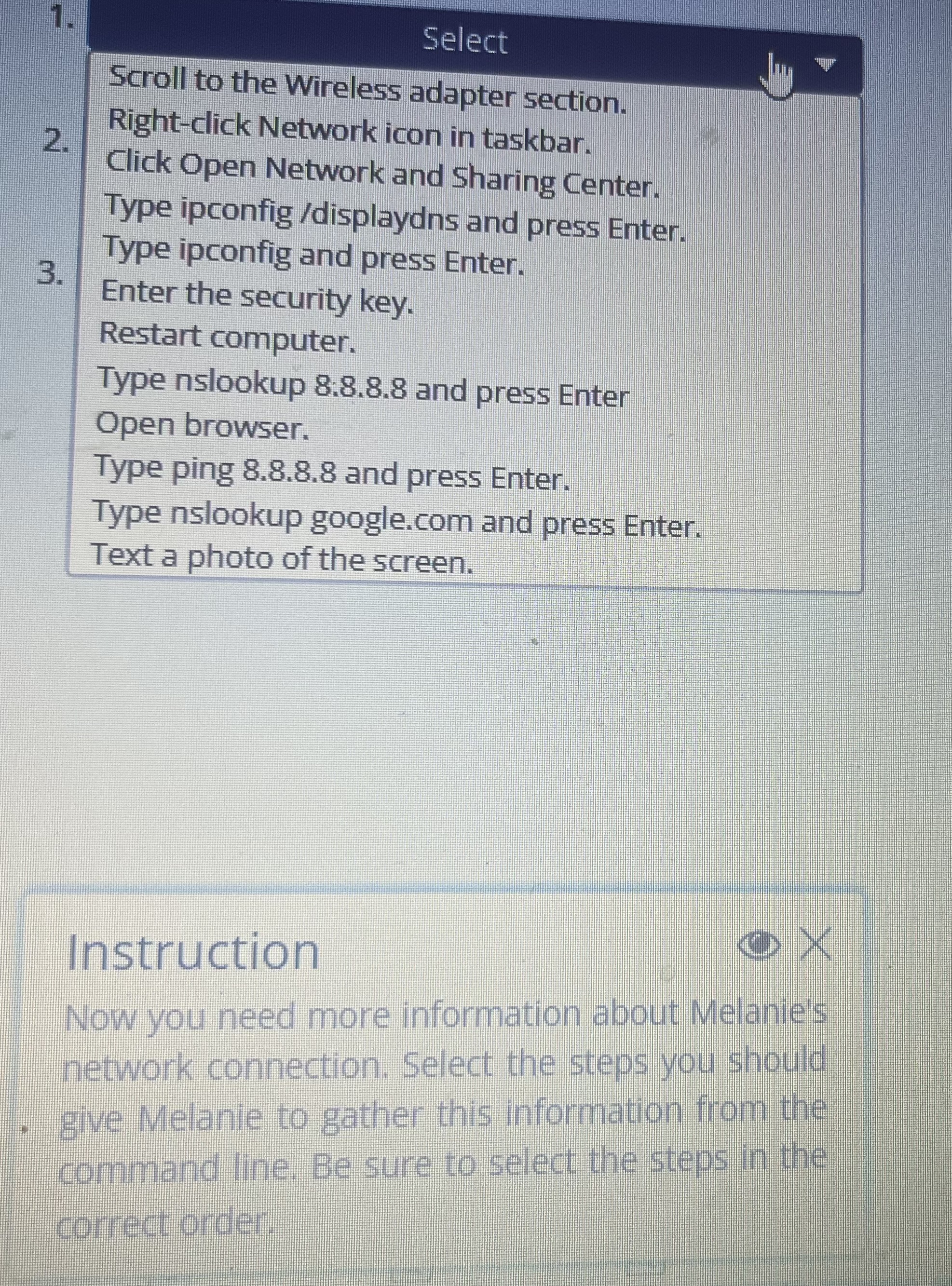
Question: Scroll to the Wireless adapter section. Right - click Network icon in taskbar. Click Open Network and Sharing Center. Type ipconfig / displaydns and press
Scroll to the Wireless adapter section.
Rightclick Network icon in taskbar.
Click Open Network and Sharing Center.
Type ipconfig displaydns and press Enter.
Type ipconfig and press Enter.
Enter the security key.
Restart computer.
Type nslookup : and press Enter
Open browser.
Type ping and press Enter.
Type nslookup
google.com and press Enter.
Text a photo of the screen.
Instruction
Now you need more information about Melanie's
network connection. Select the steps you should
give Melanie to gather this information from the
command line. Be sure to select the steps in the
correct order.
Step by Step Solution
There are 3 Steps involved in it
1 Expert Approved Answer
Step: 1 Unlock

Question Has Been Solved by an Expert!
Get step-by-step solutions from verified subject matter experts
Step: 2 Unlock
Step: 3 Unlock
 Study Help