



Question: Search tes Mailings Review View Help . . 1 . . Use the following link to access the PhET, simulation: https://phet.colorado.edu/sims/html/gases-intro/latest/gases-intro_en.html Click on LAWS and
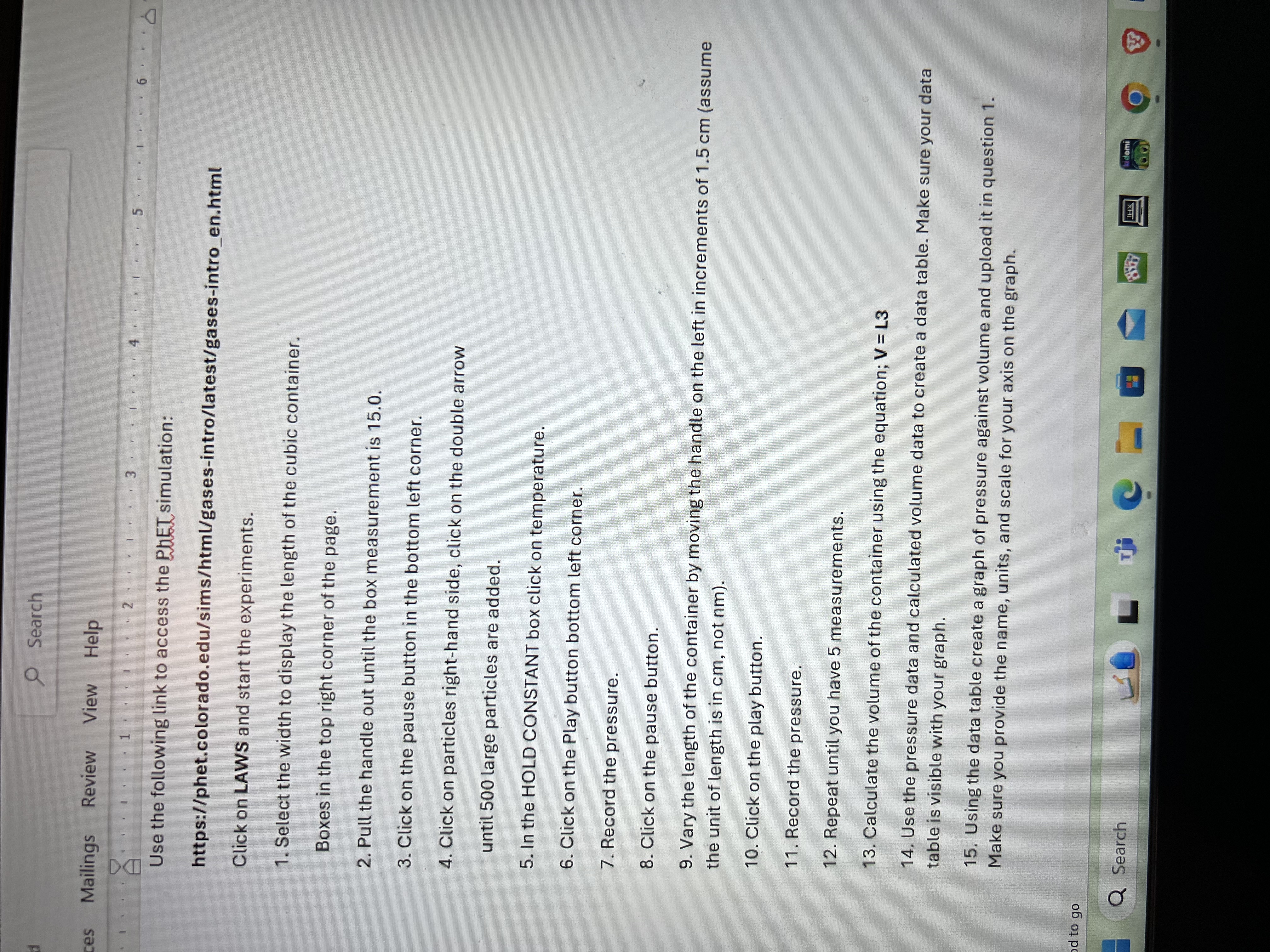
Search tes Mailings Review View Help . . 1 . . Use the following link to access the PhET, simulation: https://phet.colorado.edu/sims/html/gases-intro/latest/gases-intro_en.html Click on LAWS and start the experiments. 1. Select the width to display the length of the cubic container. Boxes in the top right corner of the page. 2. Pull the handle out until the box measurement is 15.0. 3. Click on the pause button in the bottom left corner. 4. Click on particles right-hand side, click on the double arrow until 500 large particles are added. 5. In the HOLD CONSTANT box click on temperature. 6. Click on the Play button bottom left corner. 7. Record the pressure. 8. Click on the pause button. 9. Vary the length of the container by moving the handle on the left in increments of 1.5 cm (assume the unit of length is in cm, not nm). 10. Click on the play button. 11. Record the pressure. 12. Repeat until you have 5 measurements. 13. Calculate the volume of the container using the equation; V = L3 14. Use the pressure data and calculated volume data to create a data table. Make sure your data table is visible with your graph. 15. Using the data table create a graph of pressure against volume and upload it in question 1. Make sure you provide the name, units, and scale for your axis on the graph. d to go Q Search L Thi O
Step by Step Solution
There are 3 Steps involved in it

Get step-by-step solutions from verified subject matter experts