







Question: SearchForm.vue Search Form : Filter Articles Reset import { ref } from 'vue' import SearchResult from '../components/SearchResult.vue' export default { setup() { const query =
 SearchForm.vue
Search Form : Filter Articles
export default { setup() { const query = ref('') const reset = (evt) => { query.value = '' //clear the query }
return { query, reset } }, components: { SearchResult }, }
SearchResult.vue
Search Form : Filter Articles
export default { setup() { const query = ref('') const reset = (evt) => { query.value = '' //clear the query }
return { query, reset } }, components: { SearchResult }, }
MyForm.vue
{{name}}
}
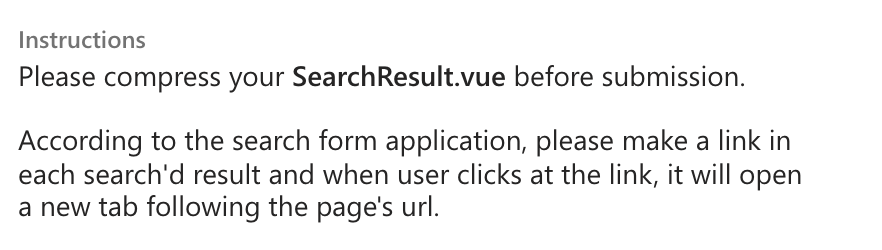
Instructions Please compress your SearchResult.vue before submission. According to the search form application, please make a link in each search'd result and when user clicks at the link, it will open a new tab following the page's url. Instructions Please compress your SearchResult.vue before submission. According to the search form application, please make a link in each search'd result and when user clicks at the link, it will open a new tab following the page's url
Step by Step Solution
There are 3 Steps involved in it

Get step-by-step solutions from verified subject matter experts
 Study Help