







Question: Section 3 - More Exercises: Create a new database named as LastNameFirstName 1: create database LastNameFirstName_1; 7. (2 points) Use appropriate DDL to create
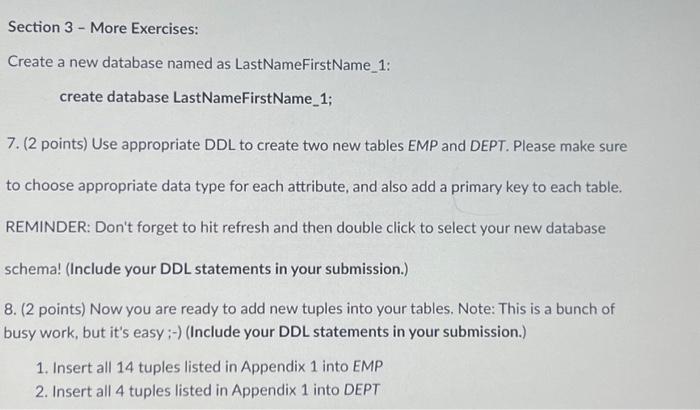
Section 3 - More Exercises: Create a new database named as LastNameFirstName 1: create database LastNameFirstName_1; 7. (2 points) Use appropriate DDL to create two new tables EMP and DEPT. Please make sure to choose appropriate data type for each attribute, and also add a primary key to each table. REMINDER: Don't forget to hit refresh and then double click to select your new database schema! (Include your DDL statements in your submission.) 8. (2 points) Now you are ready to add new tuples into your tables. Note: This is a bunch of busy work, but it's easy ;-) (Include your DDL statements in your submission.) 1. Insert all 14 tuples listed in Appendix 1 into EMP 2. Insert all 4 tuples listed in Appendix 1 into DEPT
Step by Step Solution
There are 3 Steps involved in it
The Below are the DDL statements to create the EMP and DEPT tables along with the DDL statements to ... View full answer

Get step-by-step solutions from verified subject matter experts
 Study Help