







Question: Section 6.5 - C... Sept 26-Oct 2... https://learn-u... Log In | Course... My Drive CS160 Computer Science I Lab 5: Objective Practice if statements Practice
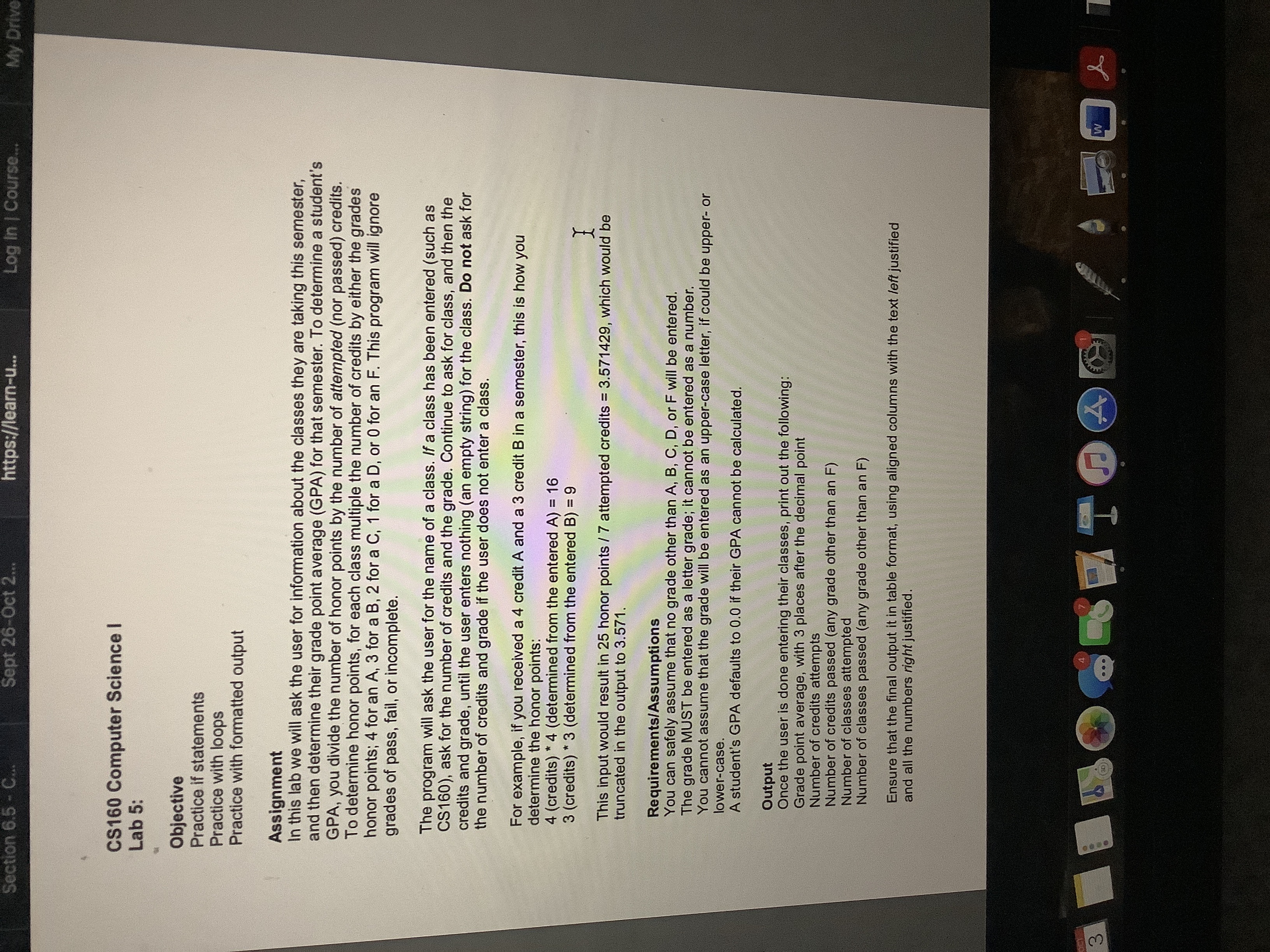
Section 6.5 - C... Sept 26-Oct 2... https://learn-u... Log In | Course... My Drive CS160 Computer Science I Lab 5: Objective Practice if statements Practice with loops Practice with formatted output Assignment In this lab we will ask the user for information about the classes they are taking this semester, and then determine their grade point average (GPA) for that semester. To determine a student's GPA, you divide the number of honor points by the number of attempted (nor passed) credits. To determine honor points, for each class multiple the number of credits by either the grades honor points; 4 for an A, 3 for a B, 2 for a C, 1 for a D, or 0 for an F. This program will ignore grades of pass, fail, or incomplete. The program will ask the user for the name of a class. If a class has been entered (such as CS160), ask for the number of credits and the grade. Continue to ask for class, and then the credits and grade, until the user enters nothing (an empty string) for the class. Do not ask for the number of credits and grade if the user does not enter a class. For example, if you received a 4 credit A and a 3 credit B in a semester, this is how you determine the honor points: 4 (credits) * 4 (determined from the entered A) = 16 3 (credits) * 3 (determined from the entered B) = 9 This input would result in 25 honor points / 7 attempted credits = 3.571429, which would be truncated in the output to 3.571. Requirements/Assumptions You can safely assume that no grade other than A, B, C, D, or F will be entered. The grade MUST be entered as a letter grade; it cannot be entered as a number. You cannot assume that the grade will be entered as an upper-case letter, if could be upper- or lower-case. A student's GPA defaults to 0.0 if their GPA cannot be calculated. Output Once the user is done entering their classes, print out the following: Grade point average, with 3 places after the decimal point Number of credits attempts Number of credits passed (any grade other than an F) Number of classes attempted Number of classes passed (any grade other than an F) Ensure that the final output it in table format, using aligned columns with the text left justified and all the numbers right justified. 3 ... 4
Step by Step Solution
There are 3 Steps involved in it

Get step-by-step solutions from verified subject matter experts
 Study Help