







Question: Section Elements The page content is divided into two section elements with IDs of #left and #right . The left section does not need as
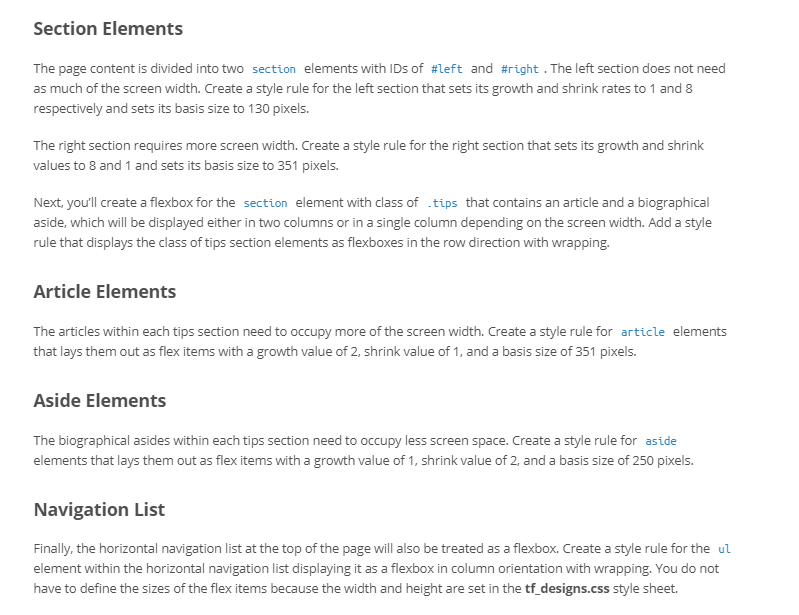
Section Elements The page content is divided into two section elements with IDs of #left and #right . The left section does not need as much of the screen width. Create a style rule for the left section that sets its growth and shrink rates to 1 and 8 respectively and sets its basis size to 130 pixels. The right section requires more screen width. Create a style rule for the right section that sets its growth and shrink values to 8 and 1 and sets its basis size to 351 pixels. Next, you'll create a flexbox for the section element with class of tips that contains an article and a biographical aside, which will be displayed either in two columns or in a single column depending on the screen width. Add a style rule that displays the class of tips section elements as flexboxes in the row direction with wrapping. Article Elements The articles within each tips section need to occupy more of the screen width.Create a style rule for article elements that lays them out as flex items with a growth value of 2, shrink value of 1, and a basis size of 351 pixels. Aside Elements The biographical asides within each tips section need to occupy less screen space. Create a style rule for aside elements that lays them out as flex items with a growth value of 1, shrink value of 2, and a basis size of 250 pixels. Navigation List Finally, the horizontal navigation list at the top of the page will also be treated as a flexbox. Create a style rule for the ul element within the horizontal navigation list displaying it as a flexbox in column orientation with wrapping. You do not have to define the sizes of the flex items because the width and height are set in the tf designs.css style sheet
Step by Step Solution
There are 3 Steps involved in it

Get step-by-step solutions from verified subject matter experts
 Study Help