







Question: Sections on the Overview tab can be collapsed by clicking on the up arrow in the right - hand corner of the frame. What happens
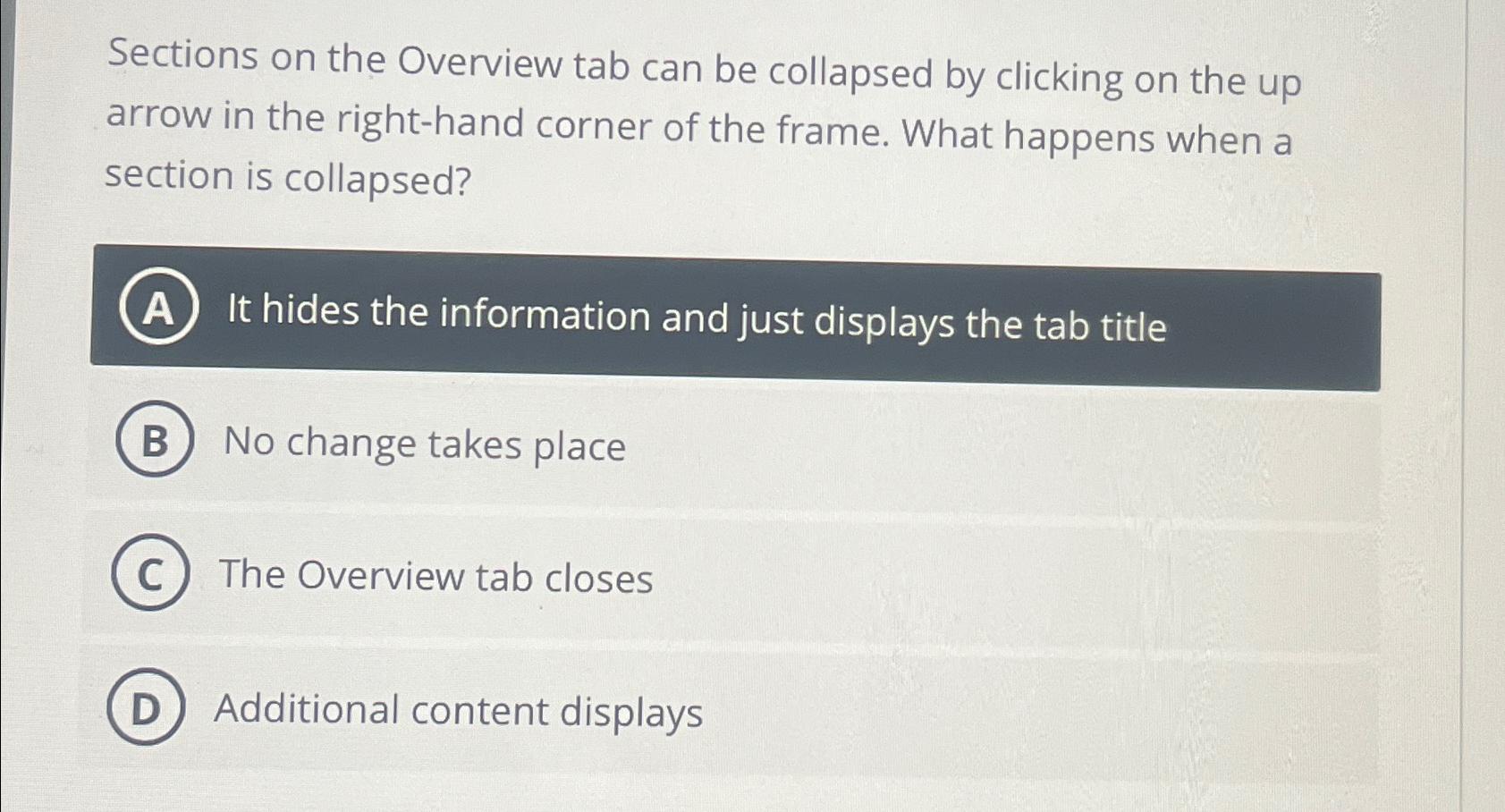
Sections on the Overview tab can be collapsed by clicking on the up arrow in the righthand corner of the frame. What happens when a section is collapsed?
It hides the information and just displays the tab title
No change takes place
The Overview tab closes
Additional content displays
Step by Step Solution
There are 3 Steps involved in it
1 Expert Approved Answer
Step: 1 Unlock

Question Has Been Solved by an Expert!
Get step-by-step solutions from verified subject matter experts
Step: 2 Unlock
Step: 3 Unlock
 Study Help