







Question: Select ALL that apply. If you are using a public computer or sharing a computer with someone else, Always make sure the file you upload
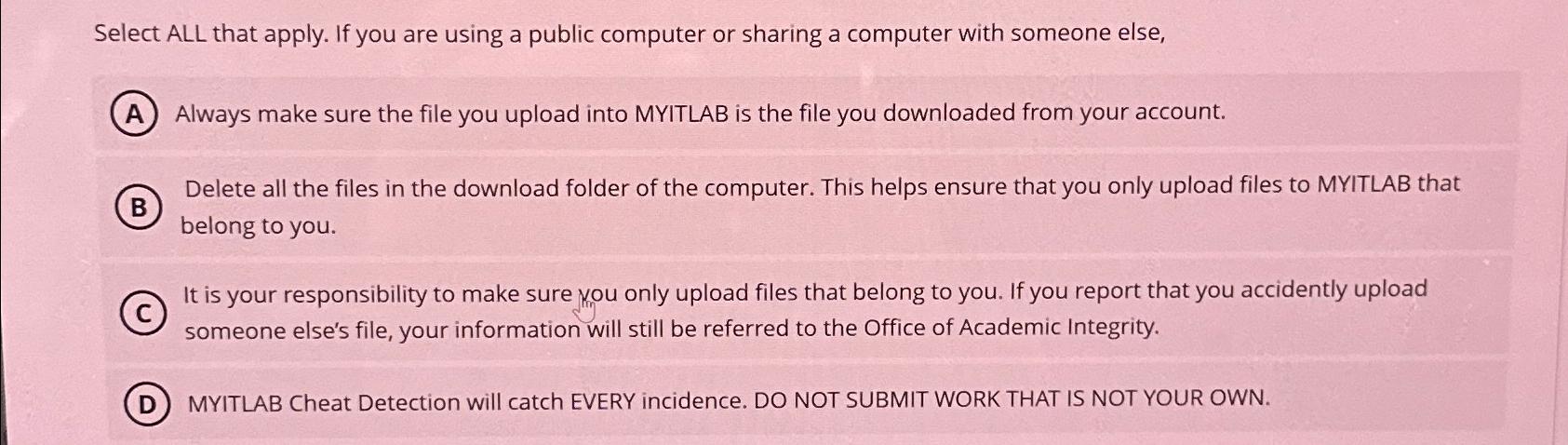
Select ALL that apply. If you are using a public computer or sharing a computer with someone else,
Always make sure the file you upload into MYITLAB is the file you downloaded from your account.
Delete all the files in the download folder of the computer. This helps ensure that you only upload files to MYITLAB that belong to you.
It is your responsibility to make sure vou only upload files that belong to you. If you report that you accidently upload someone else's file, your information will still be referred to the Office of Academic Integrity.
MYITLAB Cheat Detection will catch EVERY incidence. DO NOT SUBMIT WORK THAT IS NOT YOUR OWN.
Step by Step Solution
There are 3 Steps involved in it
1 Expert Approved Answer
Step: 1 Unlock

Question Has Been Solved by an Expert!
Get step-by-step solutions from verified subject matter experts
Step: 2 Unlock
Step: 3 Unlock
 Study Help