



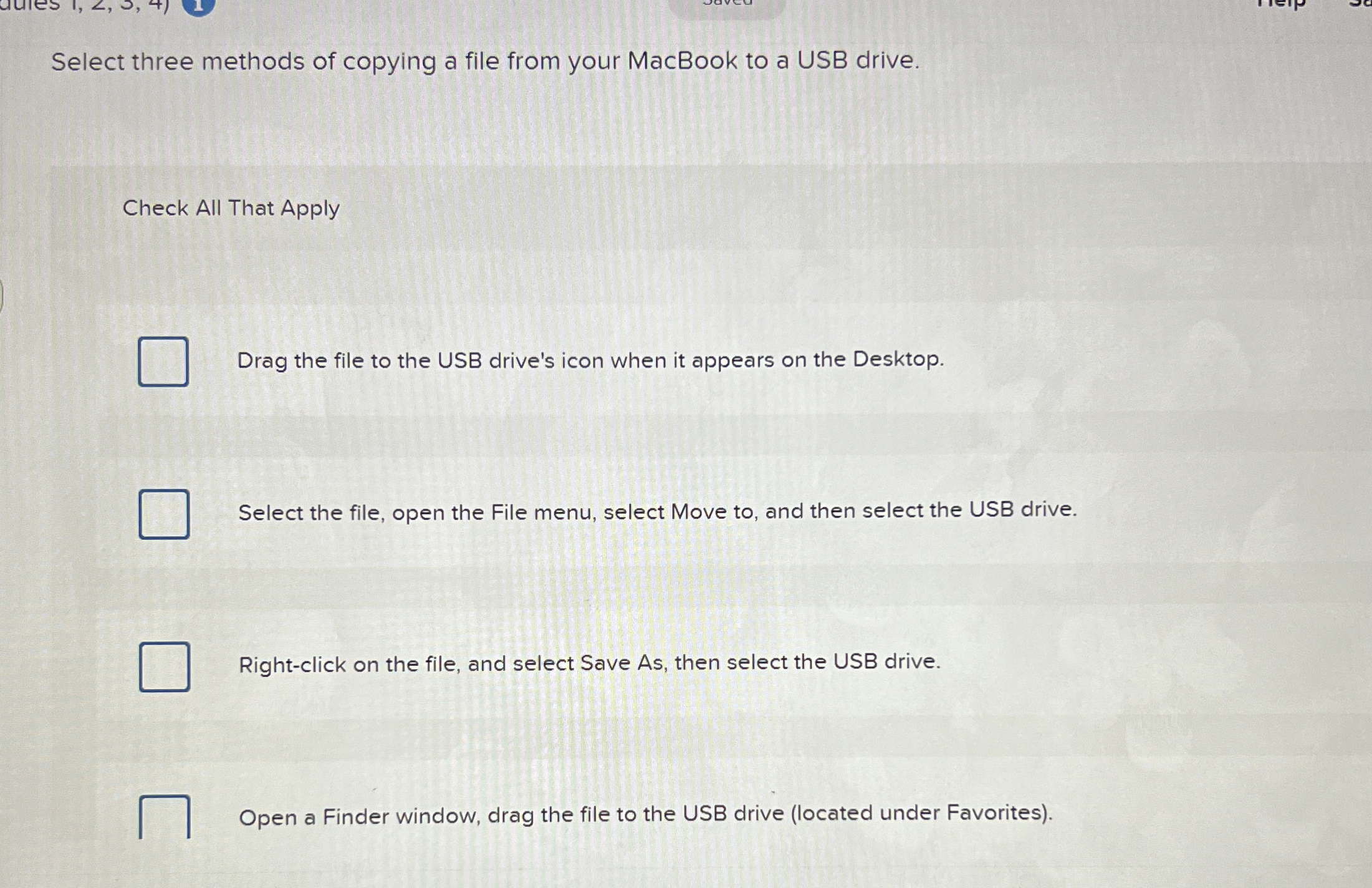
Question: Select three methods of copying a file from your MacBook to a USB drive. Check All That Apply Drag the file to the USB drive's
Select three methods of copying a file from your MacBook to a USB drive.
Check All That Apply
Drag the file to the USB drive's icon when it appears on the Desktop.
Select the file, open the File menu, select Move to and then select the USB drive.
Rightclick on the file, and select Save As then select the USB drive.
Open a Finder window, drag the file to the USB drive located under Favorites
Step by Step Solution
There are 3 Steps involved in it
1 Expert Approved Answer
Step: 1 Unlock

Question Has Been Solved by an Expert!
Get step-by-step solutions from verified subject matter experts
Step: 2 Unlock
Step: 3 Unlock