







Question: Session II Please Session I. Log into the system. 2. Create three directories named letters, reports, and assignments under your home directory. 3. Move to
Session II Please
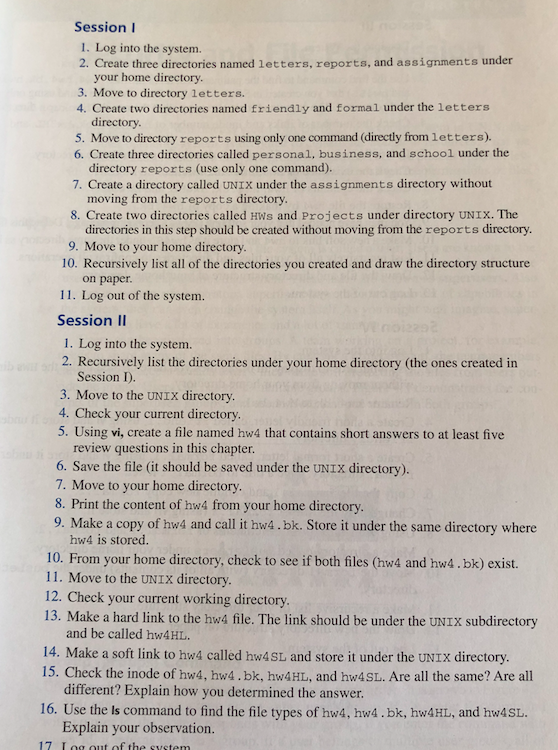
Session I. Log into the system. 2. Create three directories named letters, reports, and assignments under your home directory. 3. Move to directory letters. 4. Create two directories named friendly and formal under the letters directory 5. Move to directory reports using only one command (directly from letters). 6. Create three directories called personal, business, and school under the directory reports (use only one command). 7. Create a directory called UNIX under the assignments directory without moving from the reports directory 8. Create two directories called Hws and Projects under directory UNIX. The directories in this step should be created without moving from the reports directory 9. Move to your home directory. 10. Recursively list all of the directories you created and draw the directory structure on paper 11. Log out of the system. Session II 1. Log into the system. 2. Recursively list the directories under your home directory (the ones created in Session I) 3. Move to the UNIX directory. 4. Check your current directory. 5. Using vi, create a file named hw4 that contains short answers to at least five review questions in this chapter 6. Save the file (it should be saved under the UNIX directory). 7. Move to your home directory. 8. Print the content of hw from your home directory 9. Make a copy of hw4 and call it hw4.bk. Store it under the same directory where hw4 is stored. 10. From your home directory, check to see if both files (hw4 and hw4.bk) exist. 11. Move to the UNIX directory 12. Check your current working directory 13. Make a hard link to the hw4 file. The link should be under the UNIX subdirectory and be called hw4HL. 14. Make a soft link to hw4 called hw4SL and store it under the UNIx directory. 15. Check the inode of hw4, hw4.bk, hw4HL, and hw4SL. Are all the same? Are all different? Explain how you determined the answer. 16. Use the ls command to find the file types of hw4, hw4.bk, hw4HL, and hw4sL Explain your observation
Step by Step Solution
There are 3 Steps involved in it

Get step-by-step solutions from verified subject matter experts
 Study Help