







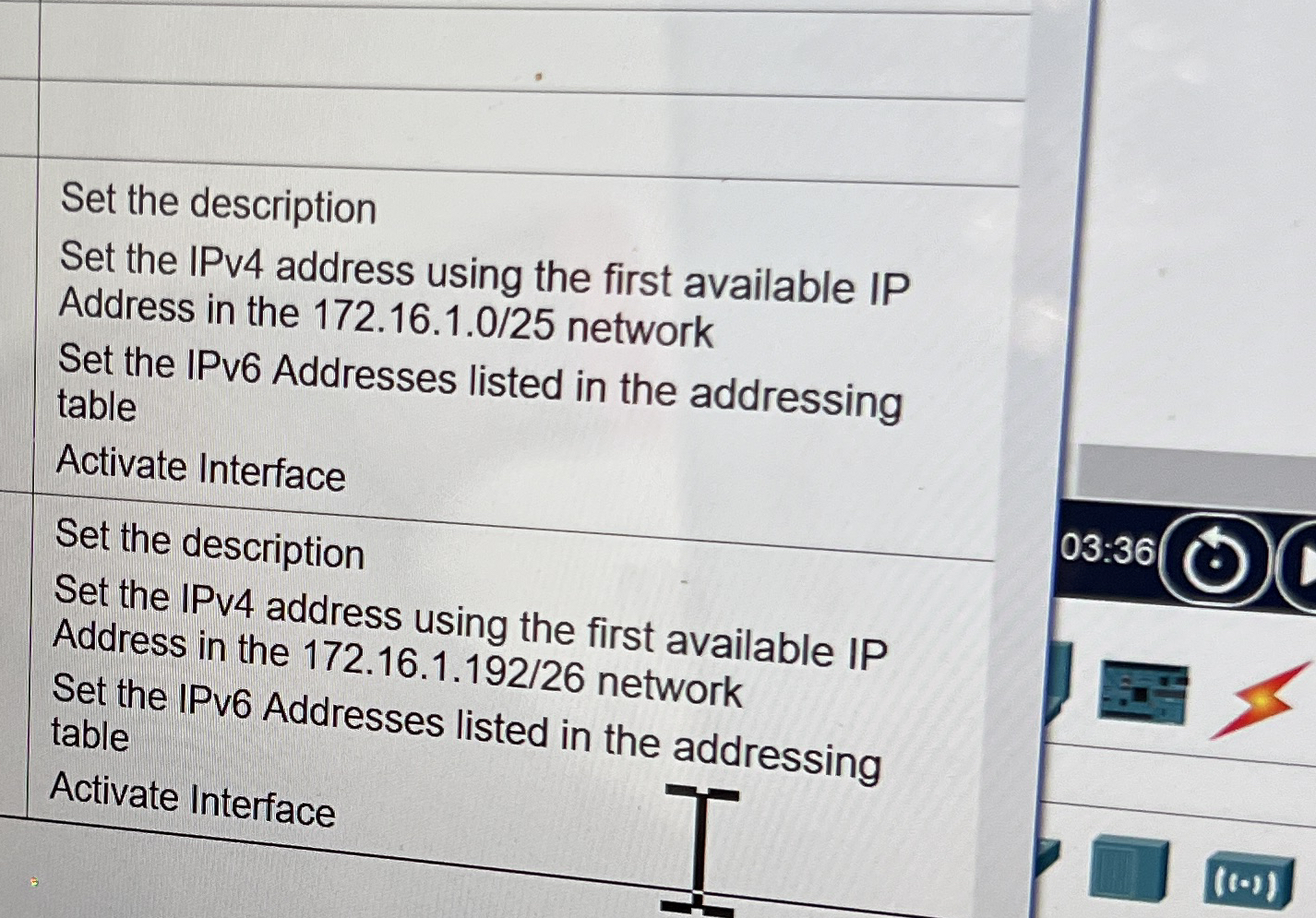
Question: Set the description Set the IPv 4 address using the first available IP Address in the 1 7 2 . 1 6 . 1 .
Set the description
Set the IPv address using the first available IP
Address in the network
Set the IPv Addresses listed in the addressing table
Activate Interface
Set the description
Set the IPv address using the first available IP Address in the network
Set the IPv Addresses listed in the addressina table
Step by Step Solution
There are 3 Steps involved in it
1 Expert Approved Answer
Step: 1 Unlock

Question Has Been Solved by an Expert!
Get step-by-step solutions from verified subject matter experts
Step: 2 Unlock
Step: 3 Unlock
 Study Help