







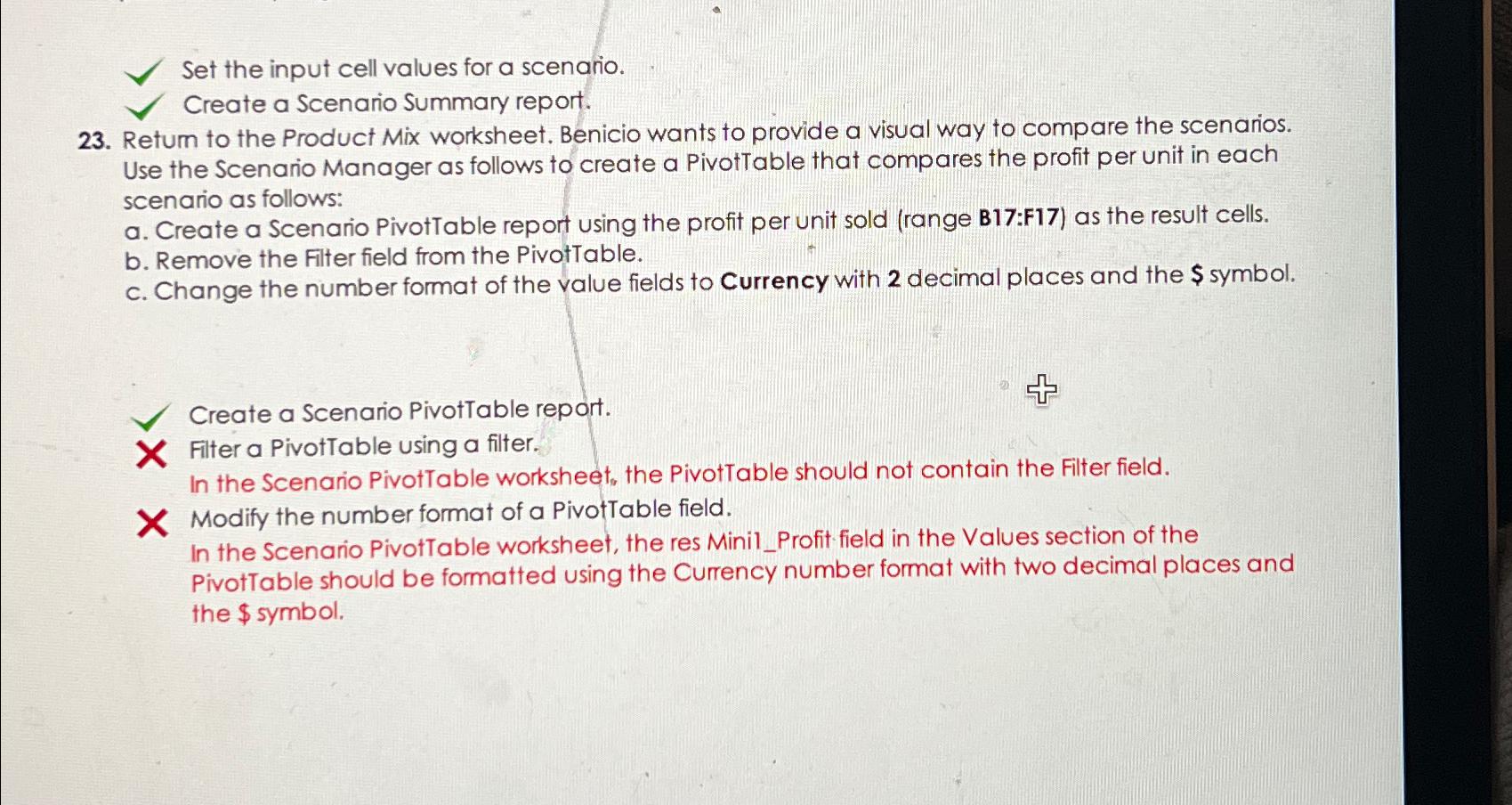
Question: Set the input cell values for a scenario. Create a Scenario Summary report. 2 3 . Retum to the Product Mix worksheet. Benicio wants to
Set the input cell values for a scenario.
Create a Scenario Summary report.
Retum to the Product Mix worksheet. Benicio wants to provide a visual way to compare the scenarios. Use the Scenario Manager as follows to create a PivotTable that compares the profit per unit in each scenario as follows:
a Create a Scenario PivotTable report using the profit per unit sold range B:F as the result cells.
b Remove the Filter field from the PivotTable.
c Change the number format of the value fields to Currency with decimal places and the $ symbol.
Create a Scenario PivotTable report.
Filter a PivotTable using a filter.
In the Scenario PivotTable worksheet, the PivotTable should not contain the Filter field.
Modify the number format of a PivotTable field.
In the Scenario PivotTable worksheet, the res MinilProfit field in the Values section of the PivotTable should be formatted using the Currency number format with two decimal places and the $ symbol.
Step by Step Solution
There are 3 Steps involved in it
1 Expert Approved Answer
Step: 1 Unlock

Question Has Been Solved by an Expert!
Get step-by-step solutions from verified subject matter experts
Step: 2 Unlock
Step: 3 Unlock
 Study Help