







Question: Setting up a Merge Letter Open a new blank document Create a mall merge Document type has to be letter Use your new document as
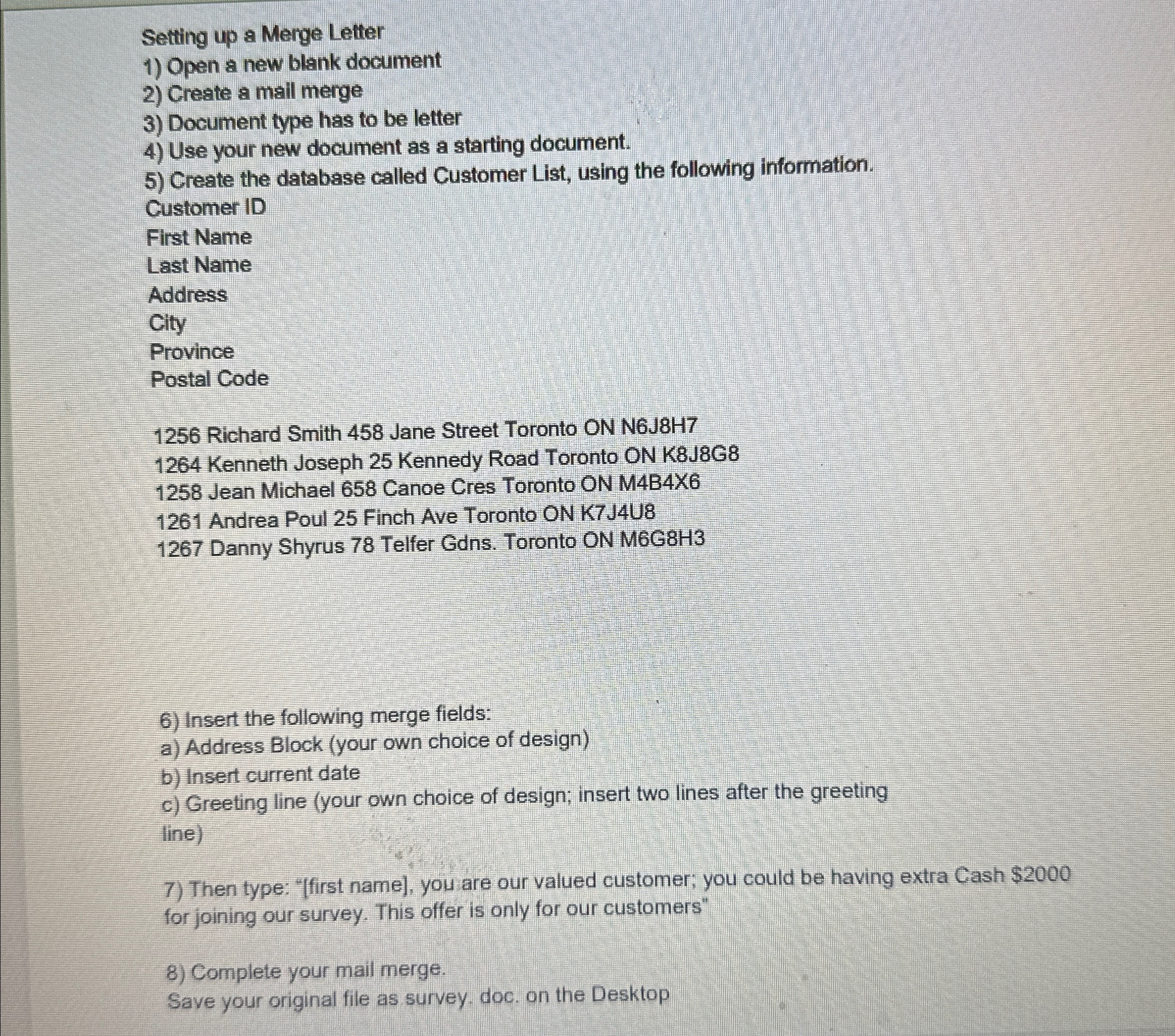
Setting up a Merge Letter
Open a new blank document
Create a mall merge
Document type has to be letter
Use your new document as a starting document.
Create the database called Customer List, using the following information.
Customer ID
First Name
Last Name
Address
City
Province
Postal Code
Richard Smith Jane Street Toronto ON NJH
Kenneth Joseph Kennedy Road Toronto ON KJG
Jean Michael Canoe Cres Toronto ON MBX
Andrea Poul Finch Ave Toronto ON KJU
Danny Shyrus Telfer Gdns Toronto ON MGH
Insert the following merge fields:
a Address Block your own choice of design
b Insert current date
c Greeting line your own choice of design; insert two lines after the greeting line
Then type: first name you are our valued customer; you could be having extra Cash $ for joining our survey. This offer is only for our customers"
Complete your mail merge.
Save your original file as survey. doc. on the Desktop
Step by Step Solution
There are 3 Steps involved in it
1 Expert Approved Answer
Step: 1 Unlock

Question Has Been Solved by an Expert!
Get step-by-step solutions from verified subject matter experts
Step: 2 Unlock
Step: 3 Unlock
 Study Help