



Question: Share Sort the data in the worksheet first by Category, and then by Course Title, both in alphabetical order. Use the Subtotal feature to total
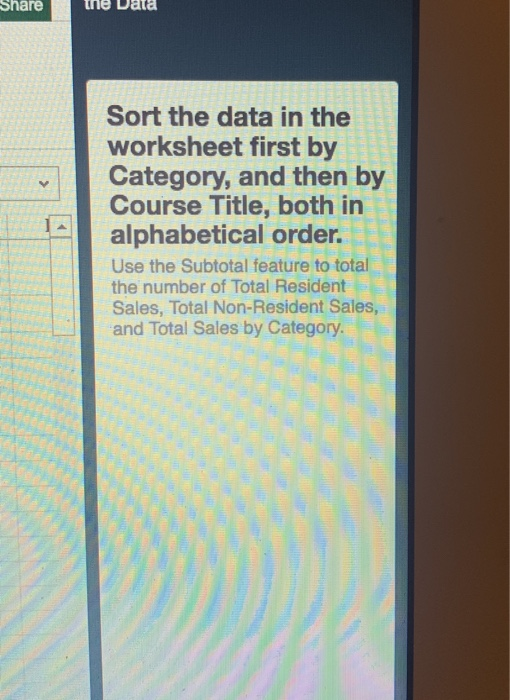
Share Sort the data in the worksheet first by Category, and then by Course Title, both in alphabetical order. Use the Subtotal feature to total the number of Total Resident Sales, Total Non-Resident Sales, and Total Sales by Category. Share Sort the data in the worksheet first by Category, and then by Course Title, both in alphabetical order. Use the Subtotal feature to total the number of Total Resident Sales, Total Non-Resident Sales, and Total Sales by Category
Step by Step Solution
There are 3 Steps involved in it
1 Expert Approved Answer
Step: 1 Unlock

Question Has Been Solved by an Expert!
Get step-by-step solutions from verified subject matter experts
Step: 2 Unlock
Step: 3 Unlock