







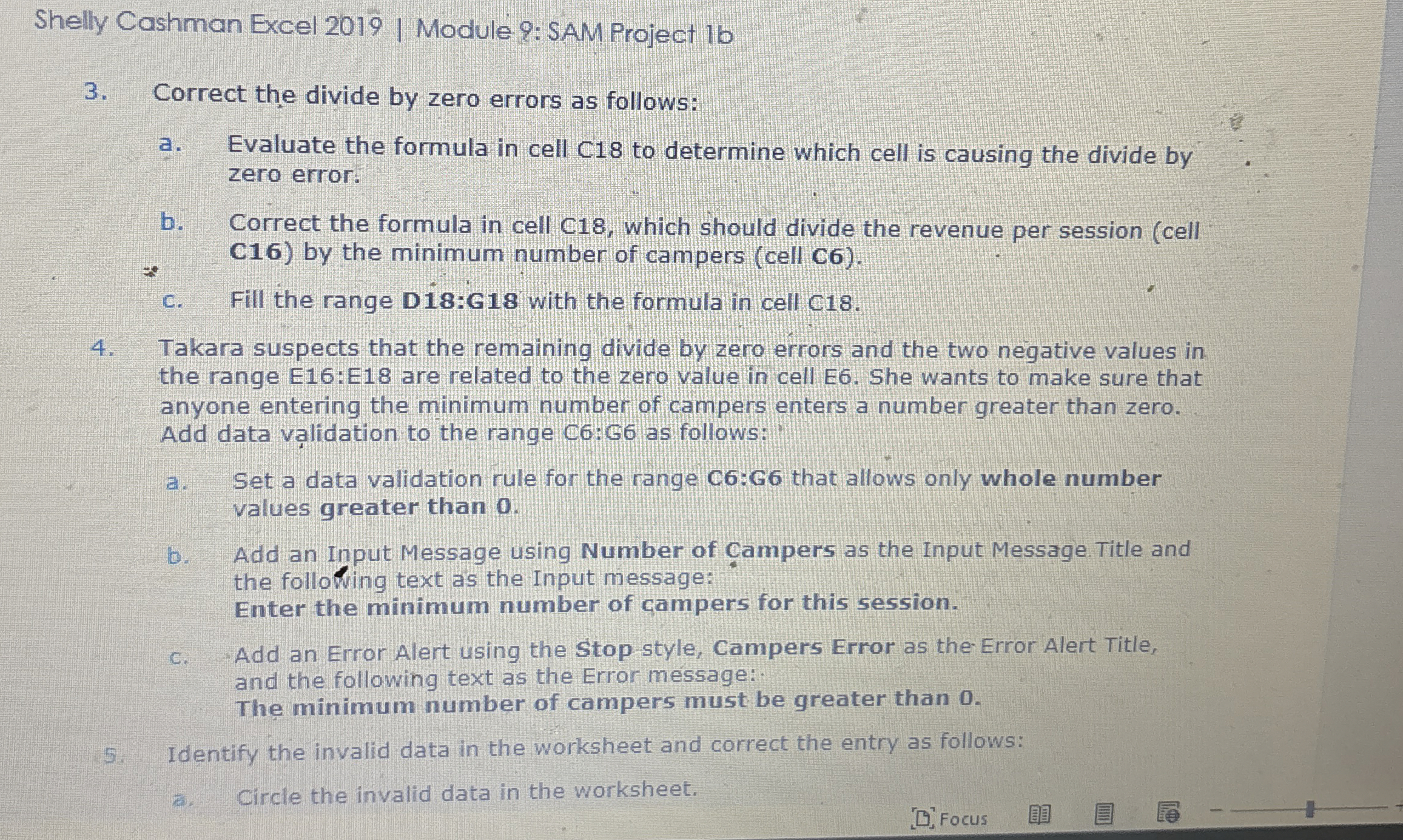
Question: Shelly Cashman Excel 2 0 1 9 | Module 9 : SAM Project 1 6 3 . Correct the divide by zero errors as follows:
Shelly Cashman Excel Module : SAM Project
Correct the divide by zero errors as follows:
a Evaluate the formula in cell C to determine which cell is causing the divide by zero error.
b Correct the formula in cell C which should divide the revenue per session cell C by the minimum number of campers cell C
c Fill the range D:G with the formula in cell C
Takara suspects that the remaining divide by zero errors and the two negative values in the range E:E are related to the zero value in cell E She wants to make sure that anyone entering the minimum number of campers enters a number greater than zero. Add data validation to the range C:G as follows:
a Set a data validation rule for the range C:G that allows only whole number values greater than
Add an Input Message using Number of ampers as the Input Message. Title and the following text as the Input message:
Enter the minimum number of campers for this session.
c Add an Error Alert using the Stop style, Campers Error as theError Alert Title, and the following text as the Error message:
The minimum number of campers must be greater than
Identify the invalid data in the worksheet and correct the entry as follows:
a Circle the invalid data in the worksheet.
Step by Step Solution
There are 3 Steps involved in it
1 Expert Approved Answer
Step: 1 Unlock

Question Has Been Solved by an Expert!
Get step-by-step solutions from verified subject matter experts
Step: 2 Unlock
Step: 3 Unlock
 Study Help