







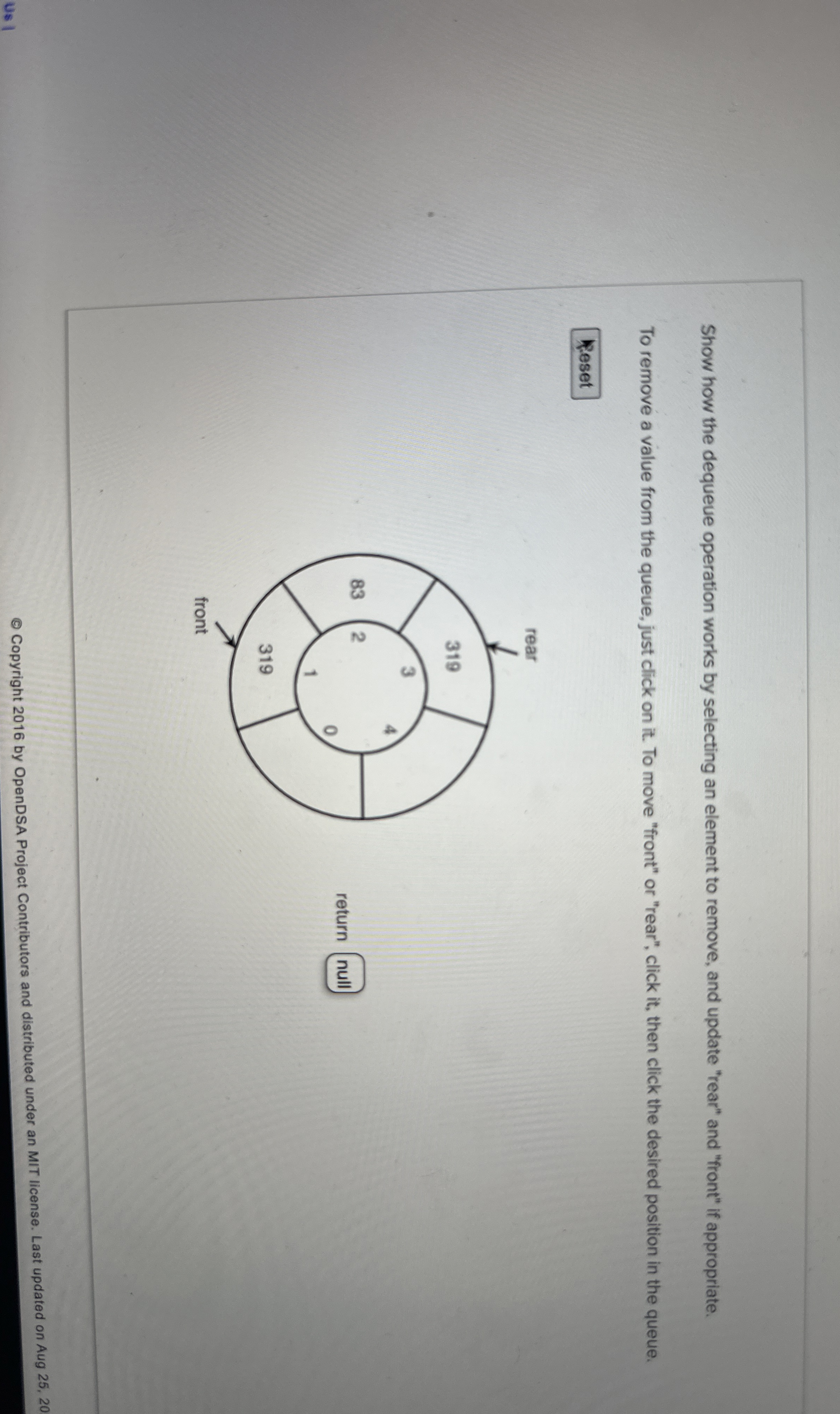
Question: Show how the dequeue operation works by selecting an element to remove, and update rear and front if appropriate. To remove a value from the
Show how the dequeue operation works by selecting an element to remove, and update "rear" and "front" if appropriate.
To remove a value from the queue, just click on it To move "front" or "rear", click it then click the desired position in the queue.
Step by Step Solution
There are 3 Steps involved in it
1 Expert Approved Answer
Step: 1 Unlock

Question Has Been Solved by an Expert!
Get step-by-step solutions from verified subject matter experts
Step: 2 Unlock
Step: 3 Unlock
 Study Help