







Question: Show on Linux how to do this step by step: This command will list the current kernel modules in three columns: name, size, and where
Show on Linux how to do this step by step:
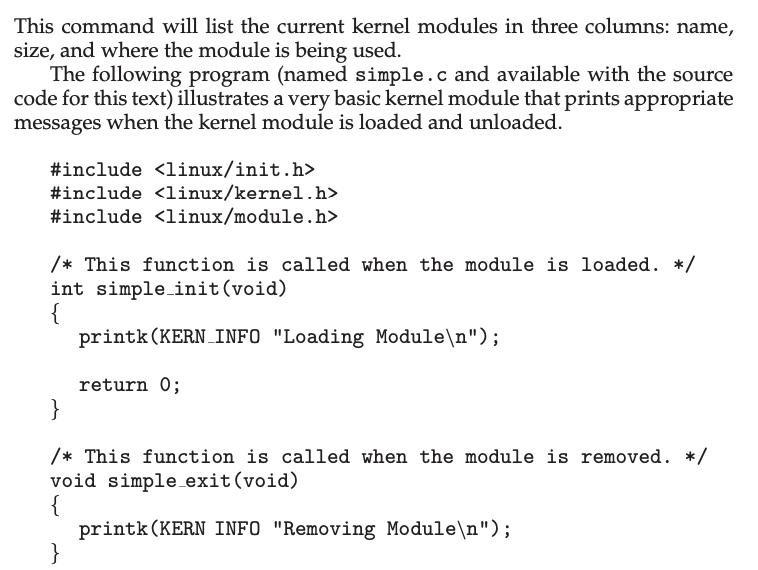
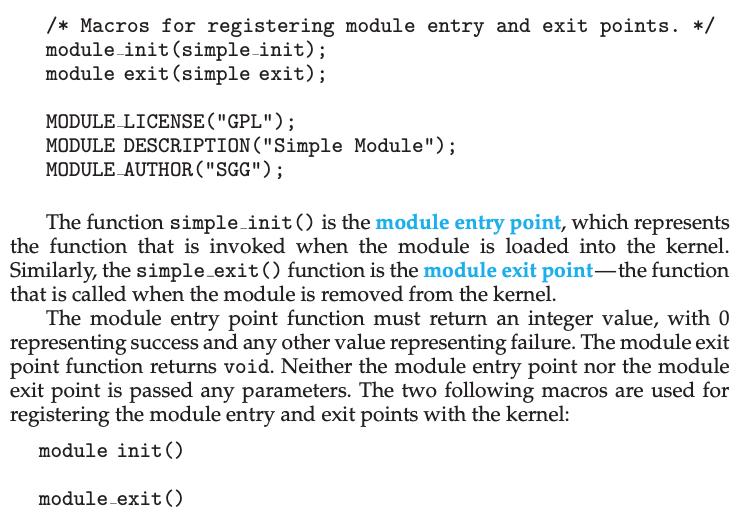
This command will list the current kernel modules in three columns: name, size, and where the module is being used. The following program (named simple.c and available with the source code for this text) illustrates a very basic kernel module that prints appropriate messages when the kernel module is loaded and unloaded. #include #include #include /*This function is called when the module is loaded. */ int simple_init (void) { printk (KERN_INFO "Loading Module "); return 0; } /*This function is called when the module is removed. */ void simple_exit (void) { printk (KERN INFO "Removing Module "); }
Step by Step Solution
3.48 Rating (145 Votes )
There are 3 Steps involved in it
The images provided show a simple Linux kernel module source code and its accompanying macros for registering module entry and exit points To create c... View full answer

Get step-by-step solutions from verified subject matter experts
 Study Help