







Question: Similar to the program I posted for searchArray.cpp. (Exercise) Create - searchArray2.cpp In this part of the lab, you will create a search function (binarysearchL)
 Similar to the program I posted for searchArray.cpp.
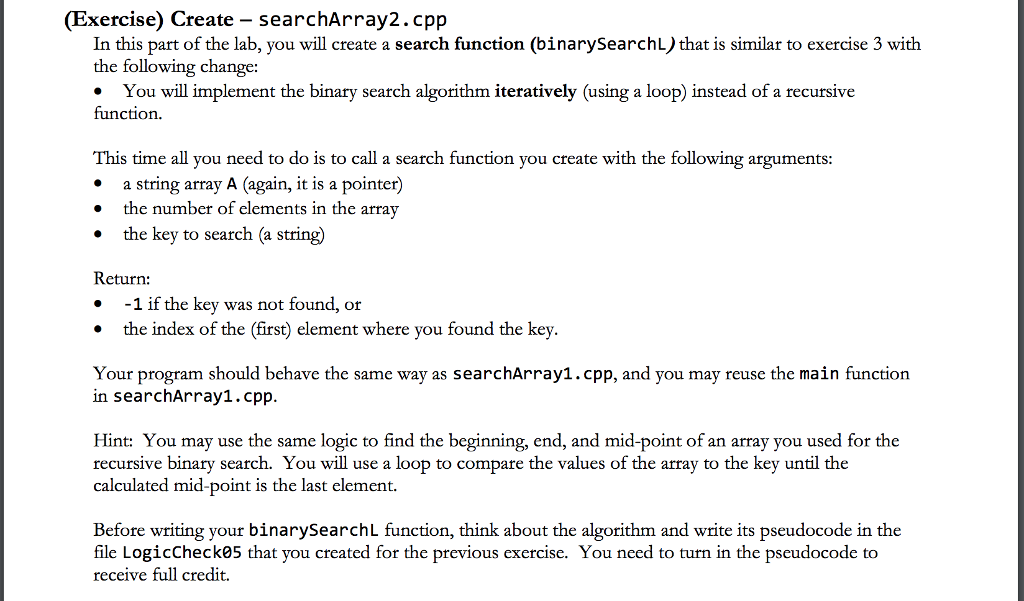
(Exercise) Create - searchArray2.cpp In this part of the lab, you will create a search function (binarysearchL) that is similar to exercise 3 with the following change: You will implement the binary search algorithm iteratively (using a loop) instead of a recursive function. This time all you need to do is to call a search function you create with the following argument:s * a string array A (again, it is a pointer) the number of elements in the array the key to search (a string) Return: 1 if the key was not found, or the index of the (first) element where you found the key Your program should behave the same way as searchArray1.cpp, and you may reuse the main function in searchArray1.cpp Hint: You may use the same logic to find the beginning, end, and mid-point of an array you used for the recursive binary search. You will use a loop to compare the values of the array to the key until the calculated mid-point is the last element. Before writing your binarySearchL function, think about the algorithm and write its pseudocode in the file LogicCheck05 that you created for the previous exercise. You need to turn in the pseudocode to receive full credit. (Exercise) Create - searchArray2.cpp In this part of the lab, you will create a search function (binarysearchL) that is similar to exercise 3 with the following change: You will implement the binary search algorithm iteratively (using a loop) instead of a recursive function. This time all you need to do is to call a search function you create with the following argument:s * a string array A (again, it is a pointer) the number of elements in the array the key to search (a string) Return: 1 if the key was not found, or the index of the (first) element where you found the key Your program should behave the same way as searchArray1.cpp, and you may reuse the main function in searchArray1.cpp Hint: You may use the same logic to find the beginning, end, and mid-point of an array you used for the recursive binary search. You will use a loop to compare the values of the array to the key until the calculated mid-point is the last element. Before writing your binarySearchL function, think about the algorithm and write its pseudocode in the file LogicCheck05 that you created for the previous exercise. You need to turn in the pseudocode to receive full credit
Step by Step Solution
There are 3 Steps involved in it

Get step-by-step solutions from verified subject matter experts
 Study Help