







Question: SIMULATION Electron Configurations: Box Notation Instructionst Add either a single electron or a pair of electrons to an orbital by clicking and dragging the arrow
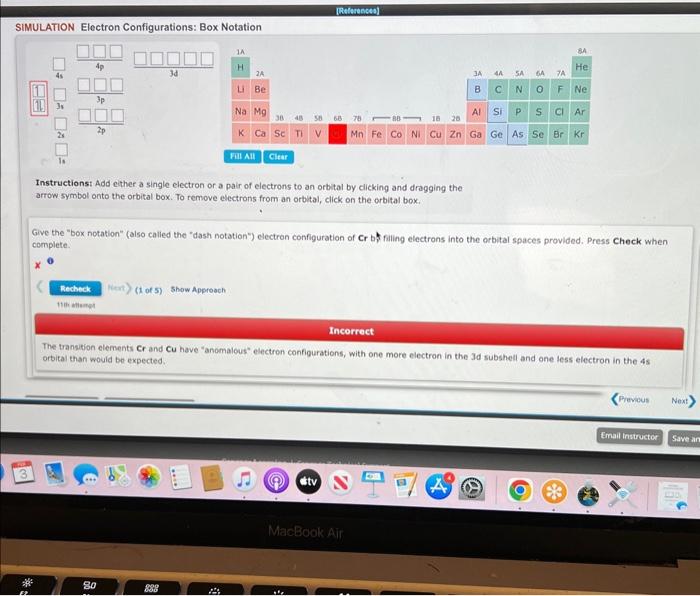
SIMULATION Electron Configurations: Box Notation Instructionst Add either a single electron or a pair of electrons to an orbital by clicking and dragging the arrow symbol onto the orbital box. To remove electrons from an orbital, click on the arbital box. Give the "box notation" (also called the "dash notation") electron configuration of Cr b. filling electrons into the orbital spaces provided. Press Check when complete. x Incorrect The transition elements Cr and Cu hove "anomalous" electron configurations, with one more electron in the Jd subshell and one less electron in the 45 orbital than would be expected
Step by Step Solution
There are 3 Steps involved in it
1 Expert Approved Answer
Step: 1 Unlock

Question Has Been Solved by an Expert!
Get step-by-step solutions from verified subject matter experts
Step: 2 Unlock
Step: 3 Unlock
 Study Help