







Question: SinglyLinkedLists in Java - Implementing the IList Interface Linked-Lists are the most primitive data structures. In this assignment you will implement a Singly-linked-List for a
SinglyLinkedLists in Java - Implementing the IList Interface
Linked-Lists are the most primitive data structures. In this assignment you will implement a Singly-linked-List for a Collection Data Interface IList. The starter code is attached herewith. Please note you need to write codes only in the SinglyLinkedList.java file. Please do not modify any other files.
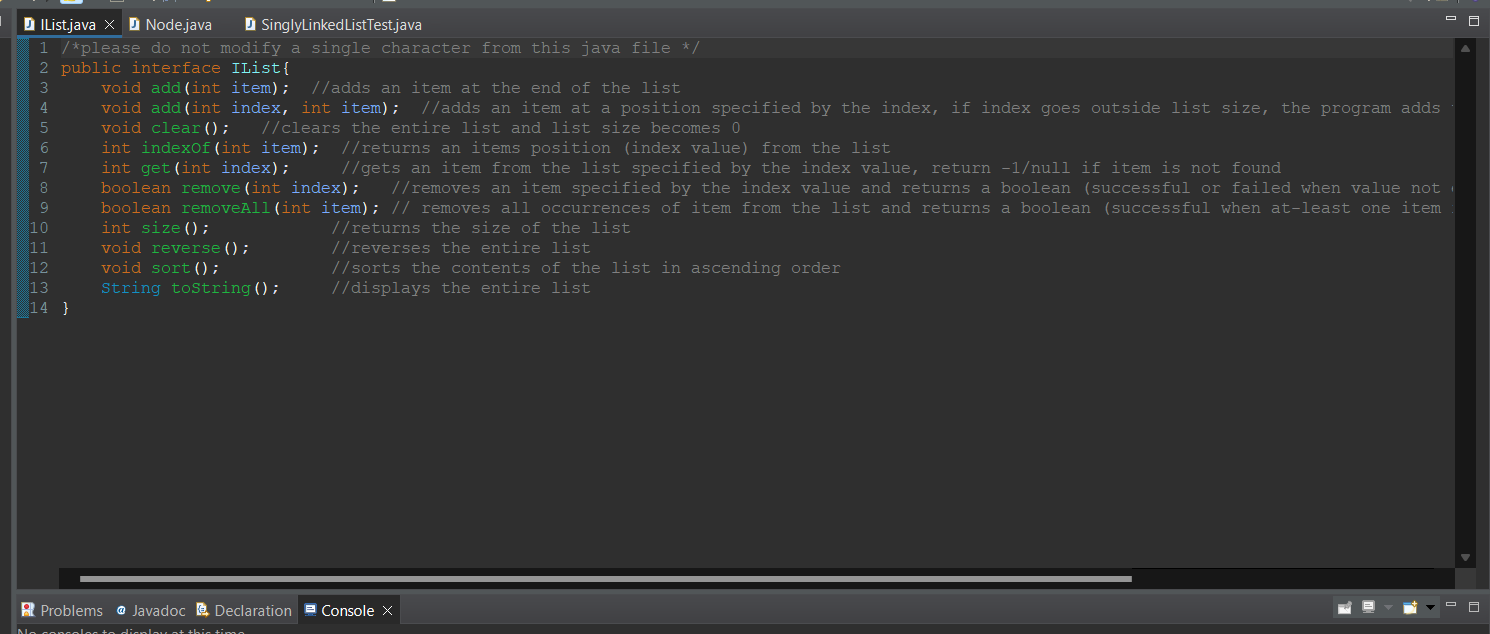
Following are the Interface functions you must implement inside your SinglyLinkedList.java file.
public interface IList{ void add(int item); //adds an item at the end of the list void add(int index, int item); //adds an item at a position specified by the index, //if index goes outside list size, the program adds the item at the end of the list void clear(); //clears the entire list and list size becomes 0 int indexOf(int item); //returns an items position (index value) from the list int get(int index); //gets an item from the list specified by the index value, //return -1 if item is not found boolean remove(int index); //removes an item specified by the index value //and returns a boolean (successful or failed when value not exists) boolean removeAll(int item); // removes all occurrences of item from the list and returns a //boolean (successful when at-least one item removed or failed when value not exists) int size(); //returns the size of the list void reverse(); //reverses the entire list void sort(); //sorts the contents of the list in ascending order String toString(); //displays the entire list }
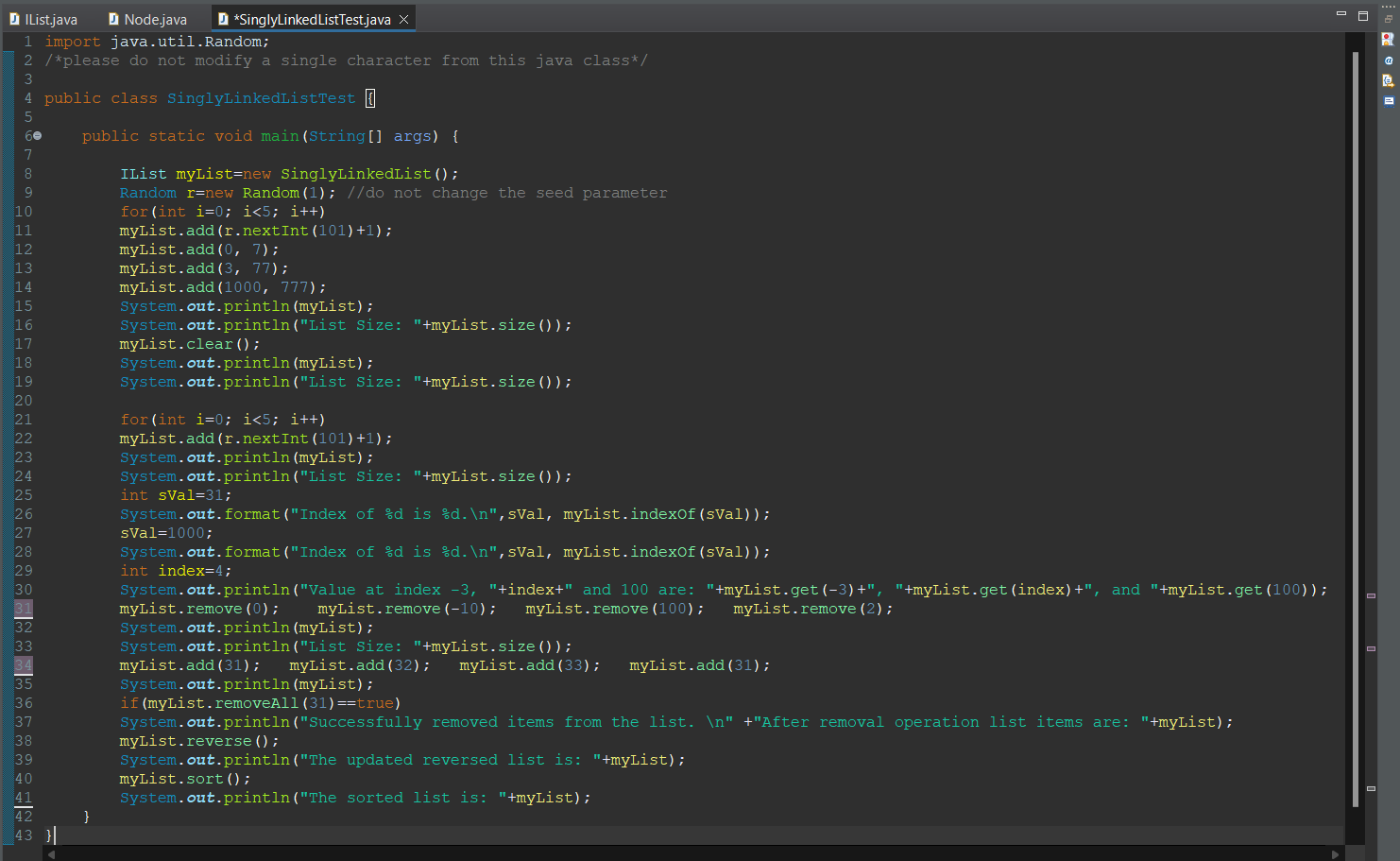
After successful implementations of the functions, your main method will produce the following exact output:
List items: 7 -> 98 -> 6 -> 77 -> 22 -> 42 -> 78 -> 777. List Size: 8 List Empty! List Size: 0 List items: 61 -> 34 -> 31 -> 46 -> 51. List Size: 5 Index of 31 is 2. Index of 1000 is -1. Value at index -3, 4 and 100 are: -1, 51, and -1 List items: 34 -> 31 -> 51. List Size: 3 List items: 34 -> 31 -> 51 -> 31 -> 32 -> 33 -> 31. Successfully removed items from the list. After removal operation list items are: List items: 34 -> 51 -> 32 -> 33. The updated reversed list is: List items: 33 -> 32 -> 51 -> 34. The sorted list is: List items: 32 -> 33 -> 34 -> 51.
here is the file - THE CODE SHOULD BE WRITTEN HERE IN THE TODO PARTS
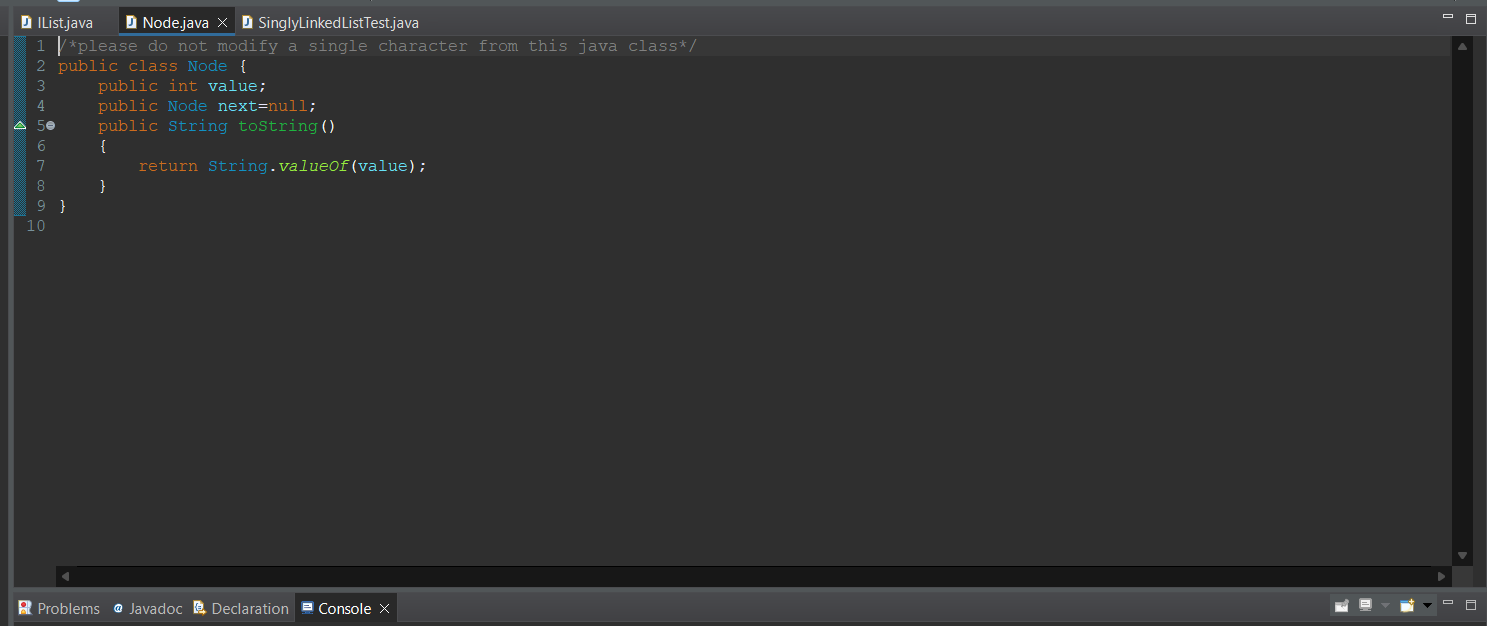
* I am adding pics of another codes in this folder
public class SinglyLinkedList implements IList{
Node head;
@Override
public void add(int item) {
// TODO Auto-generated method stub
}
@Override
public void add(int index, int item) {
// TODO Auto-generated method stub
}
@Override
public void clear() {
// TODO Auto-generated method stub
}
@Override
public int indexOf(int item) {
// TODO Auto-generated method stub
return 0;
}
@Override
public int get(int index) {
// TODO Auto-generated method stub
return 0;
}
@Override
public boolean remove(int index) {
// TODO Auto-generated method stub
return false;
}
@Override
public boolean removeAll(int item) {
// TODO Auto-generated method stub
return false;
}
@Override
public int size() {
// TODO Auto-generated method stub
return 0;
}
@Override
public void reverse() {
// TODO Auto-generated method stub
}
@Override
public void sort() {
// TODO Auto-generated method stub
}
public String toString()
{
Node start=head;
String str="";
if(start==null) return "List Empty!";
while(start.next!=null)
{
str+=start.value+" -> ";
start=start.next;
}
str+=start.value+".";
return "List items: "+str;
}
}
Step by Step Solution
There are 3 Steps involved in it

Get step-by-step solutions from verified subject matter experts
 Study Help