







Question: SIUVE LU Qudlaritime 1) Create a new project using a template. Open with ng Microsoft Visual Studio 2015 Notepad A WordPad Share with Restore previous
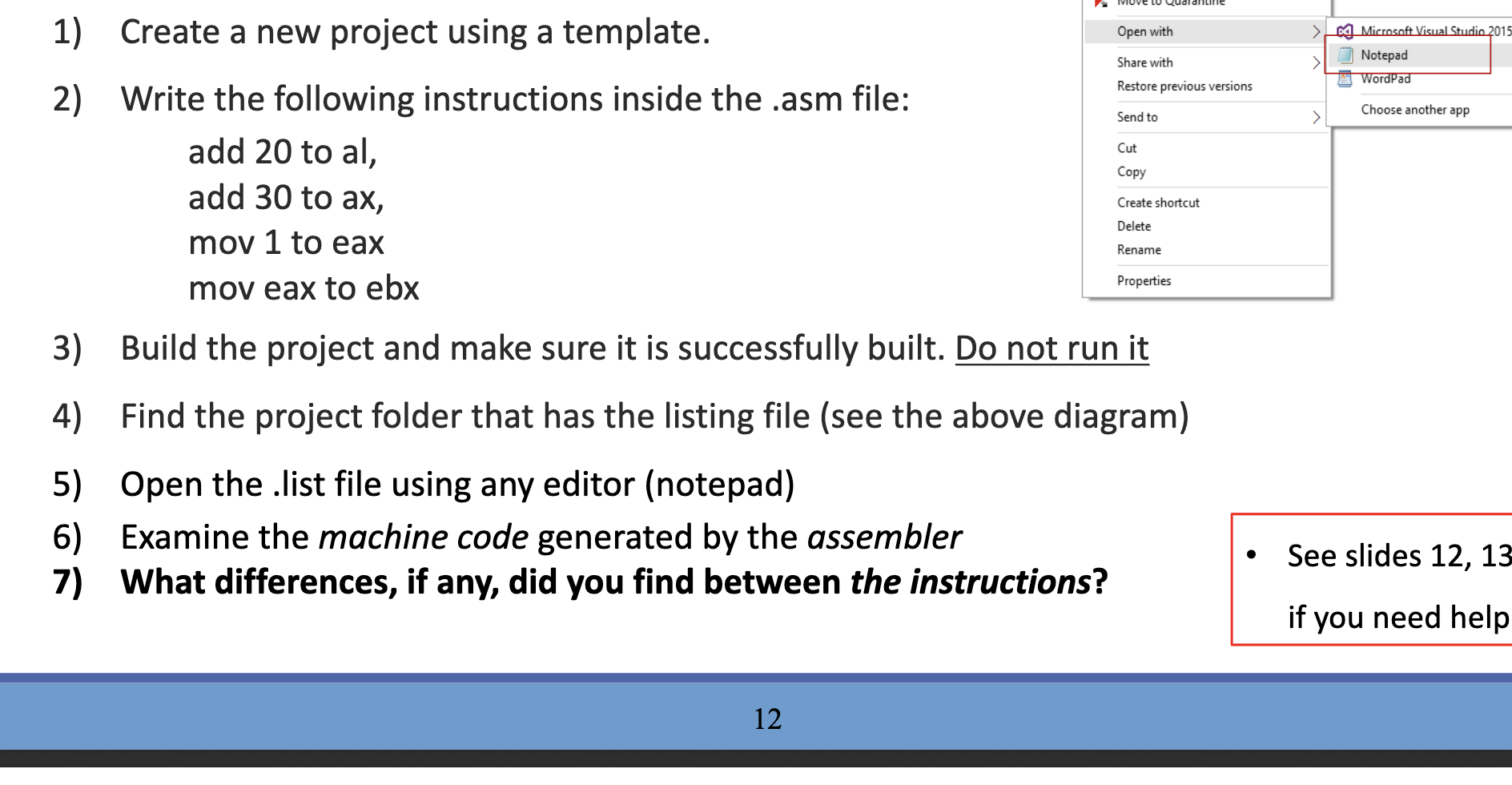
SIUVE LU Qudlaritime 1) Create a new project using a template. Open with ng Microsoft Visual Studio 2015 Notepad A WordPad Share with Restore previous versions Choose another app Send to Cut Copy Create shortcut Delete Rename 2) Write the following instructions inside the .asm file: add 20 to al, add 30 to ax, mov 1 to eax mov eax to ebx 3) Build the project and make sure it is successfully built. Do not run it 4) Find the project folder that has the listing file (see the above diagram) Properties 5) Open the list file using any editor (notepad) 6) Examine the machine code generated by the assembler 7) What differences, if any, did you find between the instructions? See slides 12, 13 if you need help 12 SIUVE LU Qudlaritime 1) Create a new project using a template. Open with ng Microsoft Visual Studio 2015 Notepad A WordPad Share with Restore previous versions Choose another app Send to Cut Copy Create shortcut Delete Rename 2) Write the following instructions inside the .asm file: add 20 to al, add 30 to ax, mov 1 to eax mov eax to ebx 3) Build the project and make sure it is successfully built. Do not run it 4) Find the project folder that has the listing file (see the above diagram) Properties 5) Open the list file using any editor (notepad) 6) Examine the machine code generated by the assembler 7) What differences, if any, did you find between the instructions? See slides 12, 13 if you need help 12
Step by Step Solution
There are 3 Steps involved in it

Get step-by-step solutions from verified subject matter experts
 Study Help