







Question: skills Review Create an HTML document. a. open a new document in your text editor. b. Type hen press [Enter . d. If you are
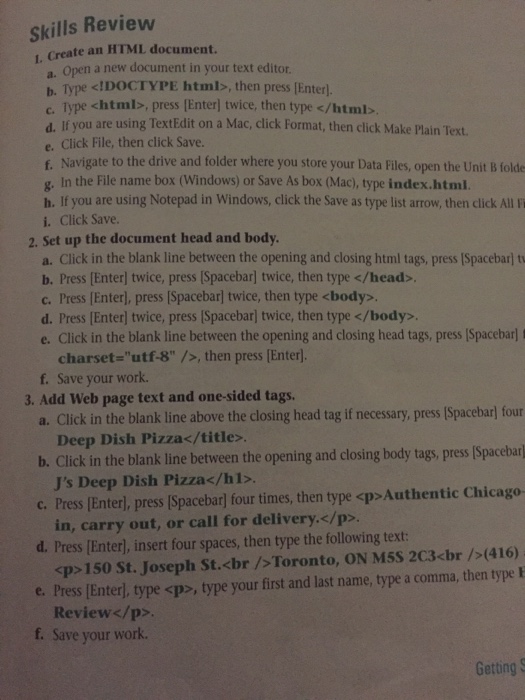
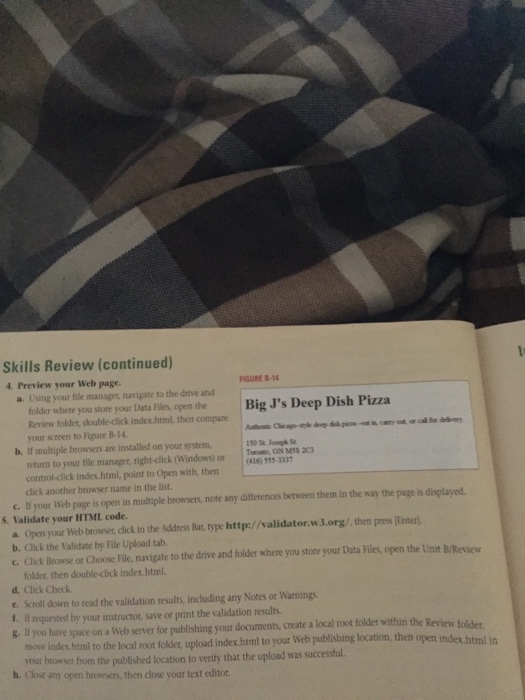
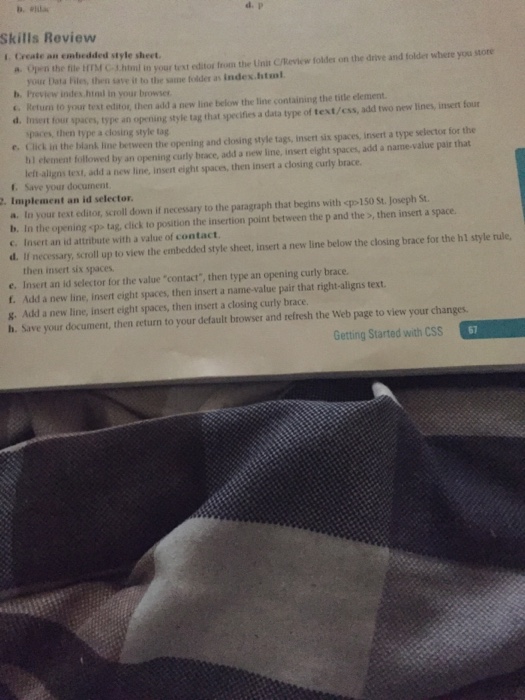
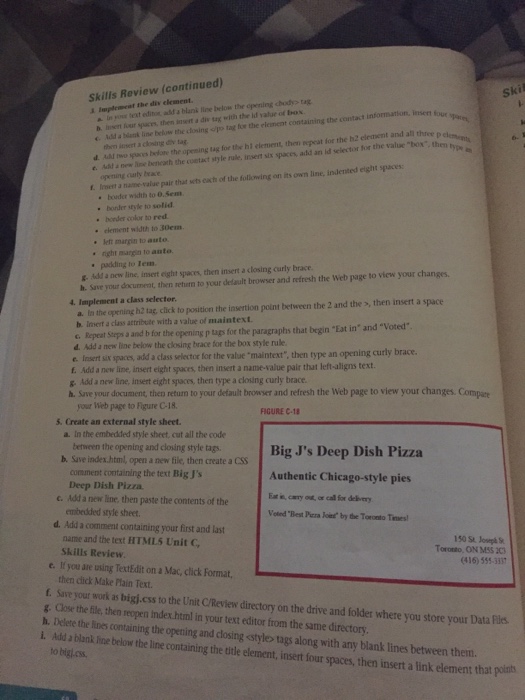
skills Review Create an HTML document. a. open a new document in your text editor. b. Type hen press [Enter . d. If you are using TextEdit on a Mac, click Format, then click Make Plain Text. e. Click File, then click Save. f. Navigate to the drive and folder where you store your Data Files, open the Unit B folde g, In the File name box (Windows) or Save As box (Mac), type index.html. h. If you are using Notepad in Windows, click the Save as type list arrow, then click All i i. Click Save. 2. set up the document head and body. a. Click in the blank line between the opening and closing html tags, press lSpacebarl tv b. Press Enter twice, press (Spacebarl twice, then type c. Press [Enter], press [Spacebarl twice, then type . d. Press [Enter] twice, press lSpacebarl twice, then type . e. Click in the blank line between the opening and closing head tags, press lSpacebarl f charset "utf-8" then press [Enter] Save your work. 3. Add Web page text and one-sided tags. a. Click in the blank line above the closing head tag if necessary, press (Spacebarl four Deep Dish Pizzab. Click in the blank line between the opening and closing body tags, press [Spacebar J's Deep Dish Pizza. c. Press lEnterl, press [Spacebarl four times, then type
Authentic Chicago in, carry out, or call for delivery.
d. Press [Enter], insert four spaces, then type the following text: (416)
150 St. Joseph St.
Toronto, ON M5S 2C3
, type your first and last name, type a comma, then type E Review
f. Save your work. Getting S
Step by Step Solution
There are 3 Steps involved in it

Get step-by-step solutions from verified subject matter experts
 Study Help