







Question: Solve program in Java: Welcome to the String Inspector tool, a practical exercise designed to help you explore and manipulate strings in Java. In this
Solve program in Java:
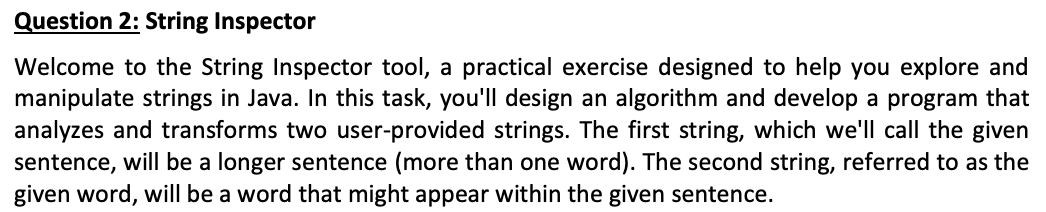
Welcome to the String Inspector tool, a practical exercise designed to help you explore and
manipulate strings in Java. In this task, you'll design an algorithm and develop a program that
analyzes and transforms two userprovided strings. The first string, which we'll call the given
sentence, will be a longer sentence more than one word The second string, referred to as the
given word, will be a word that might appear within the given sentence.
Requirements:
Your mission is to utilize Java's String methods to perform various checks and modifications on
the inputs. This question will enhance your understanding of string operations and provide
handson practice with string manipulation. your algorithm and source code will accomplish the
following:
TitleName of your algorithm Algorithm : String Inspector Program
Name of your Java program or class block AQ
Display a welcomesalutation message to the user of the program.
Sentence length requirements:
The given sentence must be longer than characters any valid character You may
assume a perfect user. No need for string length or character validation checks.
Operations:
Check Substring Presence: Use the contains method to determine if the given word
is contained within the given sentence.
Check String Start: Use the startsWith method to check if the given sentence starts
with the letter
Replace Characters: Use replaceAll method to replace all occurrences of the letter
a with in the given sentence.
Join Strings: Use String.join to concatenate the given sentence and the given
word with a specified separator.
Find Character Position: Use the indexOf method to find the index of the first
occurrence of the letter in the given sentence. If not found, return
Print Character at Specific Position: Use the charAt method to print the character at
the rd position index in the given sentence.
Note: user input is highlighted in grey.
Step by Step Solution
There are 3 Steps involved in it
1 Expert Approved Answer
Step: 1 Unlock

Question Has Been Solved by an Expert!
Get step-by-step solutions from verified subject matter experts
Step: 2 Unlock
Step: 3 Unlock
 Study Help