





Question: Solve the Assignment Assignment Instructions 1. Initialize variables as needed (i.e., numGrades = 0). Reference: Refer back to Learn to Program With Python 3: A

Solve the Assignment
Solve the Assignment Assignment Instructions 1.
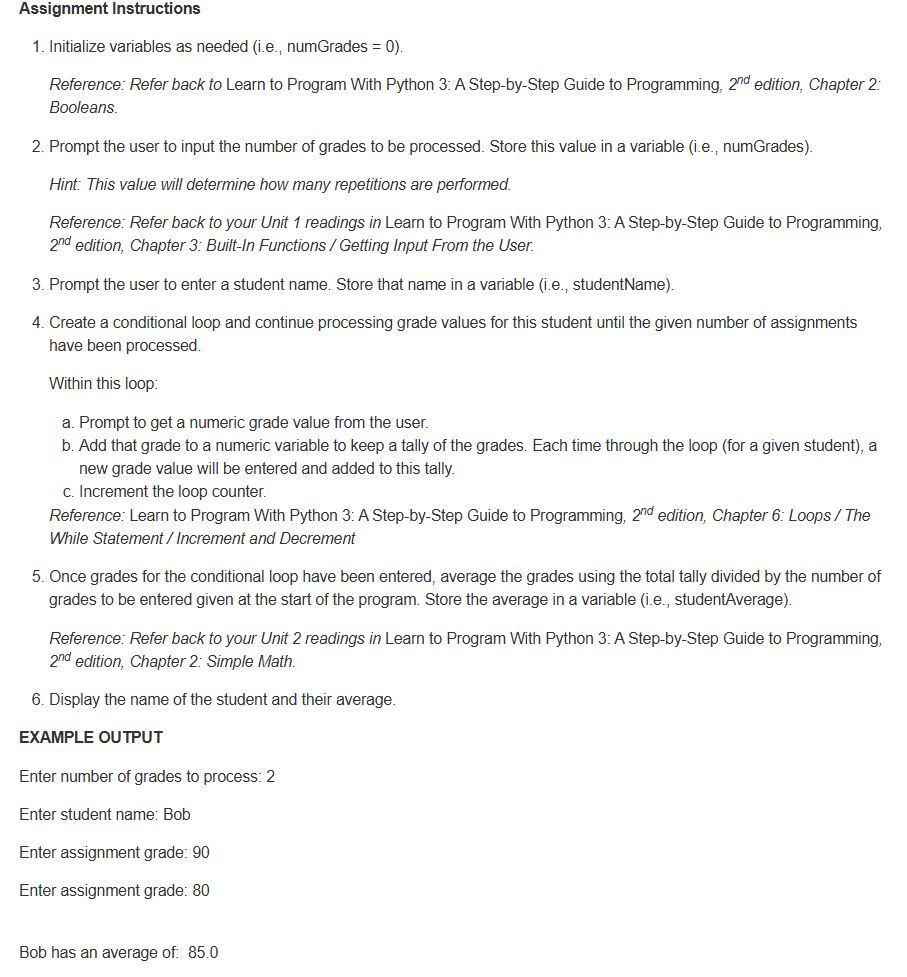
Assignment Instructions 1. Initialize variables as needed (i.e., numGrades = 0). Reference: Refer back to Learn to Program With Python 3: A Step-by-Step Guide to Programming, 2" edition, Chapter 2- Booleans. 2. Prompt the user to input the number of grades to be processed. Store this value in a variable (i.e. numGrades). Hint: This value will defermine how many repetitions are performed. Reference: Refer back to your Unit 1 readings in Learn to Program With Python 3: A Step-by-Step Guide to Programming, 2" edition, Chapter 3: Built-In Functions / Getting Input From the User. 3. Prompt the user to enter a student name. Store that name in a variable (i e, studentName). 4. Create a conditional loop and continue processing grade values for this student until the given number of assignments have been processed. Within this loop: a. Prompt to get a numeric grade value from the user. b. Add that grade to a numeric variable to keep a tally of the grades. Each time through the loop (for a given student), a new grade value will be entered and added to this tally. c. Increment the loop counter. Reference: Learn to Program With Python 3: A Step-by-Step Guide to Programming, 2 edition, Chapter 6: Loops / The While Statement / Increment and Decrement 5. Once grades for the conditional loop have been entered, average the grades using the total tally divided by the number of grades to be entered given at the start of the program. Store the average in a variable (i.e., studentAverage). Reference: Refer back to your Unit 2 readings in Learn to Program With Python 3: A Step-by-5Step Guide to Programming, 2" edition, Chapter 2- Simple Math. 6. Display the name of the student and their average. EXAMPLE OUTPUT Enter number of grades to process: 2 Enter student name: Bob Enter assignment grade: 90 Enter assignment grade: 80 Bob has an average of 85.0

Step by Step Solution

There are 3 Steps involved in it

1 Expert Approved Answer
Step: 1 Unlock blur-text-image

Question Has Been Solved by an Expert!

Get step-by-step solutions from verified subject matter experts

Step: 2 Unlock
Step: 3 Unlock

Students Have Also Explored These Related Business Writing Questions!