







Question: solve with matlab Part 3) Finding Numerical Solutions with MATLAB (try these section get familiar with solving ODEs with MATLAB built-in functions) MATLAB has a
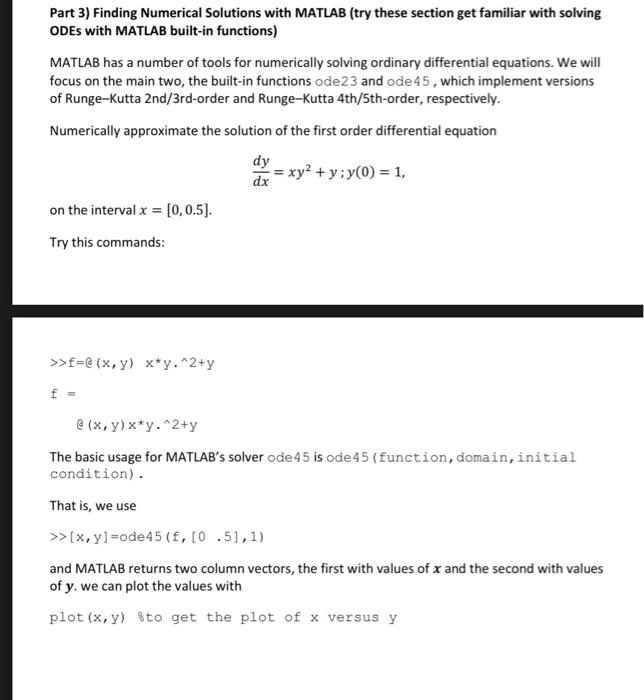
Part 3) Finding Numerical Solutions with MATLAB (try these section get familiar with solving ODEs with MATLAB built-in functions) MATLAB has a number of tools for numerically solving ordinary differential equations. We will focus on the main two, the built-in functions ode 23 and ode 45 , which implement versions of Runge-Kutta 2nd/3rd-order and Runge-Kutta 4th/5th-order, respectively. Numerically approximate the solution of the first order differential equation dxdy=xy2+y;y(0)=1, on the interval x=[0,0.5]. Try this commands: >>f=a(x,y)xy2+yf=a(x,y)xy2+y The basic usage for MATLAB's solver ode 45 is ode 45 (function, domain, initial condition). That is, we use >[x,y]=0de45(f,[0.5],1) and MATLAB returns two column vectors, the first with values of x and the second with values of y. we can plot the values with plot (x,y) sto get the plot of x versus y
Step by Step Solution
There are 3 Steps involved in it

Get step-by-step solutions from verified subject matter experts
 Study Help