







Question: Solved: Lab 1-Lab Portion Par + X u/pluginfile.php/5346892/course/section/1891746/Lab % 20 % 231 %20- %201ntro % 2C % 20GPIO % 2C % 20LED % 2C %
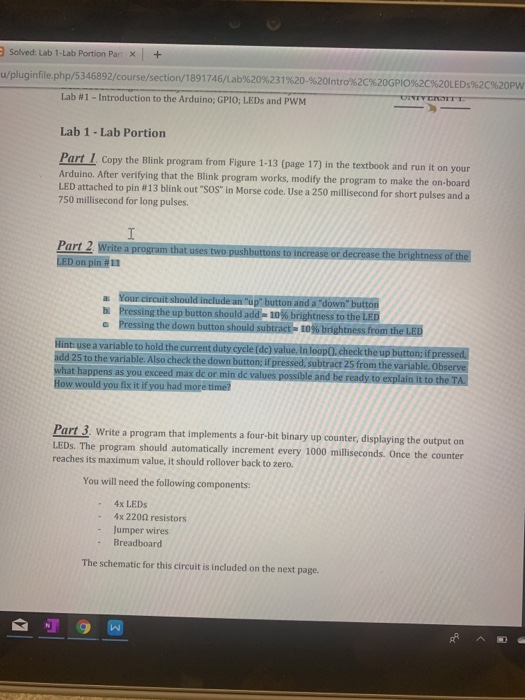
Solved: Lab 1-Lab Portion Par + X u/pluginfile.php/5346892/course/section/1891746/Lab % 20 % 231 %20- %201ntro % 2C % 20GPIO % 2C % 20LED % 2C % 20PW UNTYENOTTT Lab #1 -Introduction to the Arduino; GPIO; LEDS and PWM Lab 1 -Lab Portion Part 1 Copy the Blink program from Figure 1-13 (page 17) in the textbook and run it on your Arduino. After verifying that the Blink program works, modify the program to make the on-board LED attached to pin #13 blink out "SOS" in Morse code. Use a 250 millisecond for short pulses and a 750 millisecond for long pulses I Part 2 Write a program that uses two pushbuttons to increase or decrease the brightness of the LED on pin # 11 a Your circuit should include an "up" button and a "down" button b Pressing the up button should add 10 % brightness to the LED a Pressing the down button should subtract 10% brightness from the LED Hint use a variable to hold the current duty cycle (dc) value. In loop0. check the up button; if pressed, add 25 to the variable. Also check the down button; if pressed, subtract 25 from the variable. Observe what happens as you exceed max dc or min de values possible and be ready to explain it to the TA How would you fix it if you had more time? Part 3. Write a program that implements a four-bit binary up counter, displaying the output on LEDS. The program should automatically increment every 1000 milliseconds. Once the counter reaches its maximum value, it should rollover back to zero. You will need the following components: 4x LEDS 4x 2200 resistors Jumper wires Breadboard The schematic for this circuit is included on the next page. Solved: Lab 1-Lab Portion Par + X u/pluginfile.php/5346892/course/section/1891746/Lab % 20 % 231 %20- %201ntro % 2C % 20GPIO % 2C % 20LED % 2C % 20PW UNTYENOTTT Lab #1 -Introduction to the Arduino; GPIO; LEDS and PWM Lab 1 -Lab Portion Part 1 Copy the Blink program from Figure 1-13 (page 17) in the textbook and run it on your Arduino. After verifying that the Blink program works, modify the program to make the on-board LED attached to pin #13 blink out "SOS" in Morse code. Use a 250 millisecond for short pulses and a 750 millisecond for long pulses I Part 2 Write a program that uses two pushbuttons to increase or decrease the brightness of the LED on pin # 11 a Your circuit should include an "up" button and a "down" button b Pressing the up button should add 10 % brightness to the LED a Pressing the down button should subtract 10% brightness from the LED Hint use a variable to hold the current duty cycle (dc) value. In loop0. check the up button; if pressed, add 25 to the variable. Also check the down button; if pressed, subtract 25 from the variable. Observe what happens as you exceed max dc or min de values possible and be ready to explain it to the TA How would you fix it if you had more time? Part 3. Write a program that implements a four-bit binary up counter, displaying the output on LEDS. The program should automatically increment every 1000 milliseconds. Once the counter reaches its maximum value, it should rollover back to zero. You will need the following components: 4x LEDS 4x 2200 resistors Jumper wires Breadboard The schematic for this circuit is included on the next page
Step by Step Solution
There are 3 Steps involved in it

Get step-by-step solutions from verified subject matter experts
 Study Help