



Question: Sorting an Array of Cars/ Displaying in a GUI/Creating a Class Create a class called Car to represent a car. It should have four
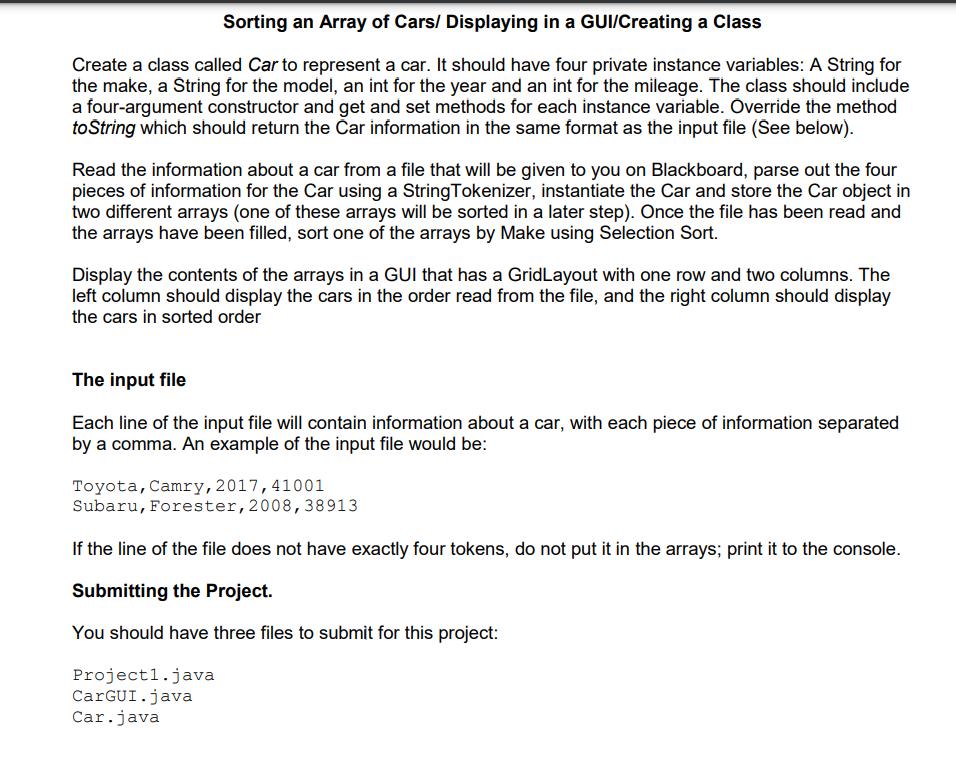
Sorting an Array of Cars/ Displaying in a GUI/Creating a Class Create a class called Car to represent a car. It should have four private instance variables: A String for the make, a String for the model, an int for the year and an int for the mileage. The class should include a four-argument constructor and get and set methods for each instance variable. Override the method to String which should return the Car information in the same format as the input file (See below). Read the information about a car from a file that will be given to you on Blackboard, parse out the four pieces of information for the Car using a StringTokenizer, instantiate the Car and store the Car object in two different arrays (one of these arrays will be sorted in a later step). Once the file has been read and the arrays have been filled, sort one of the arrays by Make using Selection Sort. Display the contents of the arrays in a GUI that has a GridLayout with one row and two columns. The left column should display the cars in the order read from the file, and the right column should display the cars in sorted order The input file Each line of the input file will contain information about a car, with each piece of information separated by a comma. An example of the input file would be: Toyota, Camry, 2017, 41001 Subaru, Forester, 2008,38913 If the line of the file does not have exactly four tokens, do not put it in the arrays; print it to the console. Submitting the Project. You should have three files to submit for this project: Project1.java CarGUI.java Car.java
Step by Step Solution
3.44 Rating (157 Votes )
There are 3 Steps involved in it
package comcheggcargui import javaawtGridLayout import javautilList import javaxsw... View full answer

Get step-by-step solutions from verified subject matter experts