Question: source code should be in java Contacts Management: Create a swing GUI application to manage contact information. Create a class Contact with details like Name,
source code should be in java
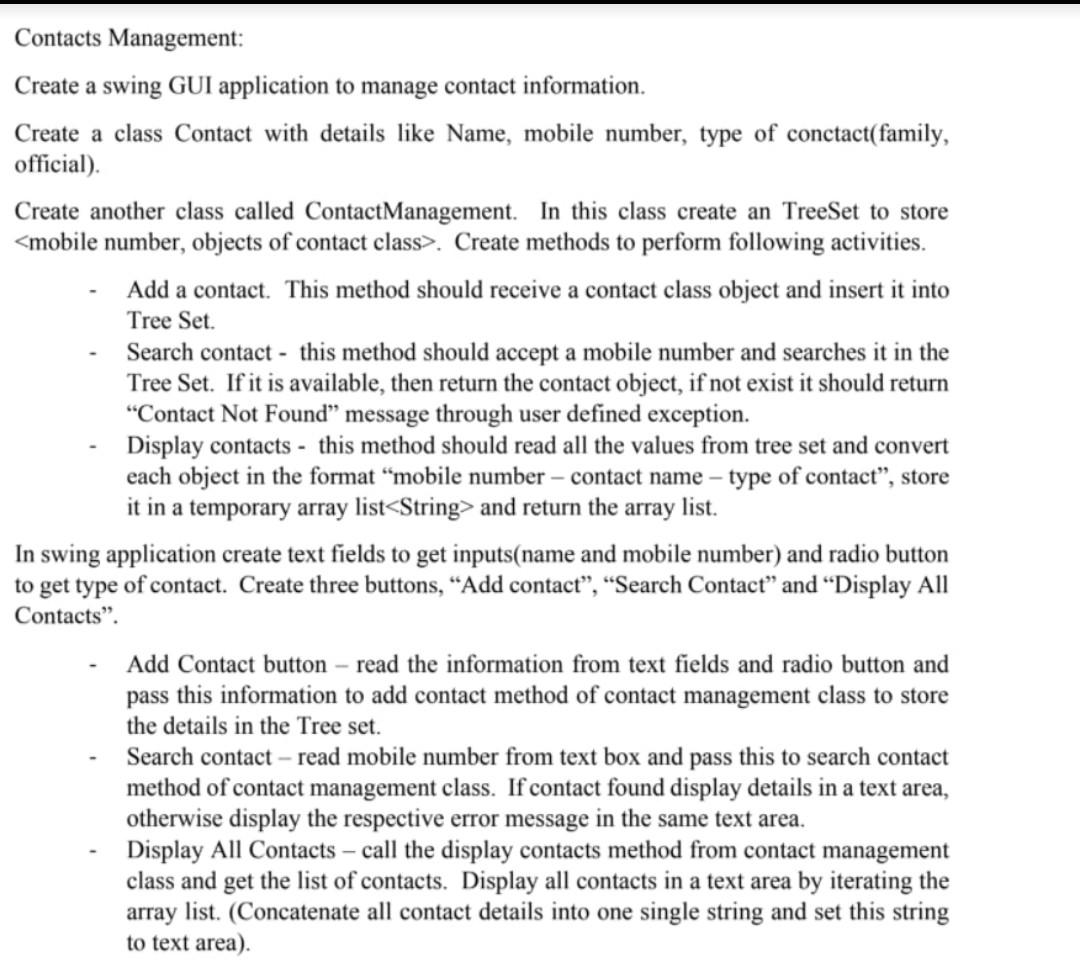
Contacts Management: Create a swing GUI application to manage contact information. Create a class Contact with details like Name, mobile number, type of conctact( family, official). Create another class called Contact Management. In this class create an TreeSet to store . Create methods to perform following activities. Add a contact. This method should receive a contact class object and insert it into Tree Set. Search contact - this method should accept a mobile number and searches it in the Tree Set. If it is available, then return the contact object, if not exist it should return Contact Not Found message through user defined exception. Display contacts - this method should read all the values from tree set and convert each object in the format mobile number - contact name type of contact, store it in a temporary array list and return the array list. In swing application create text fields to get inputs(name and mobile number) and radio button to get type of contact. Create three buttons, Add contact, Search Contact and Display All Contacts. Add Contact button - read the information from text fields and radio button and pass this information to add contact method of contact management class to store the details in the Tree set. Search contact read mobile number from text box and pass this to search contact method of contact management class. If contact found display details in a text area, otherwise display the respective error message in the same text area. Display All Contacts - call the display contacts method from contact management class and get the list of contacts. Display all contacts in a text area by iterating the array list. (Concatenate all contact details into one single string and set this string to text area). Contacts Management: Create a swing GUI application to manage contact information. Create a class Contact with details like Name, mobile number, type of conctact( family, official). Create another class called Contact Management. In this class create an TreeSet to store . Create methods to perform following activities. Add a contact. This method should receive a contact class object and insert it into Tree Set. Search contact - this method should accept a mobile number and searches it in the Tree Set. If it is available, then return the contact object, if not exist it should return Contact Not Found message through user defined exception. Display contacts - this method should read all the values from tree set and convert each object in the format mobile number - contact name type of contact, store it in a temporary array list and return the array list. In swing application create text fields to get inputs(name and mobile number) and radio button to get type of contact. Create three buttons, Add contact, Search Contact and Display All Contacts. Add Contact button - read the information from text fields and radio button and pass this information to add contact method of contact management class to store the details in the Tree set. Search contact read mobile number from text box and pass this to search contact method of contact management class. If contact found display details in a text area, otherwise display the respective error message in the same text area. Display All Contacts - call the display contacts method from contact management class and get the list of contacts. Display all contacts in a text area by iterating the array list. (Concatenate all contact details into one single string and set this string to text area)









 Study Help