







Question: // Specification file for the Account class. #ifndef ACCOUNT_H #define ACCOUNT_H class Account { private: double balance; // Account balance double interestRate; // Interest rate
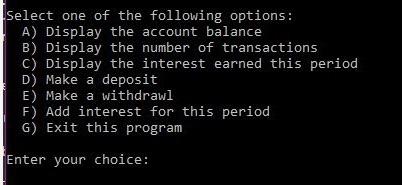
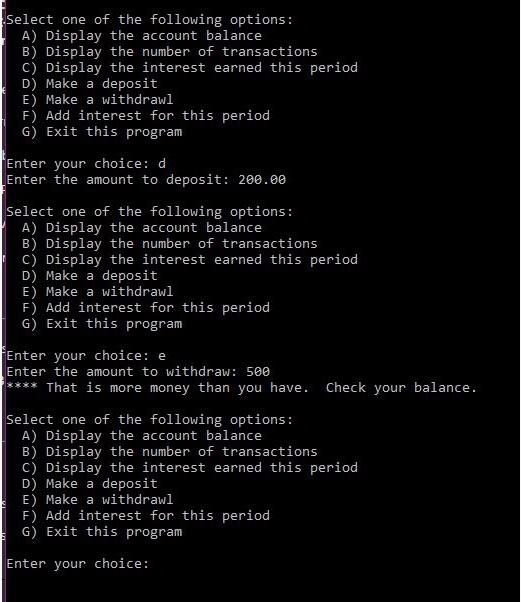
select one of the following options: A) Display the account balance B) Display the number of transactions C) Display the interest earned this period D) Make a deposit E) Make a withdrawl F) Add interest for this period G) Exit this program Enter your choice: Select one of the following options: A) Display the account balance B) Display the number of transactions C) Display the interest earned this period D) Make a deposit E) Make a withdrawl F) Add interest for this period G) Exit this program Enter your choice: d Enter the amount to deposit: 200.00 Select one of the following options: A) Display the account balance B) Display the number of transactions C) Display the interest earned this period D) Make a deposit E) Make a withdrawl F) Add interest for this period G) Exit this program Enter your choice: e Enter the amount to withdraw: 500 That is more money than you have. Check your balance. Select one of the following options: A) Display the account balance B) Display the number of transactions c) Display the interest earned this period D) Make a deposit E) Make a withdrawl F) Add interest for this period G) Exit this program Enter your choice
Step by Step Solution
There are 3 Steps involved in it

Get step-by-step solutions from verified subject matter experts
 Study Help