







Question: Spreadsheet Skills Assessment Create a new column titled Date which extracts the month / day / year ( m m d d ? yyyy )
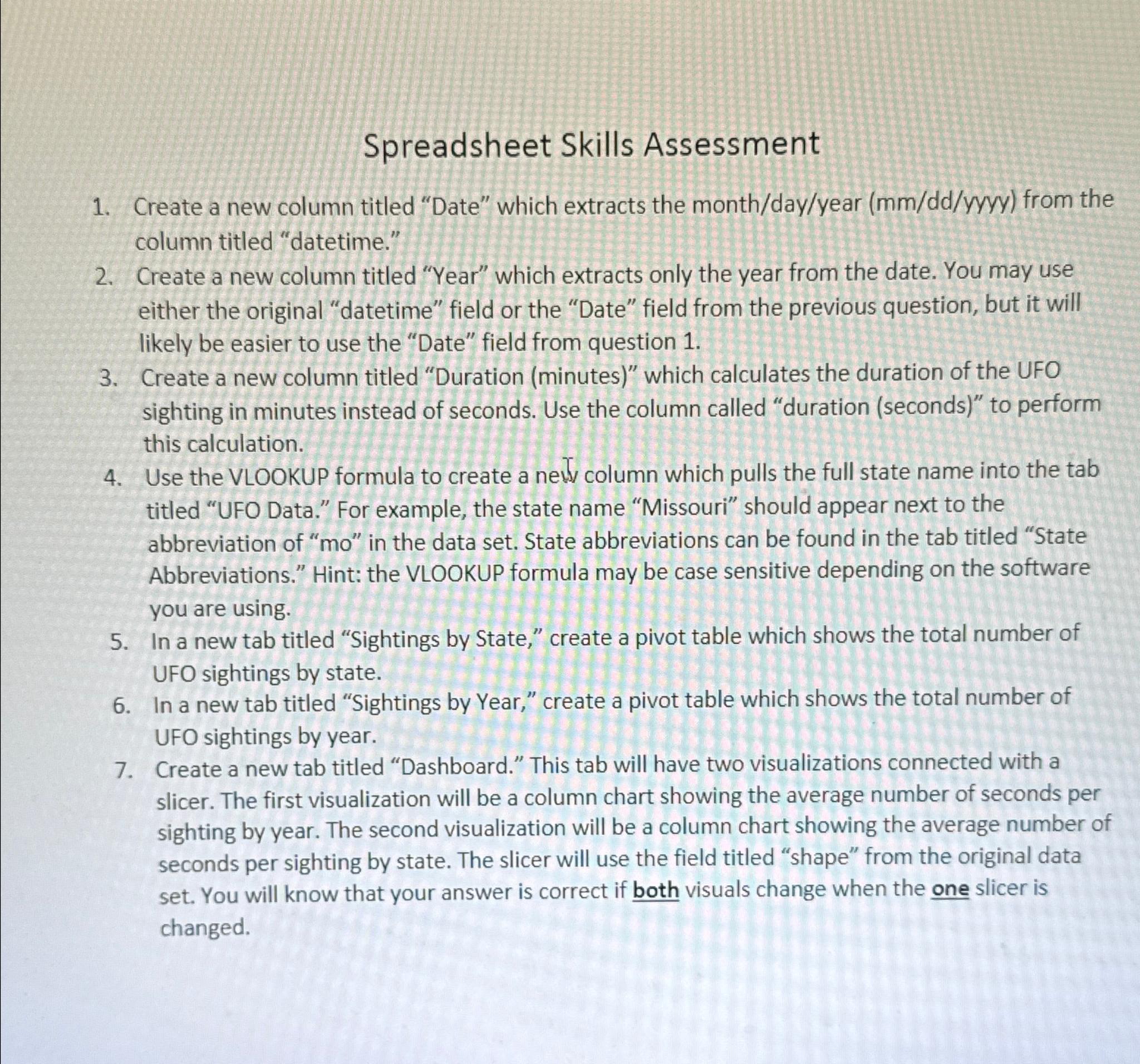
Spreadsheet Skills Assessment
Create a new column titled "Date" which extracts the monthdayyear yyyy from the column titled "datetime."
Create a new column titled "Year" which extracts only the year from the date. You may use either the original "datetime" field or the "Date" field from the previous question, but it will likely be easier to use the "Date" field from question
Create a new column titled "Duration minutes which calculates the duration of the UFO sighting in minutes instead of seconds. Use the column called "duration seconds to perform this calculation.
Use the VLOOKUP formula to create a new column which pulls the full state name into the tab titled "UFO Data." For example, the state name "Missouri" should appear next to the abbreviation of in the data set. State abbreviations can be found in the tab titled "State Abbreviations." Hint: the VLOOKUP formula may be case sensitive depending on the software you are using.
In a new tab titled "Sightings by State," create a pivot table which shows the total number of UFO sightings by state.
In a new tab titled "Sightings by Year," create a pivot table which shows the total number of UFO sightings by year.
Create a new tab titled "Dashboard." This tab will have two visualizations connected with a slicer. The first visualization will be a column chart showing the average number of seconds per sighting by year. The second visualization will be a column chart showing the average number of seconds per sighting by state. The slicer will use the field titled "shape" from the original data set. You will know that your answer is correct if both visuals change when the one slicer is changed.
Step by Step Solution
There are 3 Steps involved in it
1 Expert Approved Answer
Step: 1 Unlock

Question Has Been Solved by an Expert!
Get step-by-step solutions from verified subject matter experts
Step: 2 Unlock
Step: 3 Unlock
 Study Help