







Question: SQL BASIC When creating a table Decimal (7,2) means: a) The number can have at most a total of 2 digits before the decimal and
SQL BASIC
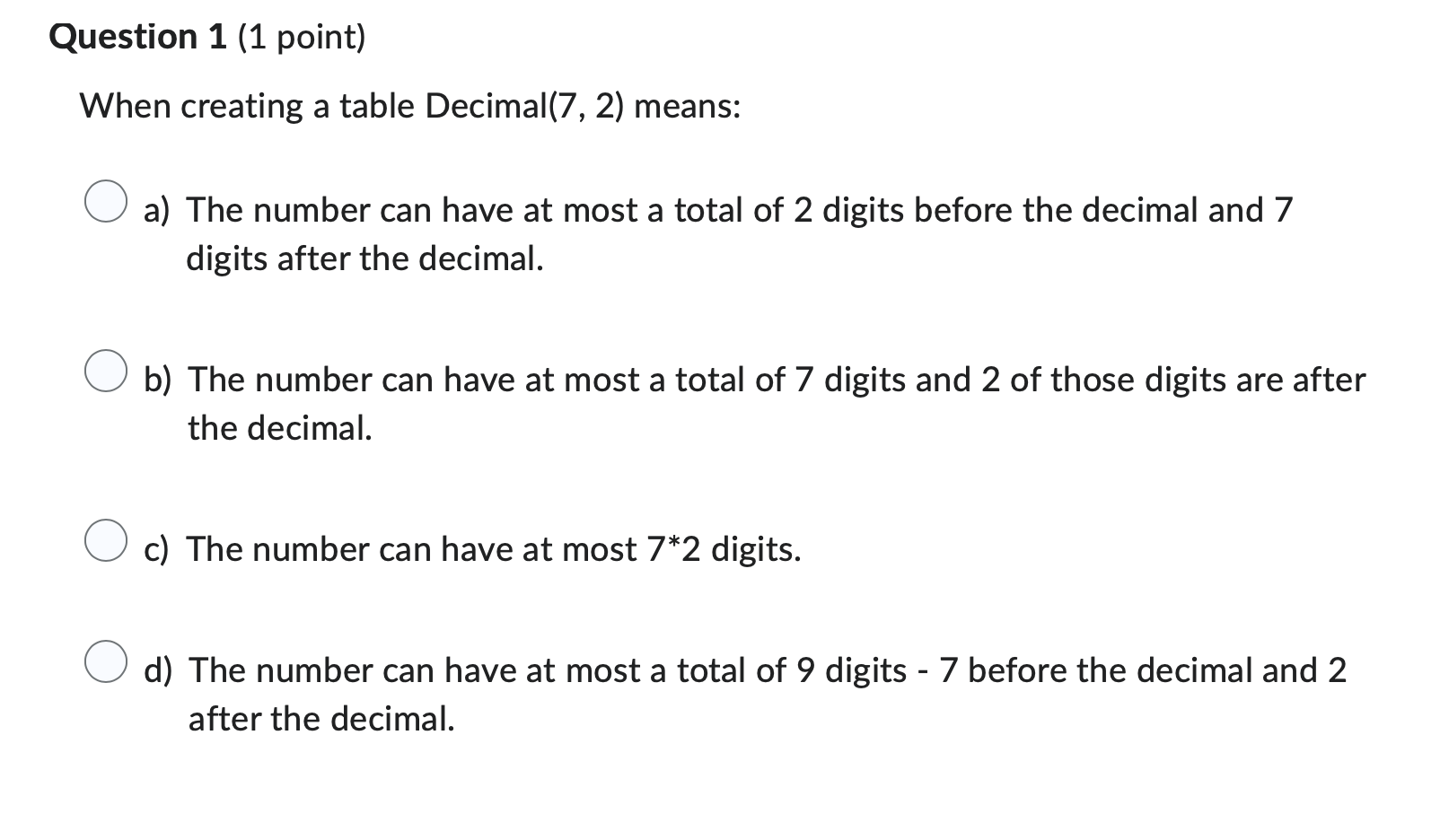
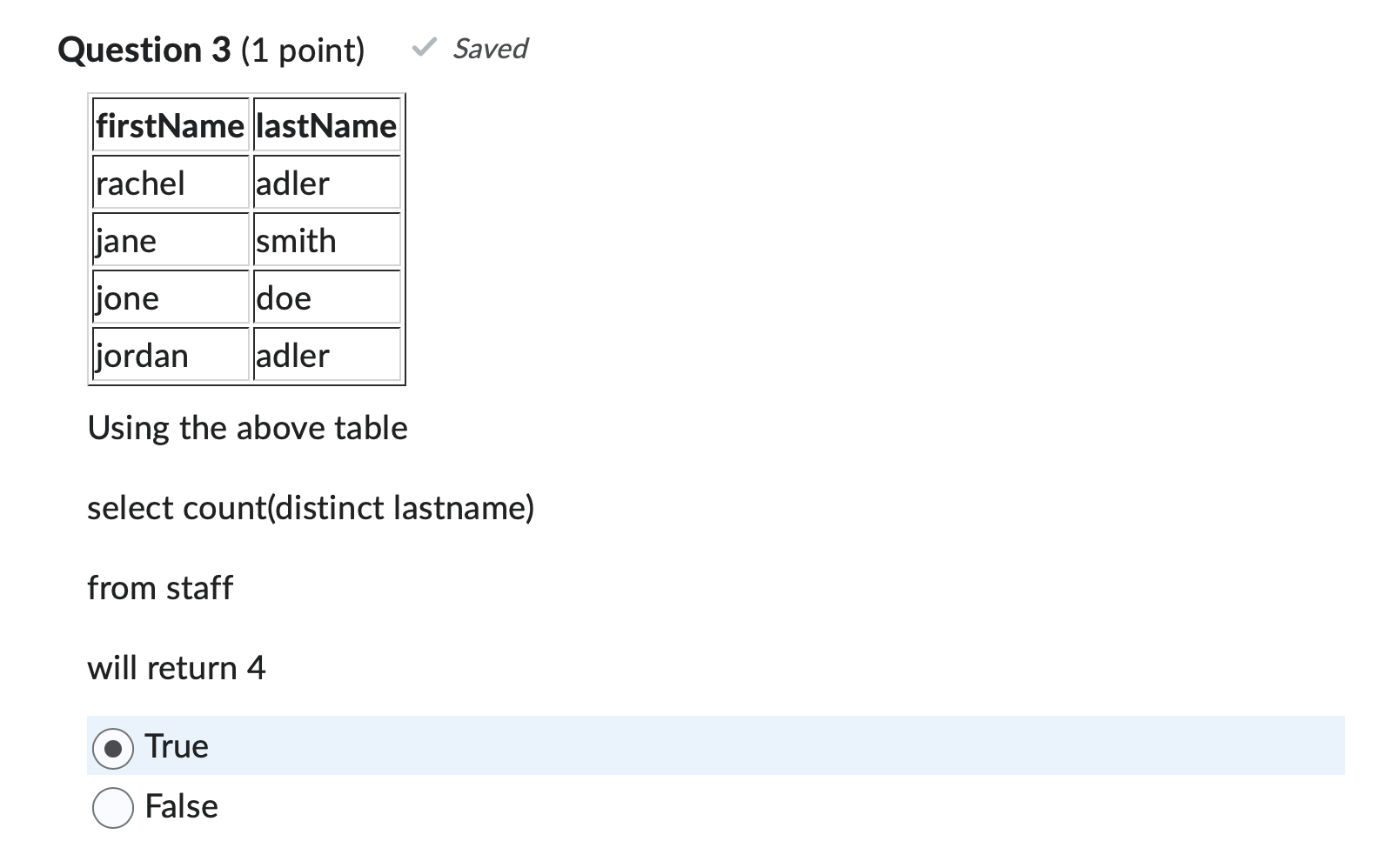
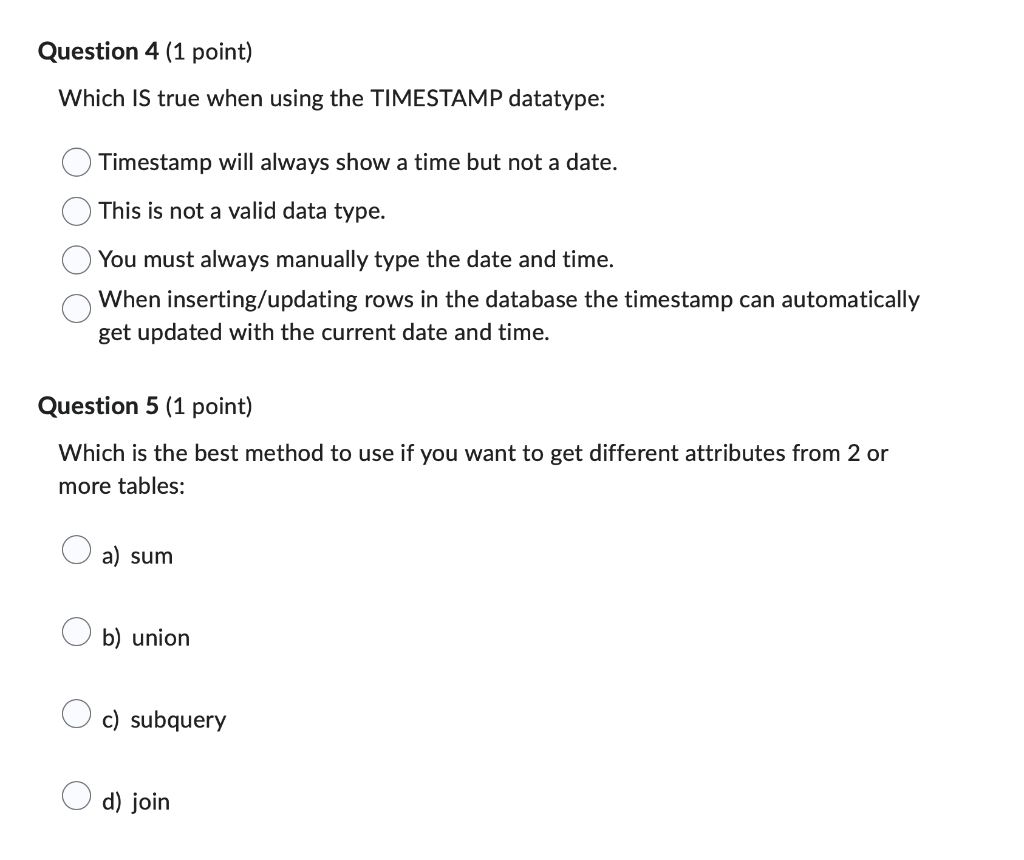
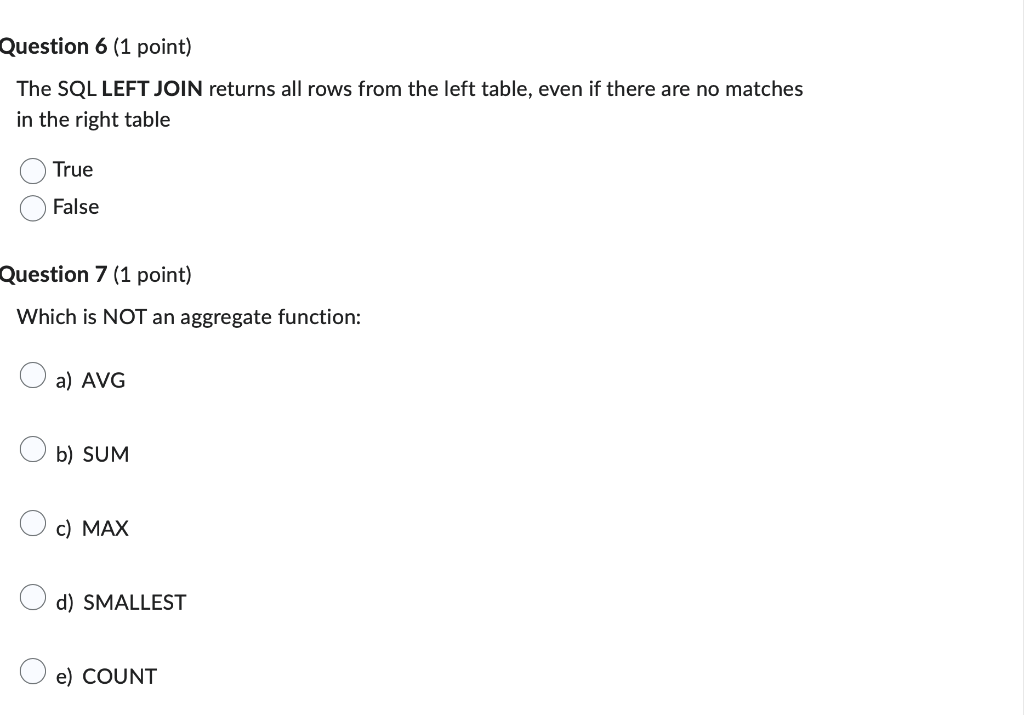
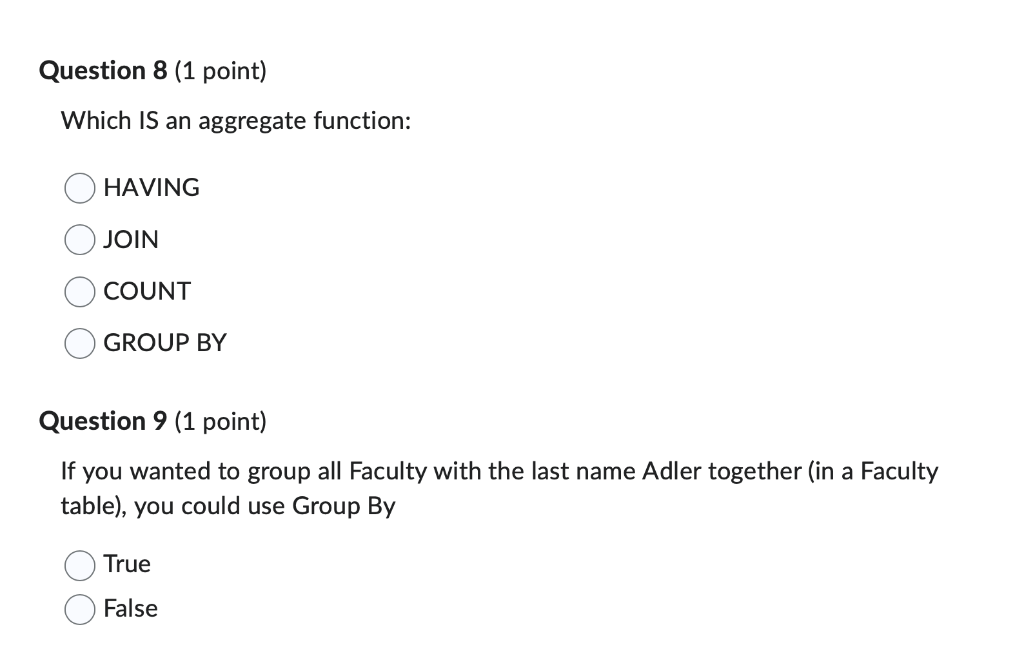
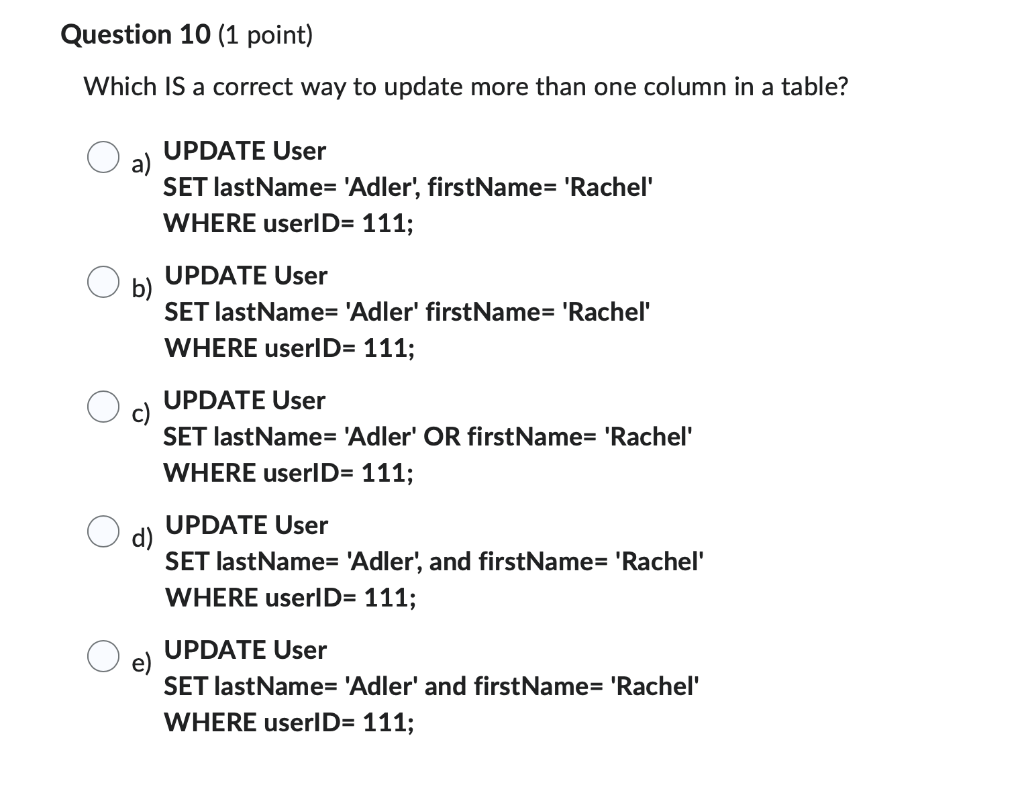
When creating a table Decimal (7,2) means: a) The number can have at most a total of 2 digits before the decimal and 7 digits after the decimal. b) The number can have at most a total of 7 digits and 2 of those digits are after the decimal. c) The number can have at most 72 digits. d) The number can have at most a total of 9 digits - 7 before the decimal and 2 after the decimal. True False Which IS true when using the TIMESTAMP datatype: Timestamp will always show a time but not a date. This is not a valid data type. You must always manually type the date and time. When inserting/updating rows in the database the timestamp can automatically get updated with the current date and time. Question 5 (1 point) Which is the best method to use if you want to get different attributes from 2 or more tables: a) sum b) union c) subquery d) join The SQL LEFT JOIN returns all rows from the left table, even if there are no matches in the right table True False Question 7 (1 point) Which is NOT an aggregate function: a) AVG b) SUM c) MAX d) SMALLEST e) COUNT Which IS an aggregate function: HAVING JOIN COUNT GROUP BY Question 9 (1 point) If you wanted to group all Faculty with the last name Adler together (in a Faculty table), you could use Group By True False Which IS a correct way to update more than one column in a table? a) UPDATE User SET lastName= 'Adler', firstName= 'Rachel' WHERE userID= 111; b) UPDATE User SET lastName= 'Adler' firstName= 'Rachel' WHERE userID= 111; c) UPDATE User SET lastName= 'Adler' OR firstName= 'Rachel' WHERE userID= 111; d) UPDATE User SET lastName= 'Adler', and firstName= 'Rachel' WHERE userID= 111; e) UPDATE User SET lastName= 'Adler' and firstName= 'Rachel' WHERE userID= 111
Step by Step Solution
There are 3 Steps involved in it

Get step-by-step solutions from verified subject matter experts
 Study Help