







Question: sql download link: https://easyupload.io/3bqizz Instructions: 1. Go to Oracle Database 10g Homepage (Link: http://127.0.0.1:8080/apex/) 2. Login with username: system and password: system 3. Click on
sql download link: https://easyupload.io/3bqizz
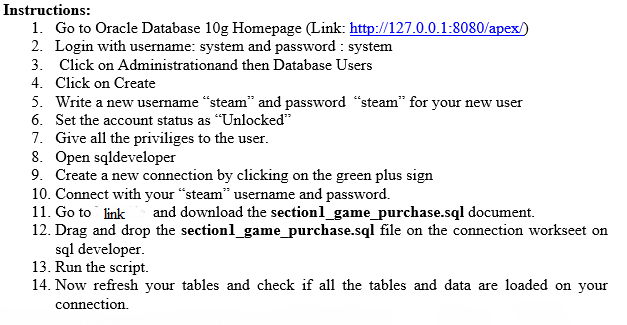

Instructions: 1. Go to Oracle Database 10g Homepage (Link: http://127.0.0.1:8080/apex/) 2. Login with username: system and password: system 3. Click on Administrationand then Database Users 4. Click on Create 5. Write a new username "steam" and password "steam" for your new user 6. Set the account status as "Unlocked" 7. Give all the priviliges to the user. 8. Open sqldeveloper 9. Create a new connection by clicking on the green plus sign 10. Connect with your "steam" username and password. 11. Go to link and download the sectionl_game_purchase.sql document. 12. Drag and drop the sectionl_game_purchase.sql file on the connection workseet on sql developer. 13. Run the script. 14. Now refresh your tables and check if all the tables and data are loaded on your connection.
Step by Step Solution
3.37 Rating (153 Votes )
There are 3 Steps involved in it

Get step-by-step solutions from verified subject matter experts
 Study Help