







Question: SQL statements, please only answer questions 6-5 through 6-9 to be fair, however you are more then welcome to answer them as it would help
SQL statements, please only answer questions 6-5 through 6-9 to be fair, however you are more then welcome to answer them as it would help me a great deal and it would be much appreciated. Thanks in advance. The first couple of pictures are for reference only for completing the other questions of 6-5 through 6-9.
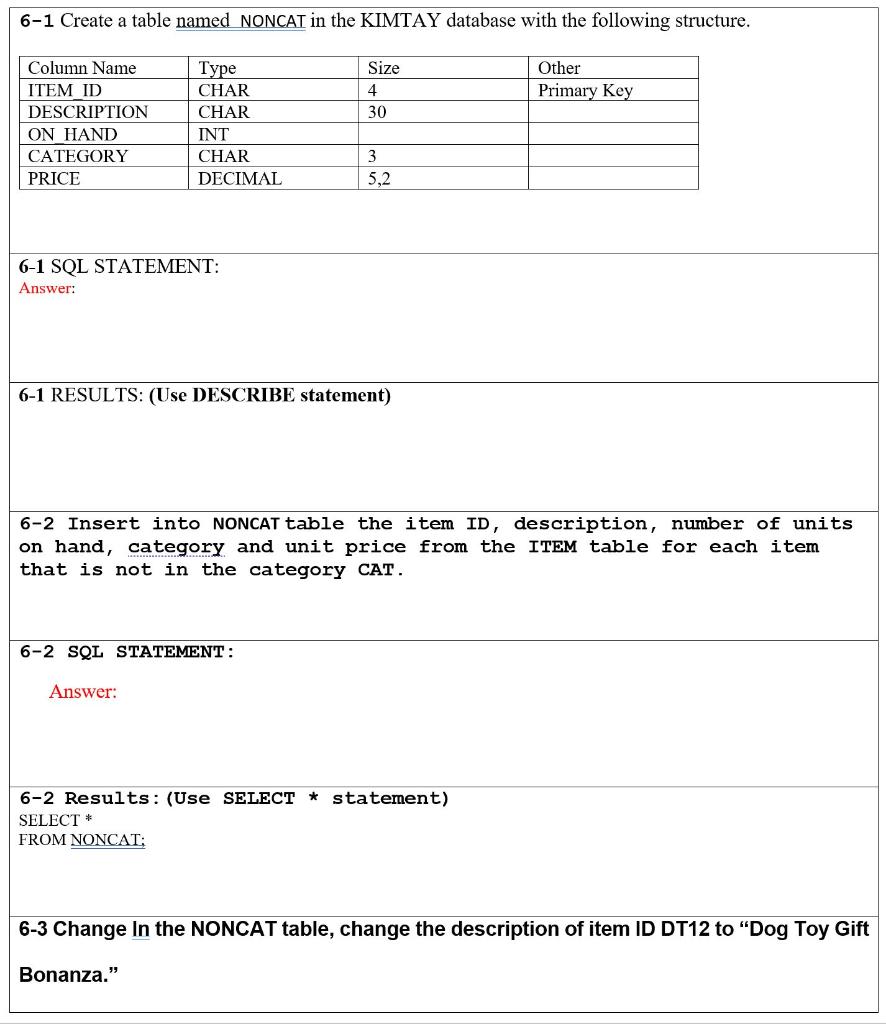
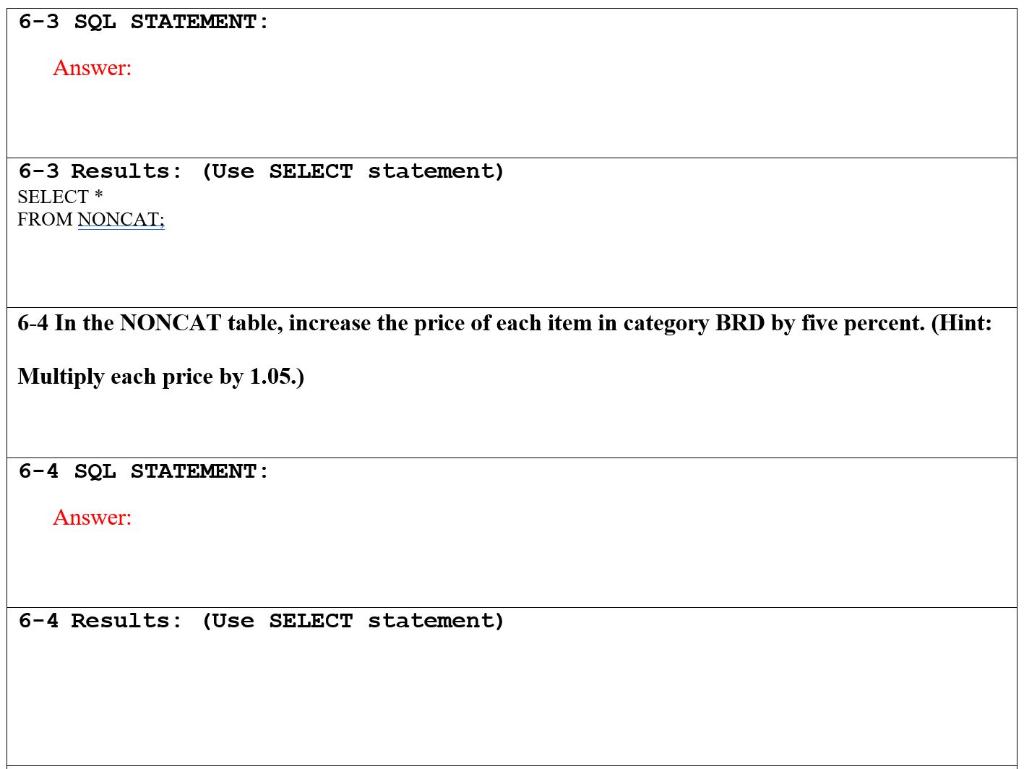
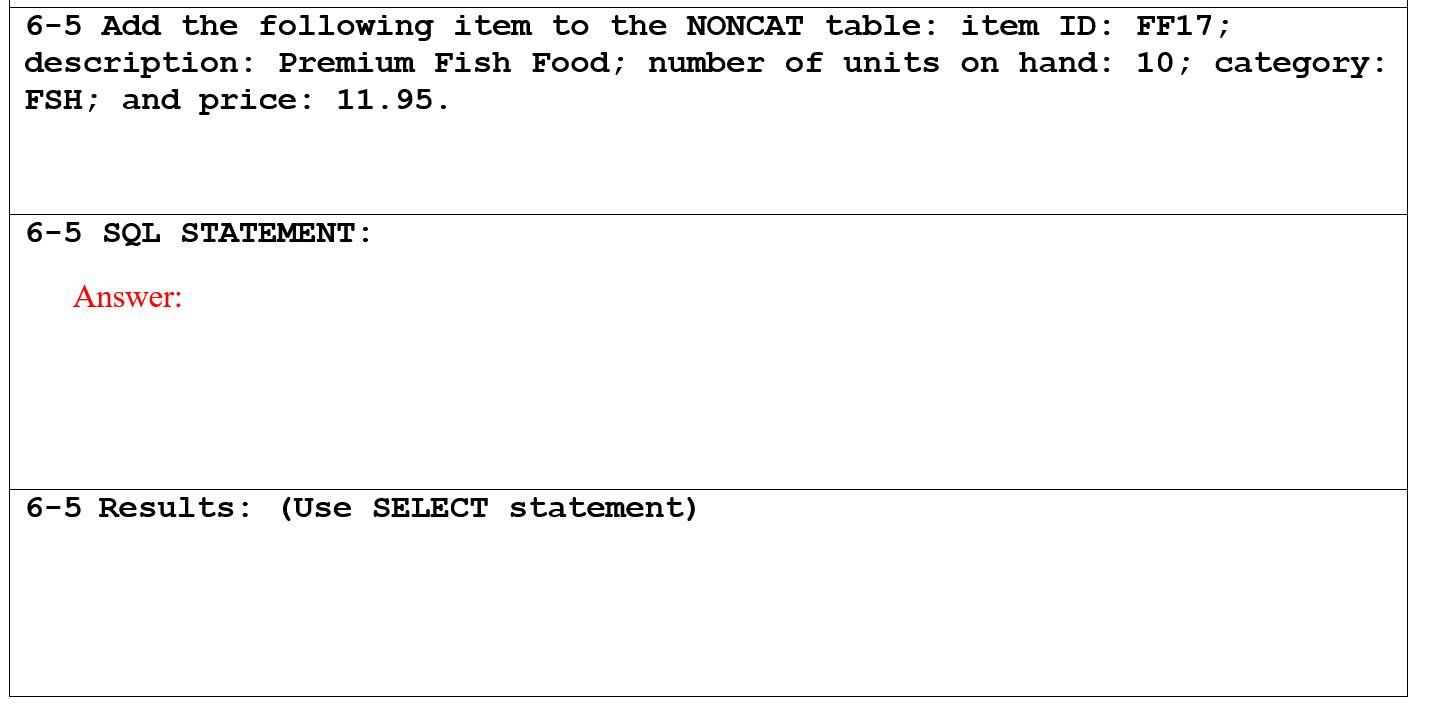
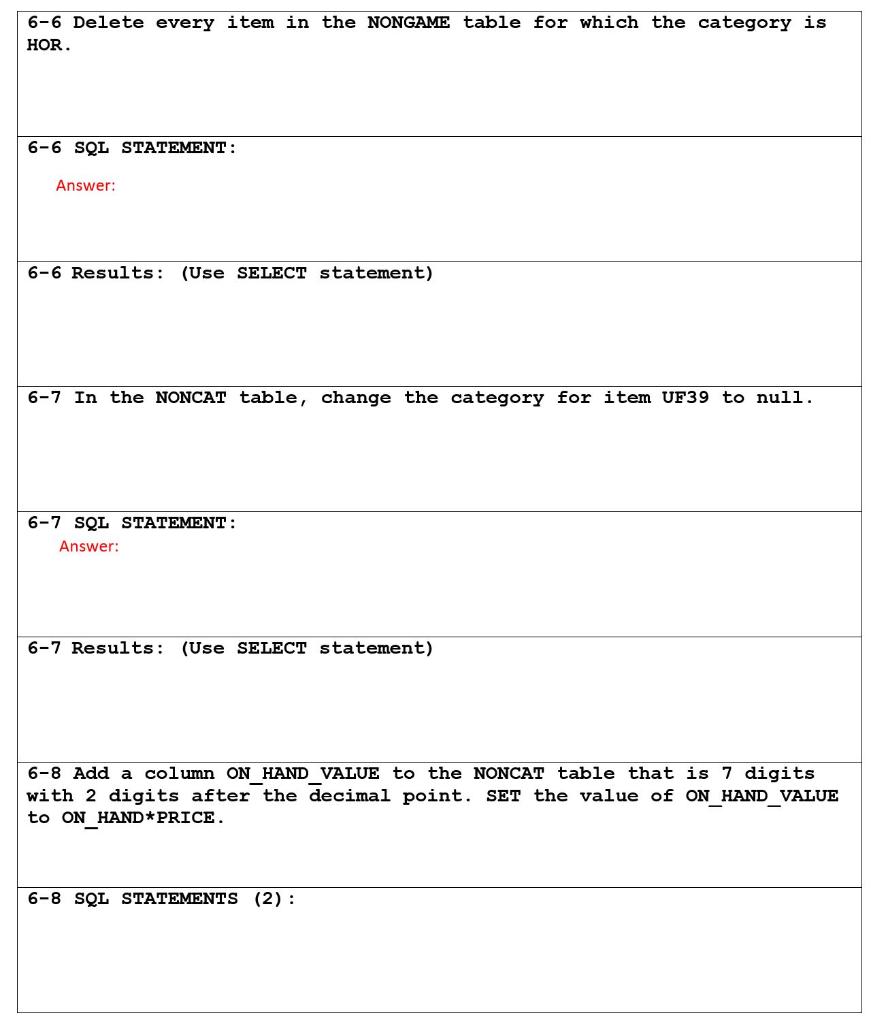
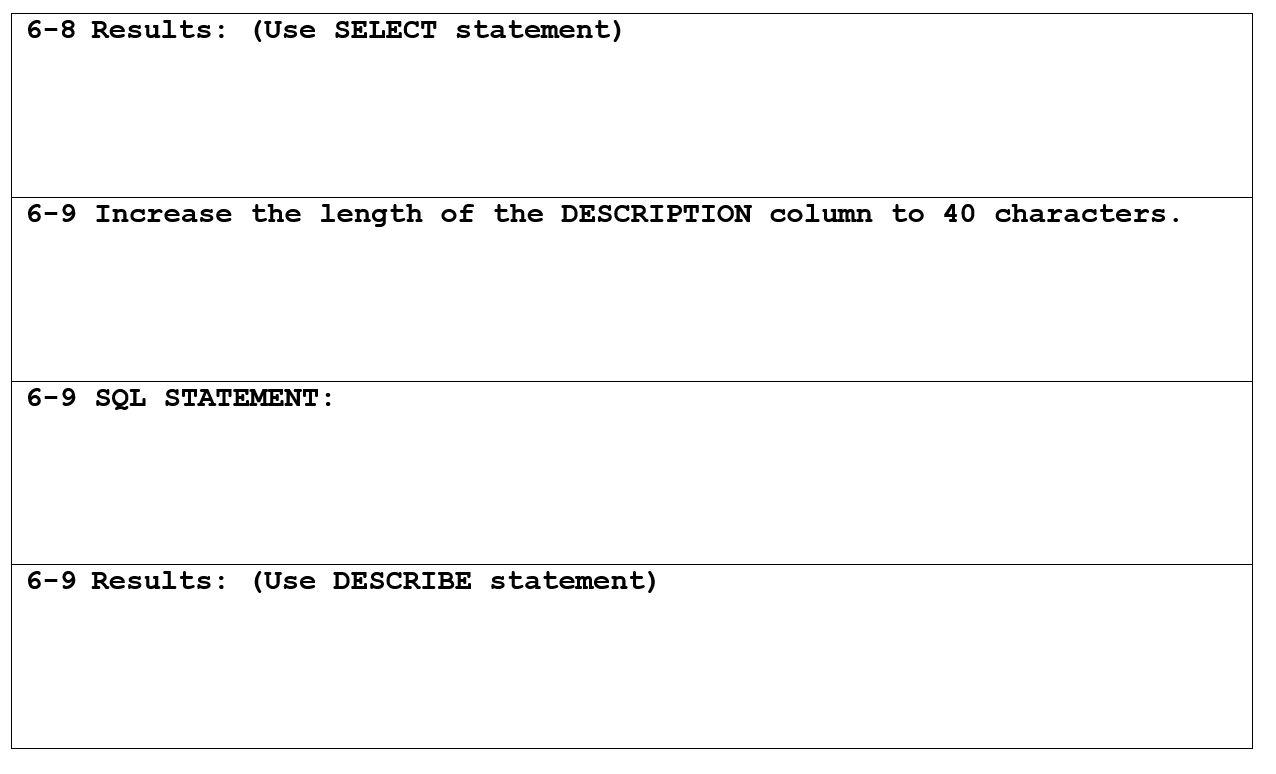
6-3 SQL STATEMENT : Answer: (Use SELECT statement) 6-3 Results: SELECT * FROM NONCAT: 6-4 In the NONCAT table, increase the price of each item in category BRD by five percent. (Hint: Multiply each price by 1.05.) 6-4 SQL STATEMENT : Answer: 6-4 Results: (Use SELECT statement) 6-5 Add the following item to the NONCAT table: item ID: FF17; description: Premium Fish Food; number of units on hand: 10; category: FSH; and price: 11.95. 6-5 SQL STATEMENT : Answer: 6-5 Results: (Use SELECT statement) 6-6 Delete every item in the NONGAME table for which the category is HOR 6-6 SQL STATEMENT : Answer: 6-6 Results: (Use SELECT statement) 6-7 In the NONCAT table, change the category for item UF39 to null. 6-7 SQL STATEMENT : Answer: 6-7 Results: (Use SELECT statement) 6-8 Add a column ON_HAND_VALUE to the NONCAT table that is 7 digits with 2 digits after the decimal point. SET the value of ON_HAND_VALUE to ON HAND * PRICE. 6-8 SQL STATEMENTS (2): 6-8 Results: (Use SELECT statement) 6-9 Increase the length of the DESCRIPTION column to 40 characters. 6-9 SQL STATEMENT : 6-9 Results: (Use DESCRIBE statement)
Step by Step Solution
There are 3 Steps involved in it

Get step-by-step solutions from verified subject matter experts
 Study Help