



Question: Start Excel. Download and open the file named Excel _ Ch 0 5 _ PS 1 _ ResourceCenter.xlsx . Grader has automatically added your last
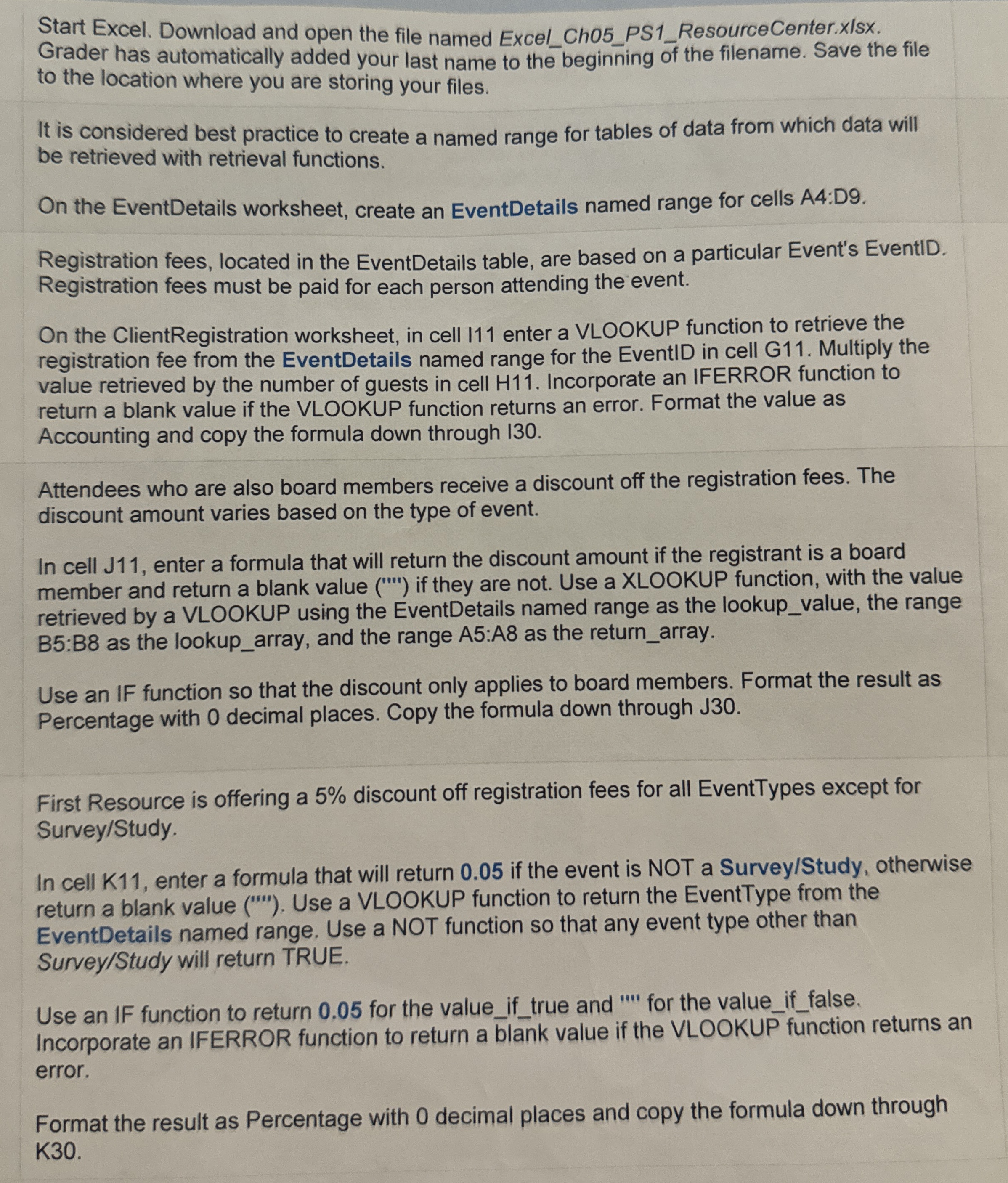
Start Excel. Download and open the file named ExcelChPSResourceCenter.xlsx Grader has automatically added your last name to the beginning of the filename. Save the file to the location where you are storing your files.
It is considered best practice to create a named range for tables of data from which data will be retrieved with retrieval functions.
On the EventDetails worksheet, create an EventDetails named range for cells A:D
Registration fees, located in the EventDetails table, are based on a particular Event's EventID. Registration fees must be paid for each person attending the event.
On the ClientRegistration worksheet, in cell enter a VLOOKUP function to retrieve the registration fee from the EventDetails named range for the EventID in cell G Multiply the value retrieved by the number of guests in cell H Incorporate an IFERROR function to return a blank value if the VLOOKUP function returns an error. Format the value as Accounting and copy the formula down through
Attendees who are also board members receive a discount off the registration fees. The discount amount varies based on the type of event.
In cell J enter a formula that will return the discount amount if the registrant is a board member and return a blank value if they are not. Use a XLOOKUP function, with the value retrieved by a VLOOKUP using the EventDetails named range as the lookupvalue, the range : as the lookuparray, and the range : as the returnarray.
Use an IF function so that the discount only applies to board members. Format the result as Percentage with decimal places. Copy the formula down through JO
First Resource is offering a discount off registration fees for all EventTypes except for SurveyStudy
In cell K enter a formula that will return if the event is NOT a SurveyStudy otherwise return a blank value Use a VLOOKUP function to return the EventType from the EventDetails named range. Use a NOT function so that any event type other than SurveyStudy will return TRUE.
Use an IF function to return for the valueiftrue and for the valueiffalse. Incorporate an IFERROR function to return a blank value if the VLOOKUP function returns an error.
Format the result as Percentage with decimal places and copy the formula down through K
Step by Step Solution
There are 3 Steps involved in it
1 Expert Approved Answer
Step: 1 Unlock

Question Has Been Solved by an Expert!
Get step-by-step solutions from verified subject matter experts
Step: 2 Unlock
Step: 3 Unlock