







Question: Start Excel. Open the downloaded file named Excel _ CH 1 0 _ PS 1 _ FrontDesk xlsx . Grader has automatically added your last
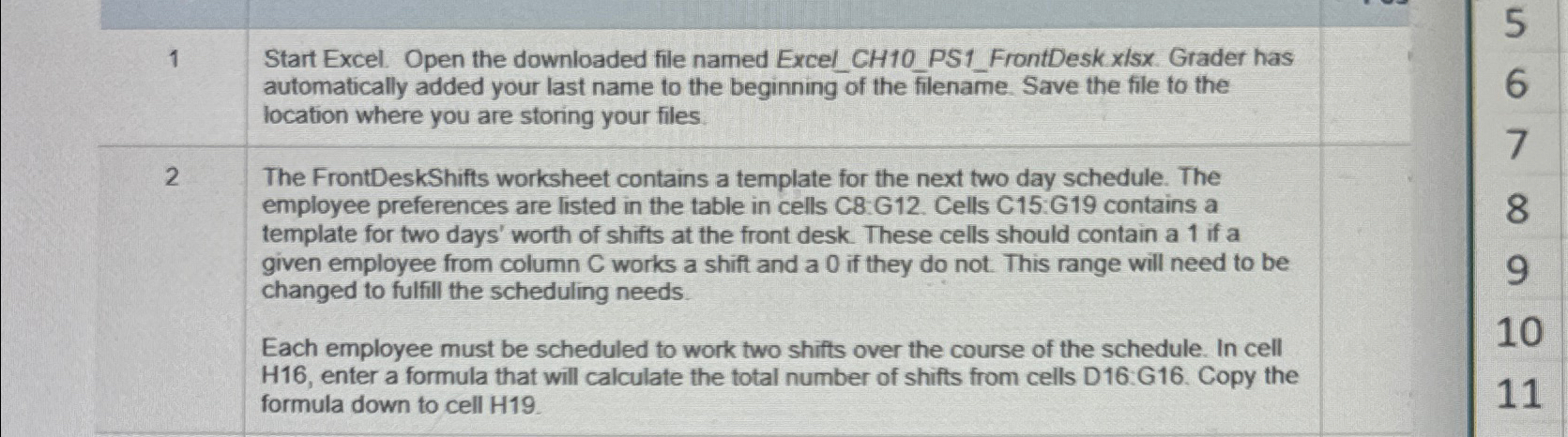
Start Excel. Open the downloaded file named ExcelCHPSFrontDesk xlsx Grader has automatically added your last name to the beginning of the filename. Save the file to the location where you are storing your files.
The FrontDeskShifts worksheet contains a template for the next two day schedule. The employee preferences are listed in the table in cells C:G Cells C:G contains a template for two days' worth of shifts at the front desk. These cells should contain a if a given employee from column works a shift and a if they do not. This range will need to be changed to fulfill the scheduling needs.
Each employee must be scheduled to work two shifts over the course of the schedule. In cell H enter a formula that will calculate the total number of shifts from cells D:G Copy the formula down to cell
Step by Step Solution
There are 3 Steps involved in it
1 Expert Approved Answer
Step: 1 Unlock

Question Has Been Solved by an Expert!
Get step-by-step solutions from verified subject matter experts
Step: 2 Unlock
Step: 3 Unlock
 Study Help