



Question: Starting at E5 of the Calculation worksheet, enter a formula that will tell you which projects, assignments, and exams your lab instructor has graded. When
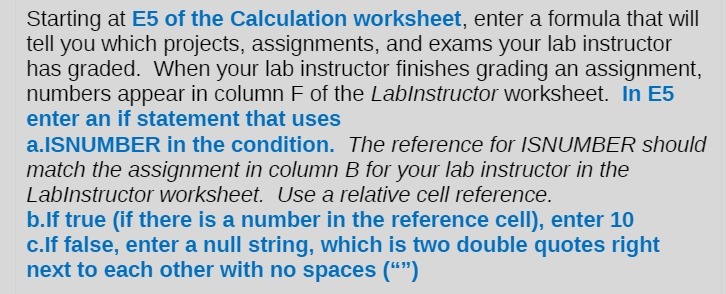
Starting at E5 of the Calculation worksheet, enter a formula that will tell you which projects, assignments, and exams your lab instructor has graded. When your lab instructor finishes grading an assignment, numbers appear in column F of the Labinstructor worksheet. In E5 enter an if statement that uses a.ISNUMBER in the condition. The reference for ISNUMBER should match the assignment in column B for your lab instructor in the Labinstructor worksheet. Use a relative cell reference. b.If true (if there is a number in the reference cell), enter 10 c.If false, enter a null string, which is two double quotes right next to each other with no spaces ("")
Step by Step Solution
There are 3 Steps involved in it

Get step-by-step solutions from verified subject matter experts