







Question: Starting Out with >>> Visual C# Lab Problems 31. Falling Distance (10 points) Open the Falling Distance project in your Handin folder. When an object
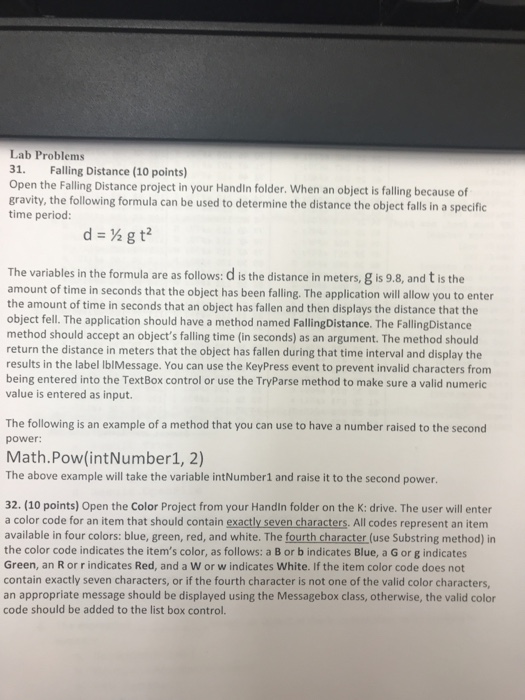
Lab Problems 31. Falling Distance (10 points) Open the Falling Distance project in your Handin folder. When an object is falling because of gravity, the following formula can be used to determine the distance the object falls in a specific time period: The variables in the formula are as follows: d is the distance in meters, g is 9.8, and t is the amount of time in seconds that the object has been falling. The application will allow you to enter the amount of time in seconds that an object has fallen and then displays the distance that the object fell. The application should have a method named FallingDistance. The FallingDistance method should accept an object's falling time (in seconds) as an argument. The method should return the distance in meters that the object has fallen during that time interval and display the results in the label IblMessage. You can use the KeyPress event to prevent invalid characters from being entered into the TextBox control or use the TryParse method to make sure a valid numeric value is entered as input. The following is an example of a method that you can use to have a number raised to the second power: Math.Pow(intNumber1, 2) The above example will take the variable intNumberl and raise it to the second power. 32. (10 points) Open the Color Project from your Handin folder on the K: drive. The user will enter a color code for an item that should contain exactly seven characters. All codes represent an item available in four colors: blue, green, red, and white. The fourth character (use Substring method) in the color code indicates the item's color, as follows: a B or b indicates Blue, a G or g indicates Green, an R orr indicates Red, and a W or w indicates White. If the item color code does not contain exactly seven characters, or if the fourth character is not one of the valid color characters an appropriate message should be displayed using the Messagebox class, otherwise, the valid color code should be added to the list box control
Step by Step Solution
There are 3 Steps involved in it

Get step-by-step solutions from verified subject matter experts
 Study Help