







Question: Step 1. Configure basic commands. Configure each switch with the basic commands to apply the following. Hostnames Banner Enable secret password Line configurations Service
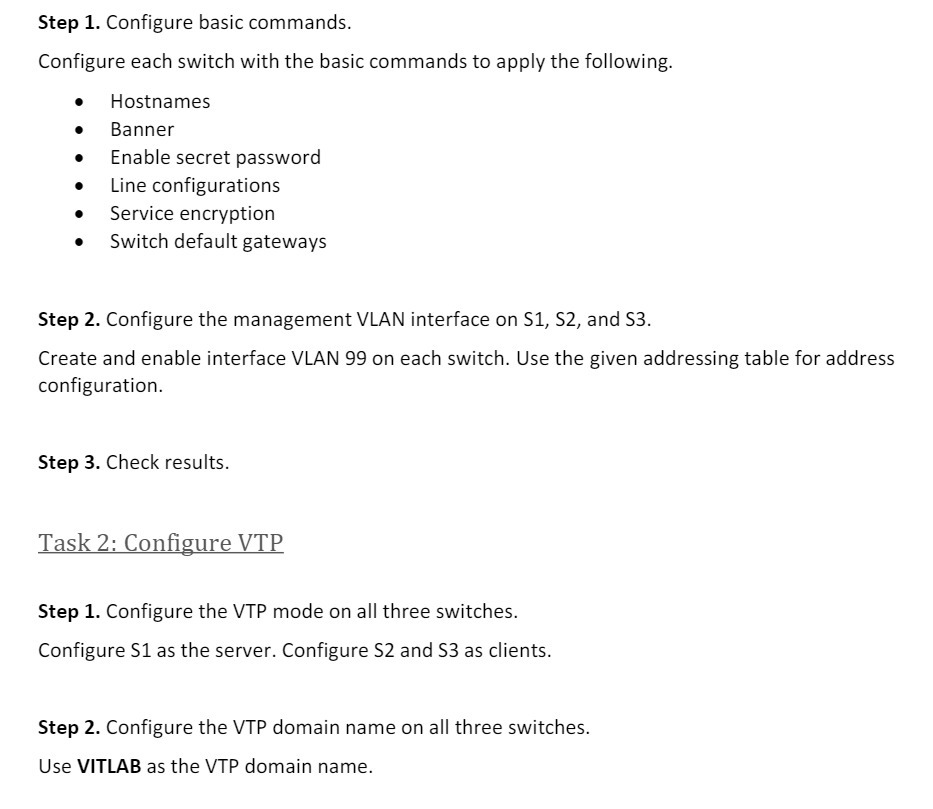
Step 1. Configure basic commands. Configure each switch with the basic commands to apply the following. Hostnames Banner Enable secret password Line configurations Service encryption Switch default gateways Step 2. Configure the management VLAN interface on S1, S2, and S3. Create and enable interface VLAN 99 on each switch. Use the given addressing table for address configuration. Step 3. Check results. Task 2: Configure VTP Step 1. Configure the VTP mode on all three switches. Configure S1 as the server. Configure S2 and S3 as clients. Step 2. Configure the VTP domain name on all three switches. Use VITLAB as the VTP domain name.
Step by Step Solution
There are 3 Steps involved in it

Get step-by-step solutions from verified subject matter experts
 Study Help