







Question: Step 1 : Inspect the NumberListNode.java file Inspect the class declaration for a doubly - linked list node in NumberListNode.java. The NumberListNode class has three
Step : Inspect the NumberListNode.java file
Inspect the class declaration for a doublylinked list node in NumberListNode.java. The NumberListNode class has three fields:
data: A double for the node's numerical data value
next: A reference to the next node
previous. A reference to the previous node
Each field is protected. So code outside of the class must use the provided getter and setter methods to get or set a field.
NumberListNode.java is readonly since no changes are required.
Step : Inspect NumberList.java and SortedNumberList.java
NumberList.java contains the NumberList class definition. NumberList is a base class for a doublelinked list of NumberListNodes. The
list's head and tail fields are protected, and a printo utility method exists to print the list s contents from head to tail. The file is readonly
since no changes are required.
SortedNumberList.java contains the SortedNumberList class definition. SortedNumberList extends NumberList and adds insert and
remove methods.
Step : Implement insert
Implement SortedNumberLists insert method to create a new node with the number argument as the node s data then insert the
node into the proper sorted position in the linked list. Ex Suppose a SortedNumberlists sument sist
then insert is called. A new node with data value screated and inserted between and thus preserving the list's
sorted order and yielding:
Step : Run code and verify output
An array of doubles named numbersTolnsert is defined near the start of main Each is inserted into a SortedNumberList, and the list is
printed after each insertion. Try changing the array's content, and verify that each output is a sorted list.
Step : Implement remove
Implement SortedNumberList's remove method. The method takes an argument for the number to remove from the list. If the number
does not exist in the list, the list is not changed and false is returned. Otherwise, the first instance of the number is removed from the
list and true is returned.
Once remove is implemented, change the value of the includeRemovals variable, defined at the start of main from false to true. Run
the code and make sure that the list is correct after each removal.
Try different tests in main as needed then submit code for grading. Unit tests are used to grade submitted code, so output from
main does not affect grading.
IDE settings requiring a reload have been updated. Click here to reload the IDE.
Files
Main,java
Main.java
NumberList,java
boolean includeRemovals false;
Numbers insent duning finst Loop:
double numberstoInsent
NumberListNode.java
Main.java
import java.util.Scanner;
import java.ioPrintWriter;
public class Main
public static void mainString args
boolean includeRemovals false;
Numbers to insert during first loop:
double numbersToInsert
;
Insert each value and show the sorted list's contents after ea
SortedNumberList list new SortedNumberList;
for double number : numbersToInsert
for double number : numbersToInsert
System.out.printList after inserting number : ;
list.insertnumber;
list.printSystemout;
If includeRemovals
System.out.println;
double numbersToRemove
List's last element
List's first element
Neither first nor last element
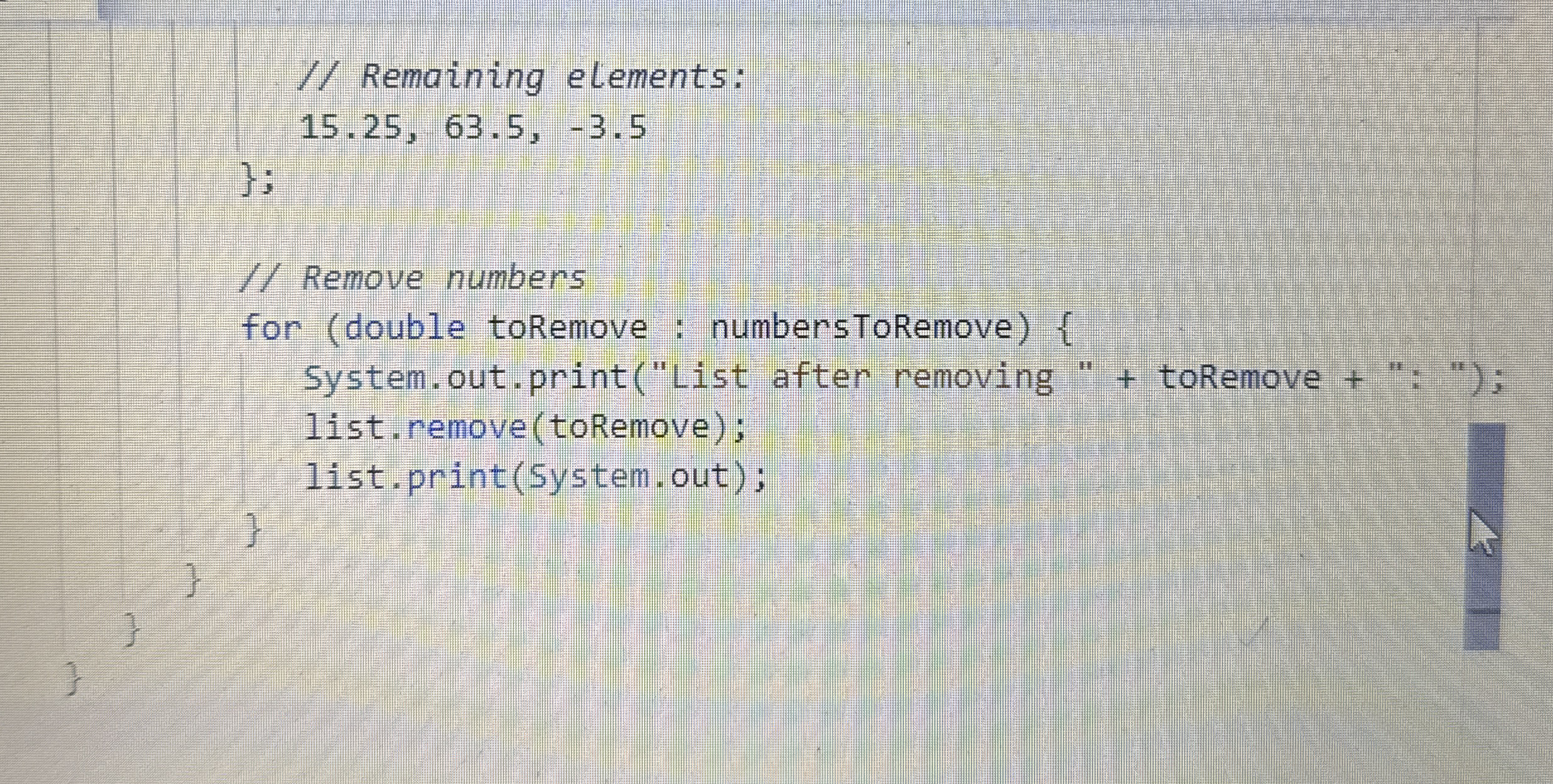
Remaining elements:
Remaining elements:
;
Remove numbers
for double toRemove : numbersToRemove
System.out.printList after removing toRemove : ;
list.removetoRemove;
list.printSystemout;
Step by Step Solution
There are 3 Steps involved in it
1 Expert Approved Answer
Step: 1 Unlock

Question Has Been Solved by an Expert!
Get step-by-step solutions from verified subject matter experts
Step: 2 Unlock
Step: 3 Unlock
 Study Help