







Question: Step 2: Create Stored Procedures to Add/Update/Delete an entity table Create a script to create a table named ProjectBilling which will have the following columns:
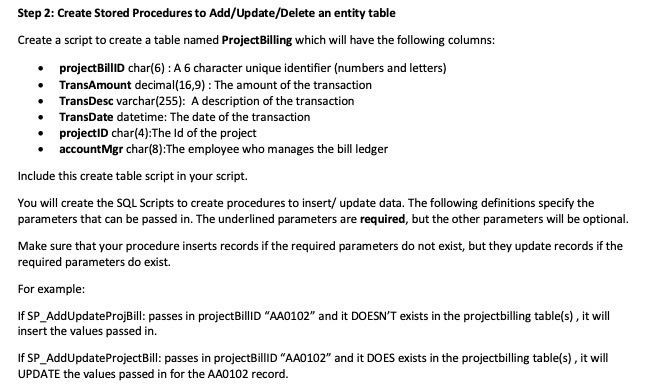
Step 2: Create Stored Procedures to Add/Update/Delete an entity table Create a script to create a table named ProjectBilling which will have the following columns: projectBillID char(6) : A 6 character unique identifier (numbers and letters) TransAmount decimal(16,9) : The amount of the transaction TransDesc varchar(255): A description of the transaction TransDate datetime: The date of the transaction projectID char(4):The Id of the project accountMgr char(8):The employee who manages the bill ledger Include this create table script in your script. You will create the SQL Scripts to create procedures to insert/ update data. The following definitions specify the parameters that can be passed in. The underlined parameters are required, but the other parameters will be optional. Make sure that your procedure inserts records if the required parameters do not exist, but they update records if the required parameters do exist. For example: If SP_AddUpdateProjBill: passes in projectBillID "AA0102" and it DOESN'T exists in the projectbilling table(s) , it will insert the values passed in. If SP_AddUpdateProjectBill: passes in projectBillID "AA0102" and it DOES exists in the projectbilling table(s) , it will UPDATE the values passed in for the AA0102 record
Step by Step Solution
There are 3 Steps involved in it

Get step-by-step solutions from verified subject matter experts
 Study Help