







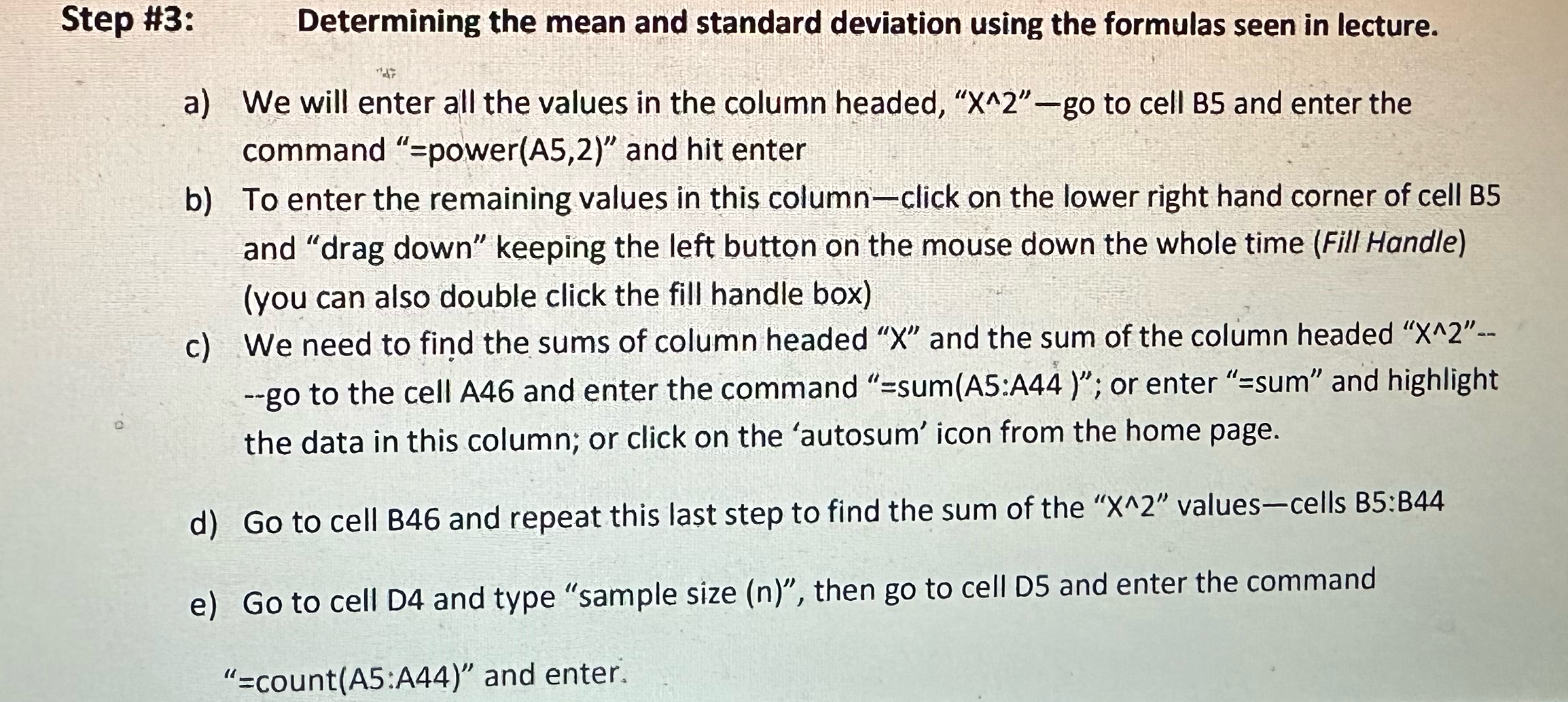
Question: Step # 3 : Determining the mean and standard deviation using the formulas seen in lecture. a ) We will enter all the values in
Step #:
Determining the mean and standard deviation using the formulas seen in lecture.
a We will enter all the values in the column headed, go to cell and enter the command powerA and hit enter
b To enter the remaining values in this columnclick on the lower right hand corner of cell B and "drag down" keeping the left button on the mouse down the whole time Fill Handleyou can also double click the fill handle box
c We need to find the sums of column headed and the sum of the column headed go to the cell A and enter the command sumA:A; or enter sum" and highlight the data in this column; or click on the 'autosum' icon from the home page.
d Go to cell B and repeat this last step to find the sum of the
e Go to cell D and type "sample size then go to cell D and enter the command count: and enter.
Step by Step Solution
There are 3 Steps involved in it
1 Expert Approved Answer
Step: 1 Unlock

Question Has Been Solved by an Expert!
Get step-by-step solutions from verified subject matter experts
Step: 2 Unlock
Step: 3 Unlock
 Study Help