





Question: . Step 3 - Questionnaire deployment: I recommend you to use either Google Forms or SurveyMonkey to deploy your questionnaires to your targeted respondents. If
. Step 3 - Questionnaire deployment: I recommend
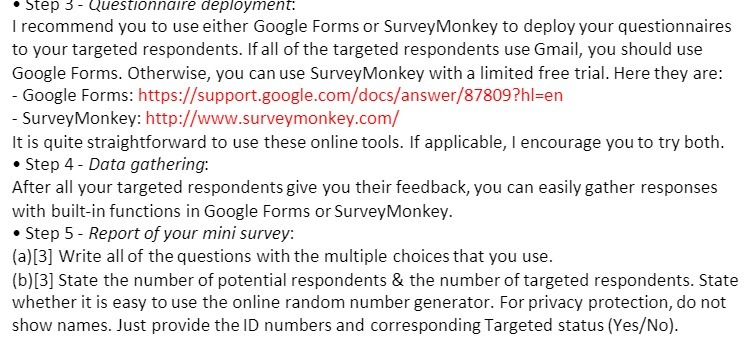
. Step 3 - Questionnaire deployment: I recommend you to use either Google Forms or SurveyMonkey to deploy your questionnaires to your targeted respondents. If all of the targeted respondents use Gmail, you should use Google Forms. Otherwise, you can use SurveyMonkey with a limited free trial. Here they are: - Google Forms: https://support.google.com/docs/answer/87809?hl=en - SurveyMonkey: http://www.surveymonkey.com/ It is quite straightforward to use these online tools. If applicable, I encourage you to try both. . Step 4 - Data gathering: After all your targeted respondents give you their feedback, you can easily gather responses with built-in functions in Google Forms or SurveyMonkey. . Step 5 - Report of your mini survey: (a) [3] Write all of the questions with the multiple choices that you use. (b) [3] State the number of potential respondents & the number of targeted respondents. State whether it is easy to use the online random number generator. For privacy protection, do not show names. Just provide the ID numbers and corresponding Targeted status (Yes/No)

Step by Step Solution

There are 3 Steps involved in it

1 Expert Approved Answer
Step: 1 Unlock blur-text-image

Question Has Been Solved by an Expert!

Get step-by-step solutions from verified subject matter experts

Step: 2 Unlock
Step: 3 Unlock

Students Have Also Explored These Related Accounting Questions!