







Question: Step 3: Testing Your Configuration Update 1. Restart the SSH service. [Your solution command here] 2. Exit the root account. [Your solution command here]
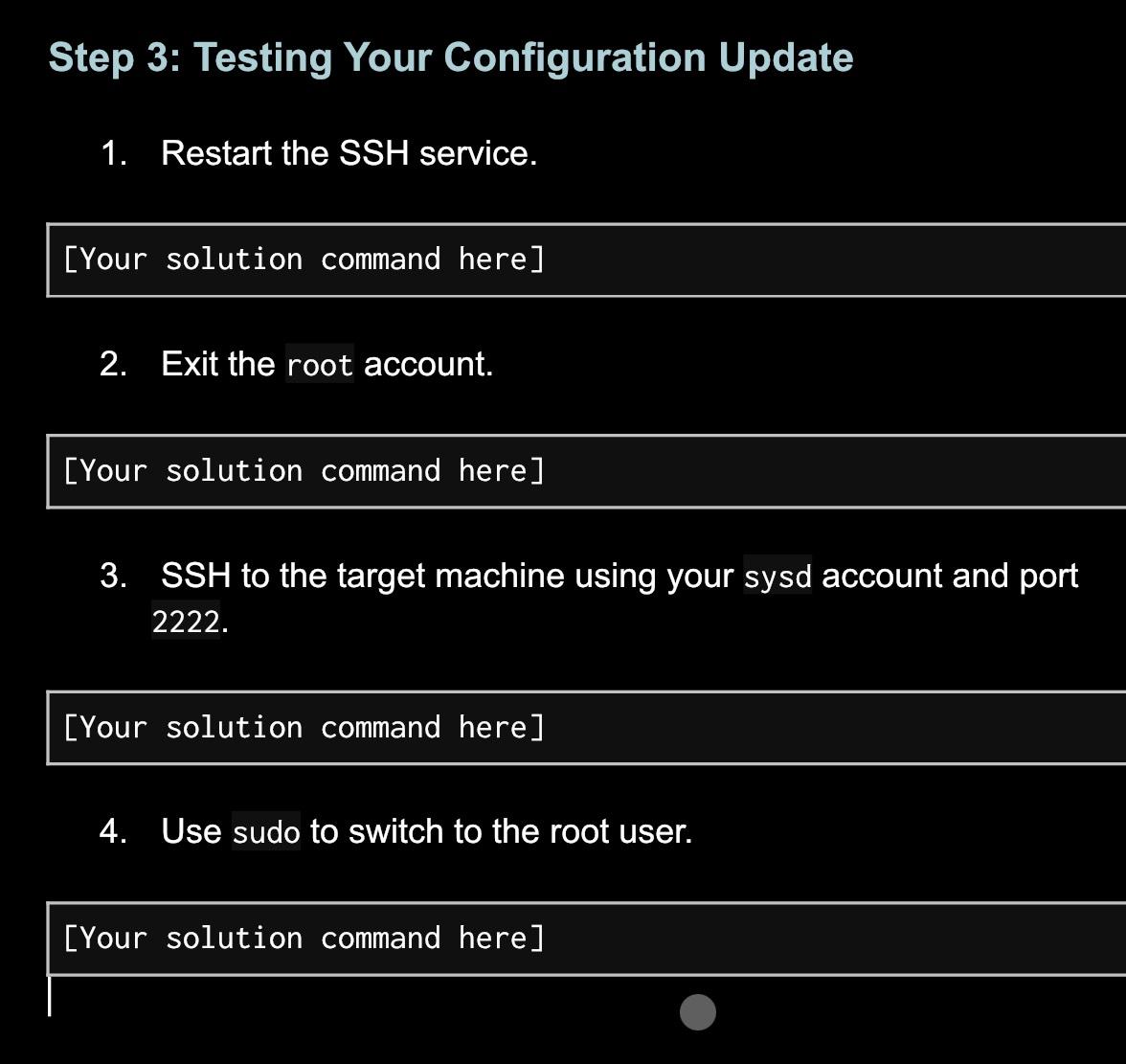
Step 3: Testing Your Configuration Update 1. Restart the SSH service. [Your solution command here] 2. Exit the root account. [Your solution command here] 3. SSH to the target machine using your sysd account and port 2222. [Your solution command here] 4. Use sudo to switch to the root user. [Your solution command here]
Step by Step Solution
★★★★★
3.40 Rating (159 Votes )
There are 3 Steps involved in it
1 Expert Approved Answer
Step: 1 Unlock

Restart the SSH service sudo systemctl rest... View full answer
Question Has Been Solved by an Expert!
Get step-by-step solutions from verified subject matter experts
Step: 2 Unlock
Step: 3 Unlock
 Study Help