







Question: Step 4: Extract the hidden file. a. Type the following command in terminal. cisco@ubuntu:-/Downloads $ steghide extract -sf keyboard.jpg 2016 Cisco and/or its affiliates. All
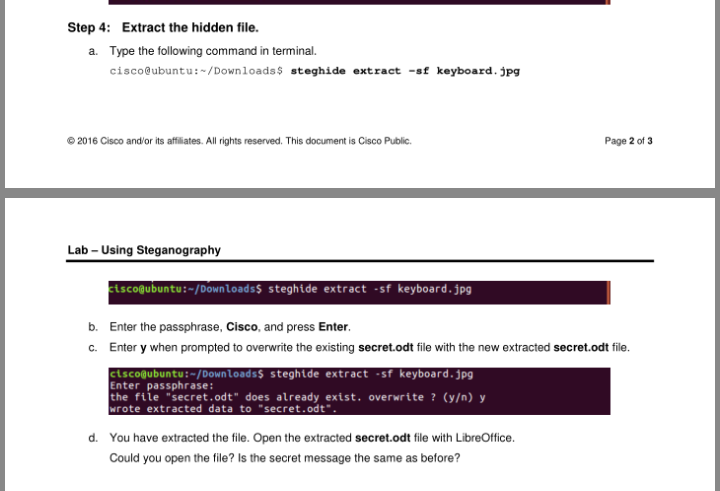
Step 4: Extract the hidden file. a. Type the following command in terminal. cisco@ubuntu:-/Downloads $ steghide extract -sf keyboard.jpg 2016 Cisco and/or its affiliates. All rights reserved. This document is Cisco Public Page 2 of 3 Lab - Using Steganography zisco@ubuntu:-/Downloadss steghide extract -sf keyboard.jpg b. Enter the passphrase, Cisco, and press Enter. C. Enter y when prompted to overwrite the existing secret.odt file with the new extracted secret.odt file. cisco@ubuntu:-/Downloads$ steghide extract -sf keyboard.jpg the file "secret.odt" does already exist. overwrite ? (y) y wrote extracted data to "secret.odt". d. You have extracted the file. Open the extracted secret.odt file with LibreOffice. Could you open the file? Is the secret message the same as before
Step by Step Solution
There are 3 Steps involved in it

Get step-by-step solutions from verified subject matter experts
 Study Help