







Question: Step 4: Internet Paths The source and destination IP' addresses in an 3 packet denote the endpoints of an internet path, not the IP' renters
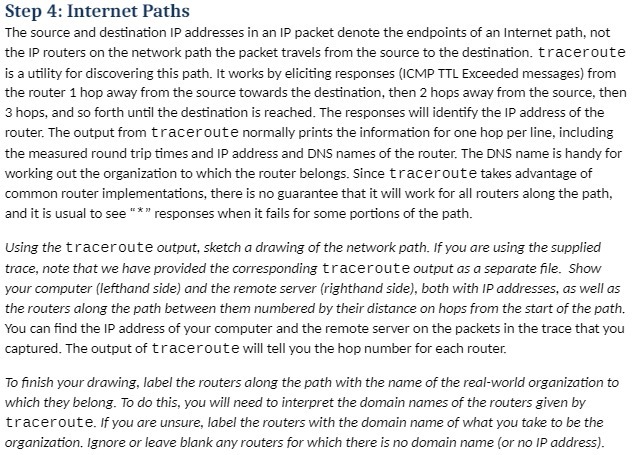
Step 4: Internet Paths The source and destination IP' addresses in an \"3 packet denote the endpoints of an internet path, not the IP' renters on the network path the packet travels from the source to re destination. 1: raceroute is a utility for discovering Ihis path. It works by eliciting responses {ICMP 'I'rL Enceeded mes-ages} from the router 1 hop away from me source towards the destination, then 2 hops away from the source, then 3 hops, and so forth until me destination is reached. The responses will identify the IP address of me router. The output from 1: raceroute normally prints the information for one hop per line, including the measured round trip times and IP address and DNS names of The router. The DNS name is handy for mrking out the organization to which the router belongs. Since t race route takes advantage of common router implementations, There is no guarantee that it will mrk for all routers along the path, and it is usual to see " " " responses when it fails for some portions of me path. Using the t race-route output, sketch a drawing of the network path. if you are using the supplied trace, note that we have provided the corresponding 1: r ace ro ute output as a separate le- Show your computer {lefthond side} and the remote server in'ghthand side}, both with [P addresses, as well as the routers along the path between them numbered by their distance on hops from the start of the path. You can nd me \"3 address of your computer and the remote server on the packets in the trace that you captured. The output of tracerout B will tell you the hop number for each router. To nish your drawing, label the routers along the path with the name of the real-world organization to which they belong. To do this, you will need to interpret the domain names of the routers given by trace-route. .I'fyou are unsure, label the routers with the domain name of what you take to be the organisation. ignore or leave blank any routers for which there is no donmin name i or no JP address}
Step by Step Solution
There are 3 Steps involved in it

Get step-by-step solutions from verified subject matter experts
 Study Help