



Question: Step 4 Using the Excel file Exam 500896 - Motomart Excel Spreadsheet as per the instructions found above under the Project Requirements, reproduce and complete
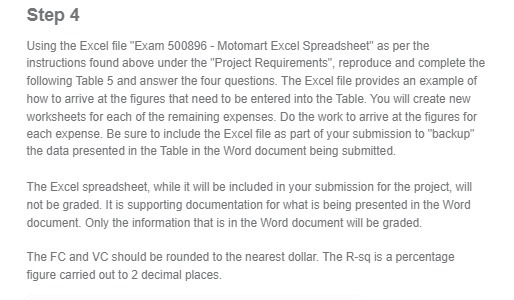
Step 4 Using the Excel file "Exam 500896 - Motomart Excel Spreadsheet" as per the instructions found above under the "Project Requirements", reproduce and complete the following Table 5 and answer the four questions. The Excel file provides an example of how to arrive at the figures that need to be entered into the Table. You will create new worksheets for each of the remaining expenses. Do the work to arrive at the figures for each expense. Be sure to include the Excel file as part of your submission to "backup" the data presented in the Table in the Word document being submitted. The Excel spreadsheet, while it will be included in your submission for the project, will not be graded. It is supporting documentation for what is being presented in the Word document. Only the information that is in the Word document will be graded. The FC and VC should be rounded to the nearest dollar. The R-sq is a percentage figure carried out to 2 decimal places
Step by Step Solution
There are 3 Steps involved in it

Get step-by-step solutions from verified subject matter experts