







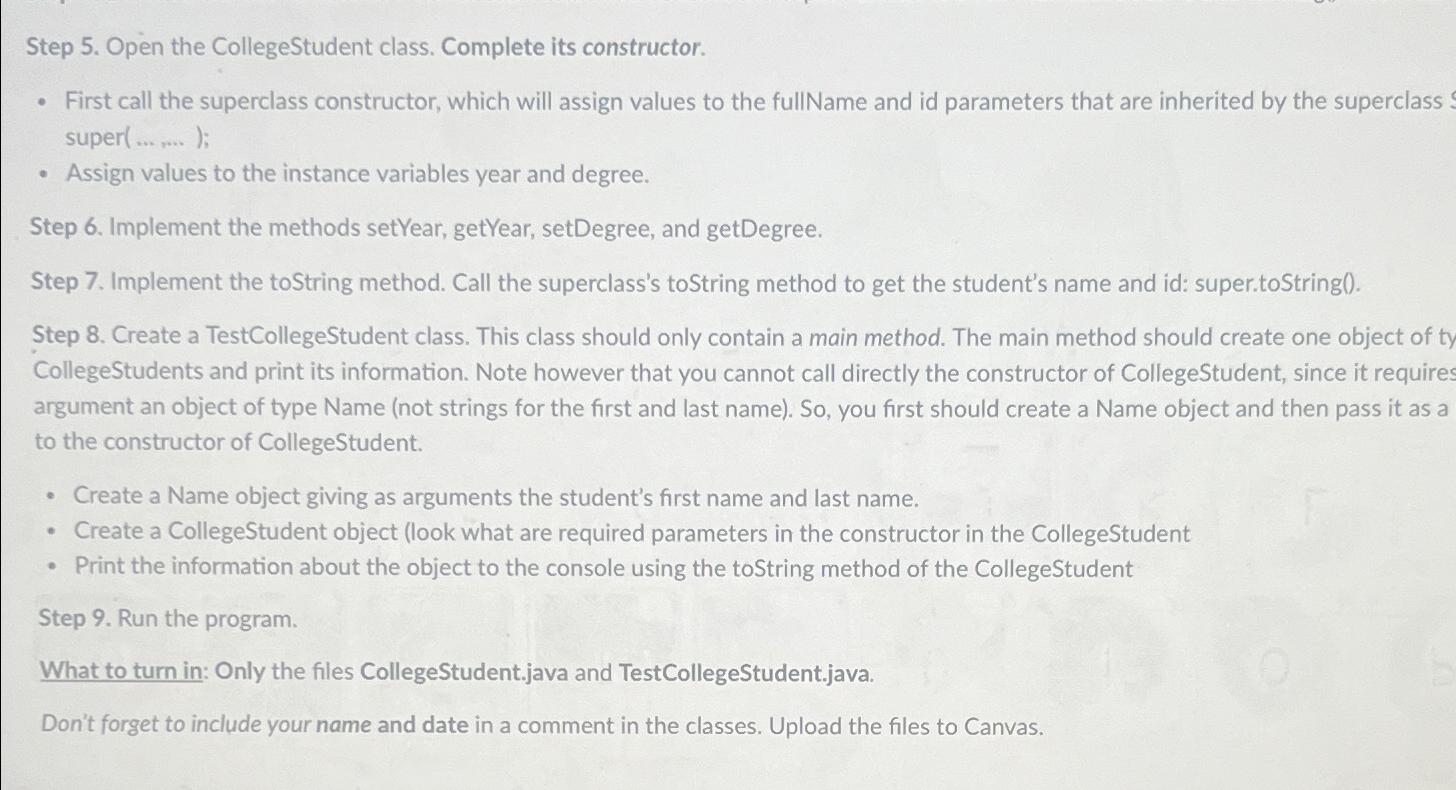
Question: Step 5 . Open the CollegeStudent class. Complete its constructor. First call the superclass constructor, which will assign values to the fullName and id parameters
Step Open the CollegeStudent class. Complete its constructor.
First call the superclass constructor, which will assign values to the fullName and id parameters that are inherited by the superclass super;
Assign values to the instance variables year and degree.
Step Implement the methods setYear, getYear, setDegree, and getDegree.
Step Implement the toString method. Call the superclass's toString method to get the student's name and id: super.toString
Step Create a TestCollegeStudent class. This class should only contain a main method. The main method should create one object of ty CollegeStudents and print its information. Note however that you cannot call directly the constructor of CollegeStudent, since it requires argument an object of type Name not strings for the first and last name So you first should create a Name object and then pass it as a to the constructor of CollegeStudent.
Create a Name object giving as arguments the student's first name and last name.
Create a CollegeStudent object look what are required parameters in the constructor in the CollegeStudent
Print the information about the object to the console using the toString method of the CollegeStudent
Step Run the program.
What to turn in: Only the files CollegeStudent.java and TestCollegeStudent.java.
Don't forget to include your name and date in a comment in the classes. Upload the files to Canvas.
Step by Step Solution
There are 3 Steps involved in it
1 Expert Approved Answer
Step: 1 Unlock

Question Has Been Solved by an Expert!
Get step-by-step solutions from verified subject matter experts
Step: 2 Unlock
Step: 3 Unlock
 Study Help