







Question: Step Instructions Points Possible 11 Set the worksheet to Landscape orientation, and repeat row 1 labels on all pages. 4 12 Insert a footer with
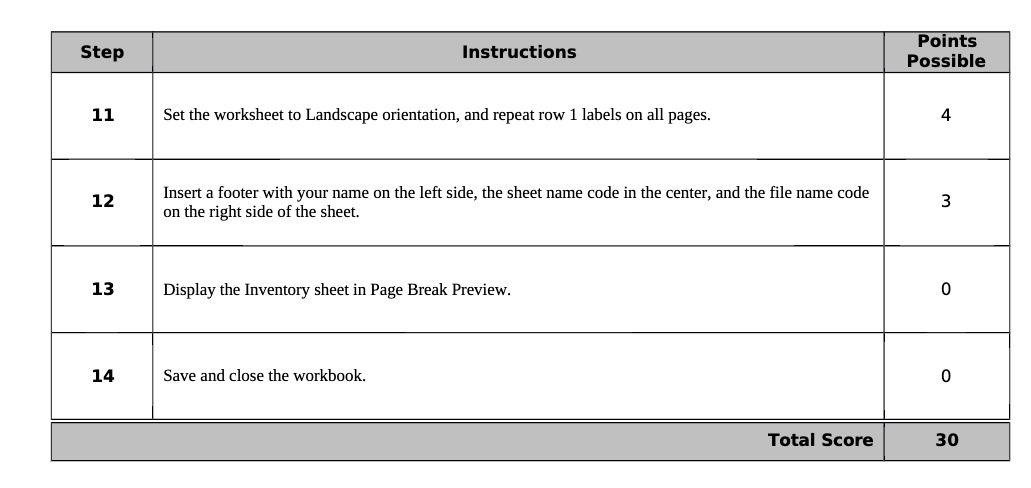
Step Instructions Points Possible 11 Set the worksheet to Landscape orientation, and repeat row 1 labels on all pages. 4 12 Insert a footer with your name on the left side, the sheet name code in the center, and the file name code on the right side of the sheet. 3 13 Display the Inventory sheet in Page Break Preview. 0 14 Save and close the workbook. 0 Total Score 30
Step by Step Solution
There are 3 Steps involved in it
1 Expert Approved Answer
Step: 1 Unlock

Question Has Been Solved by an Expert!
Get step-by-step solutions from verified subject matter experts
Step: 2 Unlock
Step: 3 Unlock
 Study Help