







Question: Steps for Lab Instructions Create a new repl called Lab 3 . Extract all of the files in Lab 3 Files.zip to your computer and
Steps for
Lab Instructions
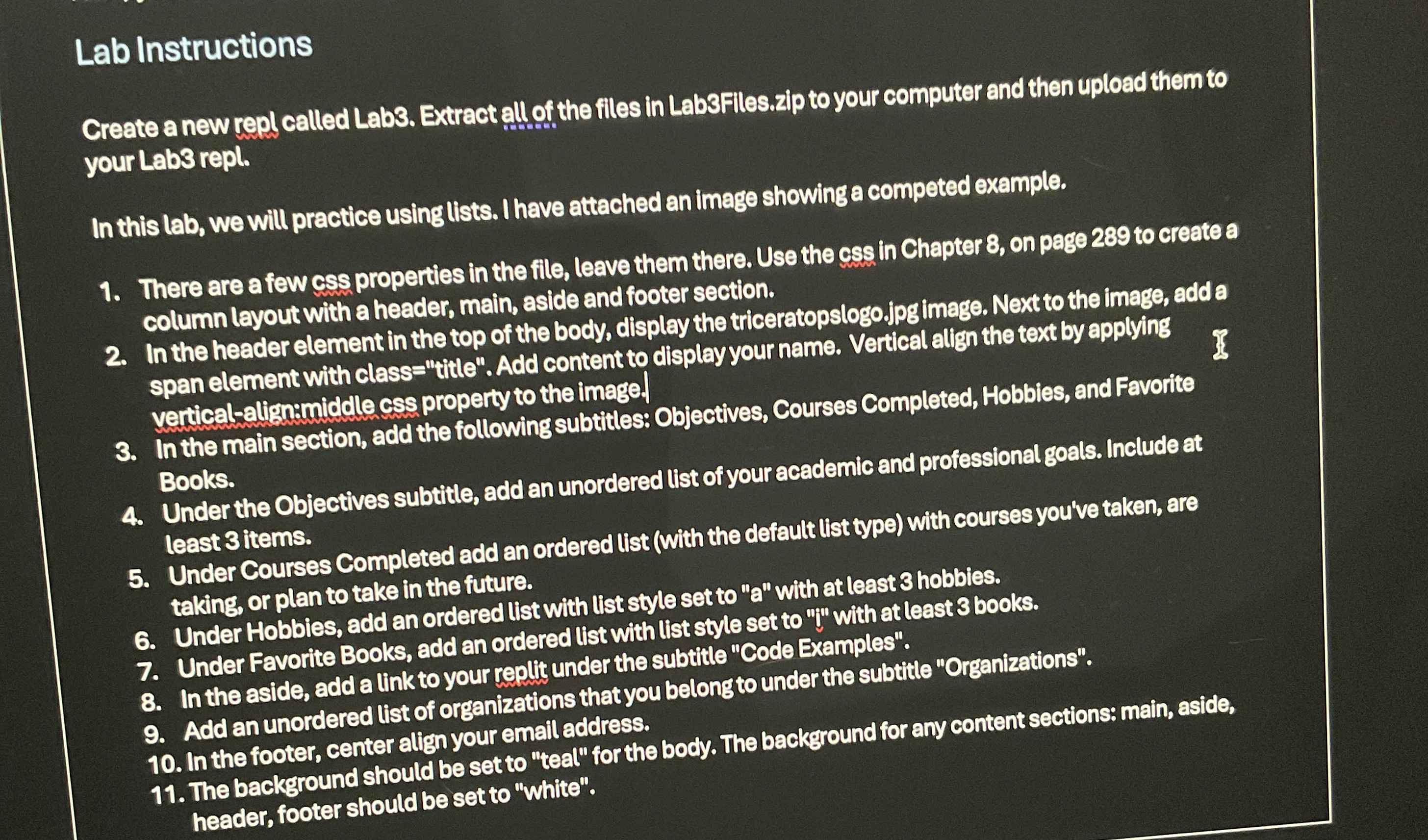
Create a new repl called Lab Extract all of the files in LabFiles.zip to your computer and then upload them to your Lab repl.
In this lab, we will practice using lists. I have attached an image showing a competed example.
There are afew css properties in the file, leave them there. Use the css in Chapter on page to create a column layout with a header, main, aside and footer section.
In the header element in the top of the body, display the triceratopslogo.jpgimage. Next to the image, add a span element with class "title". Add content to display your name. Vertical allign the text by applying yericalalignamiddle css property to the image.
In the main section, add the following subtitles: Objectives, Courses Completed, Hobbies, and Favorite Books.
Under the Objectives subtitle, add an unordered list of your academic and professional goals. Include at least items.
Under Courses Completed add an ordered list with the default list type with courses you've taken, are taking, or plan to take in the future.
Under Hobbies, add an ordered list with list style set to with at least hobbies.
Under Favorite Books, add an ordered list with list style set to y with at least books.
In the aside, add a link to your replit under the subtitle "Code Examples".
Add an unordered list of organizations that you belongto under the subtitle "Organizations".
In the footer, center allign your email address.
The background should be set to "teal" for the body. The background for any content sections: main, aside, header, footer should be set to "white".
Step by Step Solution
There are 3 Steps involved in it
1 Expert Approved Answer
Step: 1 Unlock

Question Has Been Solved by an Expert!
Get step-by-step solutions from verified subject matter experts
Step: 2 Unlock
Step: 3 Unlock
 Study Help