



Question: stion 6 You need to make changes to the Advanced properties of a network adapter device. To access the properties, you open the Change Adapter
stion
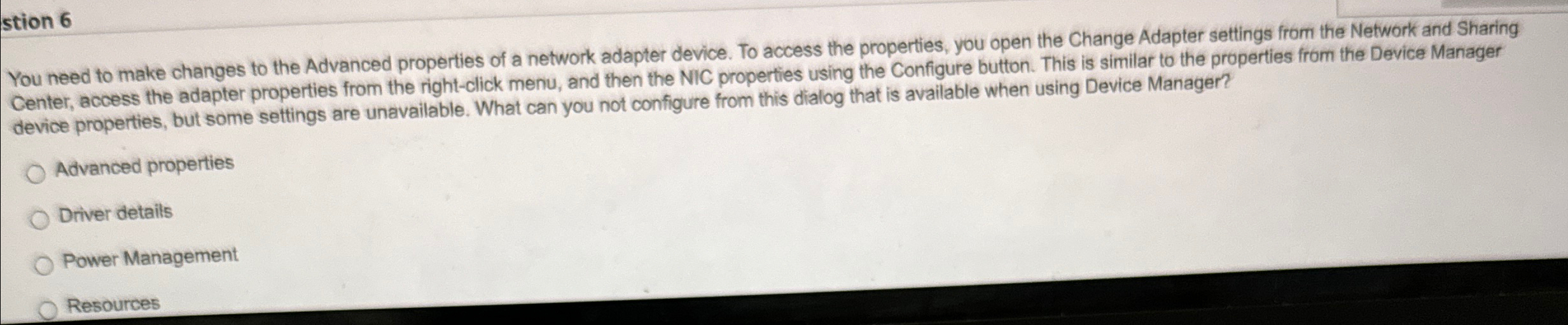
You need to make changes to the Advanced properties of a network adapter device. To access the properties, you open the Change Adapter settings from the Network and Sharing Center, access the adapter properties from the rightclick menu, and then the NIC properties using the Configure button. This is similar to the properties from the Device Manager device properties, but some settings are unavailable. What can you not configure from this dialog that is available when using Device Manager?
Advanced properties
Driver details
Power Management
Resources
Step by Step Solution
There are 3 Steps involved in it
1 Expert Approved Answer
Step: 1 Unlock

Question Has Been Solved by an Expert!
Get step-by-step solutions from verified subject matter experts
Step: 2 Unlock
Step: 3 Unlock